Windows Search AI Agent: Is Microsoft Replacing Traditional Search?
Inline actions let Windows 11 users change settings and manage windows by typing plain-language commands. October 8, 2026 — Microsoft is redesigning Windows Search so it can complete tasks instead of just finding them. The company announced the…

In this article · 7 sections +
Inline actions let Windows 11 users change settings and manage windows by typing plain-language commands.
October 8, 2026 — Microsoft is redesigning Windows Search so it can complete tasks instead of just finding them. The company announced the new experience on October 7 and is rolling it out to Windows Insiders in the Experimental channel.
The update pushes the taskbar search box toward AI agent behavior. It reads a request and acts on it, rather than sending users to a Settings page to finish the job themselves.
Search Now Acts on Commands
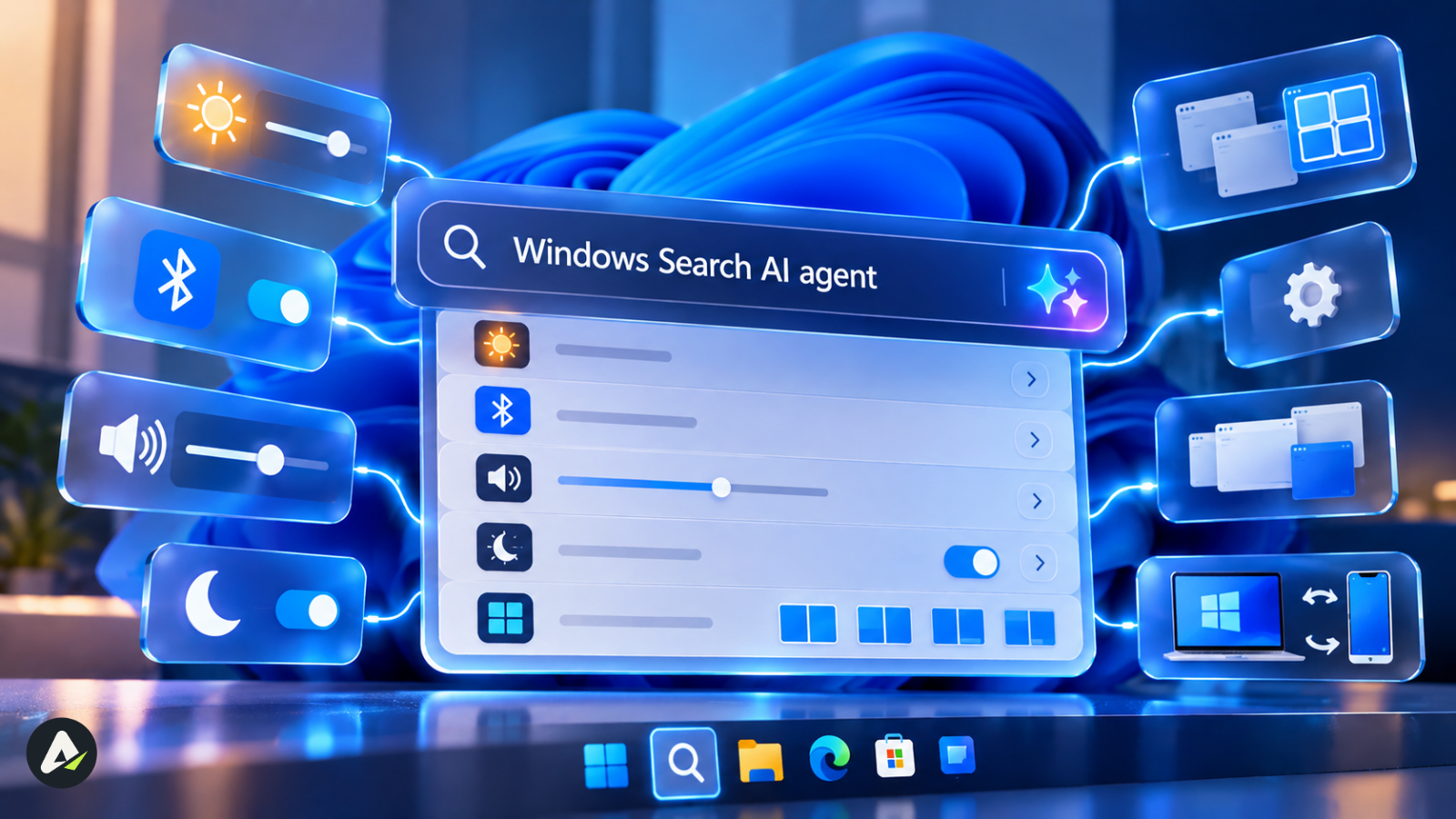
Users can type requests such as “switch to dark mode,” “turn on Bluetooth,” or “turn on night light,” and Search offers an inline action to complete the task without opening another screen.
Early actions include:
- Dark mode, Night light, and screen dimming
- Volume control and mute
- Bluetooth toggle
- Minimizing or arranging windows on screen
Microsoft says it is starting with the most-used actions and will add more over time. Phone Link actions are also planned, including sending a text message from Search through a connected phone.
For everyday users, the benefit is simple. They no longer need to remember where a setting lives. They only need to describe what they want.
Microsoft Calls It “Agentic”
Windows lead Pavan Davuluri presented the feature at Microsoft’s Windows and Surface event, where the company described it as an agentic interface that understands what users want and carries out tasks for them.
The Windows Insider Blog post is more careful with its wording. Neowin noted that the post doesn’t explicitly call inline actions AI-powered, though the feature works much like the Settings agent on Copilot+ PCs.
The shift reflects the broader difference between AI tools and AI agents. Search no longer waits for a click. It maps a request to a fixed set of approved system actions, much like agents relying on predefined skills they are allowed to use. That limited scope keeps early actions low-risk and easy to reverse.
Faster Code, Simpler Layout
The new Search is built on WinUI 3, and Microsoft says early testing shows substantial gains in performance and memory usage.
The layout is simpler too. Microsoft found nearly all clicks happen in the results list, not the large preview pane, so results now sit in a single list. Search also improves matching for typos and synonyms.
The redesign follows a July cleanup in which Microsoft began removing ads from Search web results and let Insiders turn off web and Store suggestions, PPC Land reported. Microsoft first cleared the clutter. Now it is adding capability.
Copilot Stays in the Loop
Search is not replacing Copilot. Users can ask Copilot questions from Search and see answers inline, then select the response to open the full Copilot app. Microsoft says it is working toward more thoughtful integrations with experiences like Copilot as Search evolves.
What Comes Next
| Feature | Timing |
|---|---|
| Inline actions, WinUI 3 rebuild | Rolling out to Insiders now |
| Inline file and web previews, category filters | Later this year |
| Phone Link actions | In development |
| New Search in the Start menu | Next year |
Web previews will answer queries such as “weather in San Diego” or “How tall is the Eiffel Tower?” directly in Search. Microsoft is also working to make the interface adapt to different taskbar positions.
How to Get It
The preview supports English only. It is available on build 26340.9616 (version 26H2) and build 28120.3181 (version 26H1) in the Experimental channel. Insiders can also enable it under Settings > Windows Update > Windows Insider Program > Feature flags.
Searching from Start keeps the existing experience for now while Microsoft gathers feedback.
Open Questions Remain
Microsoft has not said whether riskier actions, such as sending texts, will require confirmation. It also has not detailed what controls IT admins will get on managed PCs. Those answers may decide how much users trust Search with more than settings.
Related: Lendflow AI Agents: How Lending Automation Works in 2026

Maliha
AI is moving steadily from experimental technology into the products and workflows people rely on every day. Maliha Irfan is a technology writer covering artificial intelligence, automation, and emerging software. Her work focuses on the practical side of AI agents, exploring how these systems are being used, what they can realistically accomplish, and the limitations that matter when businesses and individuals adopt them.
More from Maliha →