Meta AI Business Agent Guide: Costs, Setup, Controls
A customer asks about your prices at 11 p.m. Nobody answers until morning. By then, they've booked with someone else. The Meta AI Business Agent is built to close that gap. Meta Business Agent (the official name) is…

In this article · 26 sections +
- What Is Meta Business Agent?
- How Meta Business Agent Decides What to Say
- 1. Should the agent answer this chat at all?
- 2. What does the agent know?
- 3. Answer or hand off?
- WhatsApp Business App or Business Agent Platform: Which Version Fits You?
- Meta Business Agent vs. Meta AI Business Assistant: Which Tool Does What?
- How Much Does Meta Business Agent Cost in 2026?
- The official rate
- Who writes the reply decides how you’re billed
- Budget per conversation, not per reply
- Three billing rules that catch people out
- What about the WhatsApp Business app?
- How to Set Up Meta Business Agent on WhatsApp
- Feed–Fence–Fallback–Measure: A Safer Way to Roll Out Meta Business Agent
- Feed: give the agent accurate knowledge
- Fence: decide where the agent stays quiet
- Fallback: make the handoff to humans smooth
- Measure: track cost per resolved conversation
- What to Do When Meta Business Agent Gives a Wrong Answer
- Mistakes That Raise Costs or Hurt Customer Trust
- Meta Business Agent vs. Third-Party WhatsApp AI Agents
- Worked Example: Estimating a Clinic’s Monthly Cost
- What Meta Is Adding to Business Agent Next
- Is the Meta AI Business Agent Worth It for Your Business?
- FAQs
A customer asks about your prices at 11 p.m. Nobody answers until morning. By then, they’ve booked with someone else.
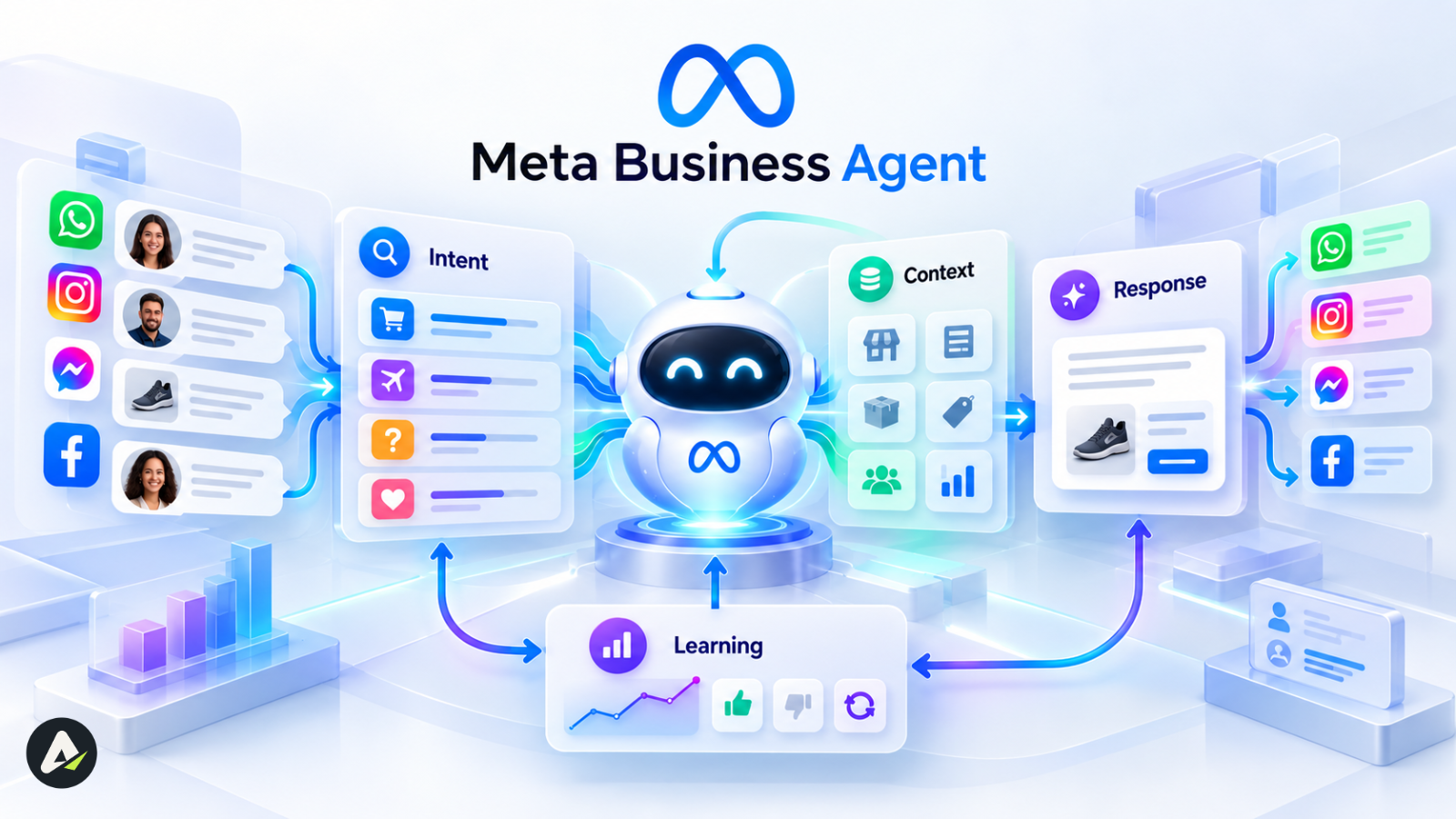
The Meta AI Business Agent is built to close that gap. Meta Business Agent (the official name) is AI that answers your customers inside WhatsApp, Messenger, and Instagram, using your business information and your tone. Meta expanded it to businesses of all sizes worldwide in June 2026, and more than one million businesses were already using it on WhatsApp and Messenger. FB
Turning the agent on takes a few minutes. The harder parts come later: understanding token billing, keeping answers accurate, and deciding when a person should take over.
What Is Meta Business Agent?
Meta Business Agent is Meta’s AI for customer conversations. It answers questions, recommends products, books appointments, qualifies leads, and sends chats to a person when needed. It runs on WhatsApp, Messenger, and Instagram. TechCrunch
The difference from an old auto-reply is judgment. An auto-reply matches keywords to canned text. Meta Business Agent reads the question, finds the relevant information, and writes a new answer each time. That ability to decide and act is what separates an agent from a script. If you want to understand how AI agents make decisions and complete tasks, this explains the mechanics behind them.
Meta didn’t rush it out. The company tested AI agents in WhatsApp Business for nearly two years in countries such as India and Mexico before the global launch. TechCrunch
How Meta Business Agent Decides What to Say
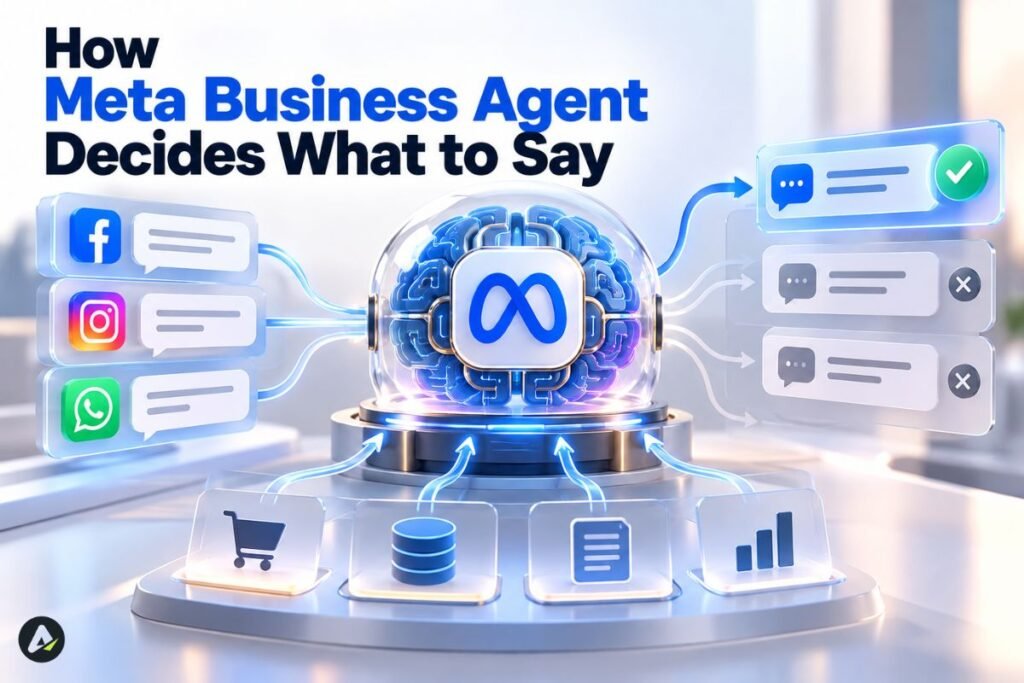
Every incoming message passes through three checks before the customer sees a reply.
1. Should the agent answer this chat at all?
You set the audience. Meta Business Agent can reply to all new one-to-one chats, to all one-to-one chats except saved contacts, or only to chats that start from your Facebook or Instagram ads. WhatsApp
Chats already in progress follow a special rule. Meta Business Agent stays silent in an ongoing conversation unless that chat has been inactive for seven days. You can override the rule with “Restart AI replies.” WhatsApp
2. What does the agent know?
Meta Business Agent learns from your Facebook Page posts and past WhatsApp chats, plus anything you add, such as your website, product details, and price lists. The quality of those sources sets the quality of the answers. Whatsappbusiness
3. Answer or hand off?
You can instruct the agent to always transfer complex or sensitive topics to you. Everything else gets an AI reply. Whatsappbusiness
Language is one easily missed detail. The agent picks its reply language based on your business phone number, and not every language is supported yet. Test in your customers’ languages before launch. WhatsApp
WhatsApp Business App or Business Agent Platform: Which Version Fits You?
Meta Business Agent comes in two versions. The WhatsApp Business app version is self-serve and needs no code. The Meta Business Agent Platform is for larger companies that connect the agent to their own systems.
| WhatsApp Business App | Meta Business Agent Platform | |
|---|---|---|
| Built for | Small businesses and solo owners | Larger or technical teams |
| Setup | In the app, a few taps | Through the WhatsApp Business Platform (API), often via a Solution Provider |
| Knowledge | Page posts, past chats, website, catalog | Knowledge base plus connected systems |
| Integrations | Limited | Shopify, Zendesk, Shopee (in development) |
| Billing | Expected through Premium subscription tiers | Token-based, through Meta |
The integration row matters for growing brands. Meta is building a platform for enterprises to create custom agents that connect to Shopify, Zendesk, and Shopee.
For Platform users, the bill comes from Meta, not the provider. Meta charges businesses for Meta Business Agent directly, including businesses that reach the WhatsApp Business Platform through a Solution Provider.
Check one more thing before switching on the agent next to an existing chatbot. At least one provider warns about a rule allowing only one automated responder per number, so confirm the setup with your provider first.
Meta Business Agent vs. Meta AI Business Assistant: Which Tool Does What?
The names are close, but the jobs are different.
- Meta Business Agent talks to your customers in messaging apps.
- The Meta AI Business Assistant talks to you inside Meta’s advertising tools.
| Meta Business Agent | Meta AI Business Assistant | |
|---|---|---|
| Talks to | Customers | Advertisers and marketers |
| Works in | WhatsApp, Messenger, Instagram | Ads Manager, Meta Business Suite, Business Support Home |
| Main job | Answer, recommend, qualify, hand off | Fix account issues, suggest campaign changes |
The business assistant can restore disabled ad accounts, update spend limits, and troubleshoot payment or delivery errors. Meta also reported results: businesses using it resolved common account issues at a 20% higher rate and saw a 12% lower ad cost per result after applying its recommendations. MediaPost covered the full rollout.
A helpful way to separate them: you query the assistant when you need an answer, while the Business Agent acts for you without waiting to be asked. That split mirrors the wider distinction between AI tools vs. agents.
How Much Does Meta Business Agent Cost in 2026?
On the WhatsApp Business Platform, Meta Business Agent is billed by token usage. Tokens measure how much text the AI reads and writes. A long or complex reply costs more than a short one.
The official rate
Meta sets one global rate of $2.00 per million tokens. A typical message uses 20,000–25,000 tokens, which Meta puts at roughly 4–5 cents.
Treat 4–5 cents as a typical estimate, not a fixed price per reply. One charge covers both AI processing and delivery, and customers’ incoming messages stay free.
Who writes the reply decides how you’re billed
WhatsApp uses two categories for non-template replies:
- Meta Business Agent messages: replies written by Meta’s agent, billed per token.
- Service messages: replies from a human or a third-party AI, billed per message.
Meta introduced this split on July 1, 2026. The category depends on what produced the reply, not on what the reply says.
Budget per conversation, not per reply
Most chats need several AI replies, so the conversation is the more useful unit for budgeting. These estimates use Meta’s typical range:
| Conversation type | AI replies (est.) | Estimated cost |
|---|---|---|
| Quick FAQ (“Open Sunday?”) | 1 | $0.04–$0.05 |
| Product question + recommendation | 3 | $0.12–$0.15 |
| Booking with back-and-forth | 5 | $0.20–$0.25 |
Replies that pull in large catalogs or long context can use more tokens than these estimates.
Three billing rules that catch people out
- Charges and a payment method since August 1, 2026. Platform businesses need a payment method in Billing Hub. Without one, Meta won’t deliver the agent’s messages.
- Ad chats aren’t fully free. Chats from Click-to-WhatsApp ads stay free for delivery during the 72-hour window, but agent token charges still apply.
- October 1, 2026, changed costs for everyone. Service messages became chargeable again, and utility templates sent inside the 24-hour window now carry a charge too. This applies even if you never use Meta’s agent.
What about the WhatsApp Business app?
Meta has said the agent will be included in some WhatsApp Business Premium tiers, but it hasn’t published what each tier includes. Check the Premium page in your app before you plan around it.
How to Set Up Meta Business Agent on WhatsApp
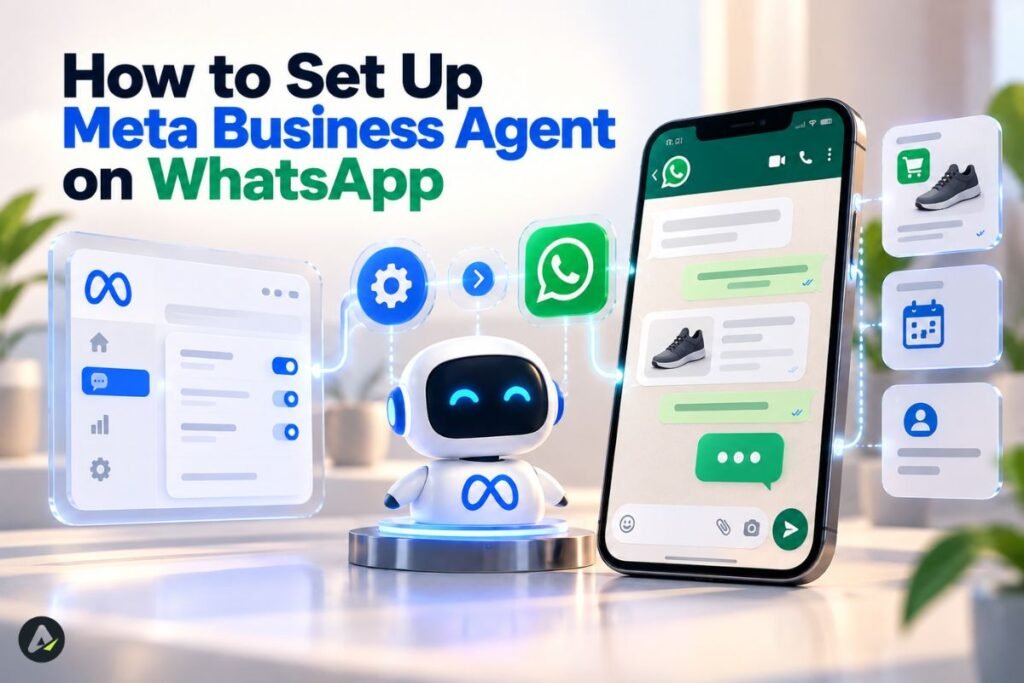
Setup on the WhatsApp Business app takes six steps. WhatsApp’s official product page walks through the first two.
- Confirm your number. Your phone number must already be registered in the WhatsApp Business app.
- Activate the agent. Go to Tools, select Meta Business Agent, authenticate, link your account if prompted, and tap Confirm.
- Teach it. Let it learn from past chats. Then add your website, catalog, and price list, and write your 20 most common answers in your own words.
- Choose its audience. Pick all new chats, non-contacts only, or ad-driven chats only.
- Test from a second phone. Ask easy questions, awkward ones, and a couple of rude ones.
- Go live and read transcripts daily for the first two weeks.
On desktop, you open the AI agent from the Tools tab and scan a QR code to finish setup on your phone. The WhatsApp Help Center setup guide has the full reply-setting options. Messenger and Instagram setup runs through Meta Business Suite, where menu labels can vary by account.
Feed–Fence–Fallback–Measure: A Safer Way to Roll Out Meta Business Agent
Most failed AI launches trace back to rushed setup, not a bad model. This four-step framework keeps Meta Business Agent accurate, contained, and affordable.
Feed: give the agent accurate knowledge
- Export your 30 most common customer questions from past chats.
- Write short, current answers, especially for prices, hours, and policies.
- Remove outdated pages and products from anything the agent can read.
Fence: decide where the agent stays quiet
- Send refunds, complaints, payment disputes, and legal or medical topics to a human.
- Use the “except contacts” setting to keep regulars with your team.
- Limit who on your staff can change the agent’s knowledge and settings.
That last point gets skipped often. An AI that speaks for your business needs clear rules about who controls it and what it can access. Keeping AI agent permissions separate from human access helps businesses define those boundaries before an agent starts handling customer conversations.
Fallback: make the handoff to humans smooth
- Name the exact topics that always trigger a handoff.
- Assign one person to pick up handoffs quickly during business hours.
- Let customers know when a person is joining the chat.
Measure: track cost per resolved conversation
Token billing rewards short, correct answers. An agent that resolves a question in one reply costs less than one that asks three follow-up questions. Track cost per resolved chat, not total replies, and review transcripts weekly.
What to Do When Meta Business Agent Gives a Wrong Answer
Wrong answers happen, especially with prices and policies. The fix follows a clear order: contain the problem, correct the customer, then correct the source.
- Pause new replies. The “Paused for new chats but learning” setting stops automatic replies to new chats, while the agent keeps learning from them.
- Correct the customer yourself. Join the chat, apologize briefly, and give the right information. Honoring a small pricing mistake often costs less than the lost trust.
- Rewrite the bad answer. Meta says a rewritten answer immediately updates the agent’s future responses.
- Fix the source. Most errors come from a stale web page, an old price list, or a discontinued catalog item.
- Tighten the fence. Add the topic to your handoff list when the agent shouldn’t answer it at all.
- Retest before resuming. Ask the same question from a test phone before turning replies back on.
Mistakes That Raise Costs or Hurt Customer Trust
- Launching with thin knowledge. The agent fills gaps with vague answers.
- Assuming ad chats are free. Token charges still apply inside the 72-hour window.
- Skipping the Billing Hub payment method. On the Platform, agent replies simply stop arriving.
- Running two bots on one number. Confirm the one-responder rule with your provider first.
- Setting and forgetting. Unread transcripts hide repeated errors.
Meta Business Agent vs. Third-Party WhatsApp AI Agents
Third-party WhatsApp AI agents are chatbot platforms, often from Business Solution Providers, that run on the WhatsApp Business Platform in place of Meta’s own agent. The main differences are cost structure and flexibility.
| Factor | Meta Business Agent | Third-party AI platforms |
|---|---|---|
| Setup | Minutes, no code | Varies by provider |
| WhatsApp charge | Per token (agent category) | Per message (service category) |
| Other fees | Included in the token rate | Provider platform or AI fees likely |
| Channels | WhatsApp, Messenger, Instagram | Often adds web chat and other apps |
| Integrations | Growing | Often deeper CRM connections |
Third-party AI replies generally fall under WhatsApp’s service-message pricing, and the provider usually charges its own platform or AI fees on top. Wati’s pricing breakdown notes that replies from a third-party AI are billed per message, not under Meta’s token model.
The native agent is simpler to test because it needs less setup. A third-party platform becomes more relevant when you need deeper CRM integrations, custom workflows, or more channels. Teams building a custom agent from scratch also have to pick the underlying stack, and choosing an agentic framework is usually the first decision.
Worked Example: Estimating a Clinic’s Monthly Cost
This is a hypothetical example for budgeting, not a real customer case.
A physiotherapy clinic on the WhatsApp Business Platform gets about 600 chats a month. Each chat averages three AI replies. At a typical estimate of 4.5 cents per reply, the math is 600 × 3 × $0.045, or about $81 a month.
The real question is what those after-hours replies bring in. When the agent secures two or three extra bookings a month, it likely pays for itself. When most chats already get fast human replies, the gain is smaller.
What Meta Is Adding to Business Agent Next
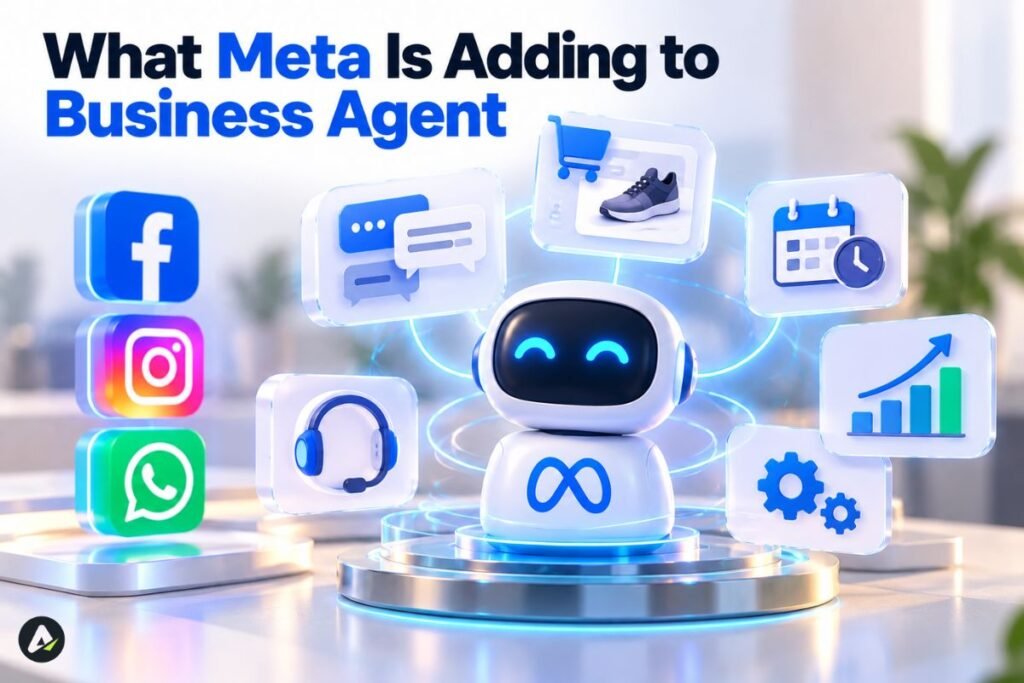
Meta is pushing the agent beyond answering questions.
- Discovery: people will soon find businesses with an agent by typing the name into WhatsApp search, or by sharing a business’s number or contact card in chats.
- Overnight briefings: Meta is testing daily summaries of chats that happened overnight.
- New abilities: market research, highlighting product features, calendar management, and competitive insights are in development.
Each new ability works like a skill the agent can call on. More skills bring more usefulness, but also more places where things can break. If you want to learn more, How Agent Skills Work covers the common failure points.
Is the Meta AI Business Agent Worth It for Your Business?
For most businesses that lose customers to slow replies, the Meta AI Business Agent is worth testing. It’s cheap to try, fast to set up, and built into apps your customers already use.
The value depends on setup quality. Accurate knowledge, clear handoff rules, and weekly transcript reviews decide whether the agent helps or embarrasses you. Token billing means a sloppy setup also costs more. Run the agent on new chats only for two weeks. Then compare cost per resolved conversation against the bookings or sales it captured.
FAQs
Q. How much does Meta Business Agent cost in 2026?
On the WhatsApp Business Platform, Meta Business Agent costs $2.00 per million tokens, billed since August 1, 2026. A typical message uses 20,000–25,000 tokens, which Meta estimates at roughly 4–5 cents. WhatsApp Business app users are expected to get the agent through Premium subscription tiers.
Q. Is Meta Business Agent free on the WhatsApp Business app?
Not permanently. Meta plans to include Meta Business Agent in some WhatsApp Business Premium tiers but hasn’t published the tier details.
Q. What is the difference between Meta Business Agent and the Meta AI business assistant?
Meta Business Agent chats with customers on WhatsApp, Messenger, and Instagram. The Meta AI business assistant helps advertisers fix account issues and improve campaigns inside Ads Manager.
Q. Does Meta Business Agent work with Shopify or Zendesk?
Meta is building Shopify, Zendesk, and Shopee connections for enterprises through the Meta Business Agent Platform.
Q. Can I stop Meta Business Agent from replying to certain customers?
Yes. You can exclude saved contacts, limit the agent to ad-driven chats, or pause it for new chats.
Q. What should I do when Meta Business Agent gives a wrong answer?
Pause new replies, correct the customer yourself, rewrite the answer, and update the source information the agent learned from.
Q. Are Click-to-WhatsApp ad chats free when Meta Business Agent replies?
Delivery is free within the 72-hour window, but Meta still charges token fees for Meta Business Agent replies in those chats.
Related: How Lindy AI Agents Think, Work & Automate Tasks
| Disclaimer: Meta’s pricing, features, and policies can change. This guide reflects 2026 information; check Meta’s latest documentation before making business or budgeting decisions. |

Maliha
AI is moving steadily from experimental technology into the products and workflows people rely on every day. Maliha Irfan is a technology writer covering artificial intelligence, automation, and emerging software. Her work focuses on the practical side of AI agents, exploring how these systems are being used, what they can realistically accomplish, and the limitations that matter when businesses and individuals adopt them.
More from Maliha →