How Do Codex Subagents, Parallel Threads, and Multi-Agent v2 Actually Work?
Untangle Codex's three multi-agent modes, avoid v2 fork_turns and config traps, and stop parallel edits from corrupting your Git checkout.

In this article · 15 sections +
- What does “Codex multiple agents” actually mean?
- Can Codex create sub-agents?
- How do you start a multi-agent workflow in Codex?
- How do you make Codex delegate the same way every time?
- How many subagents can Codex use?
- How does a subagent get its context and files?
- How do you set up custom Codex agents?
- Can Codex run multiple chats at once?
- Does Codex allow multiple accounts?
- How do you run Codex agents from Python?
- Where can you find Codex multi-agent examples on GitHub?
- How does Codex multi-agent compare with Claude Code subagents?
- When do multiple agents help, and what do they cost?
- What is Codex multi-agent v2, and which quirks matter right now?
- FAQs
“Codex multiple agents” covers three distinct architectures, and confusing them burns quota and corrupts your working tree.
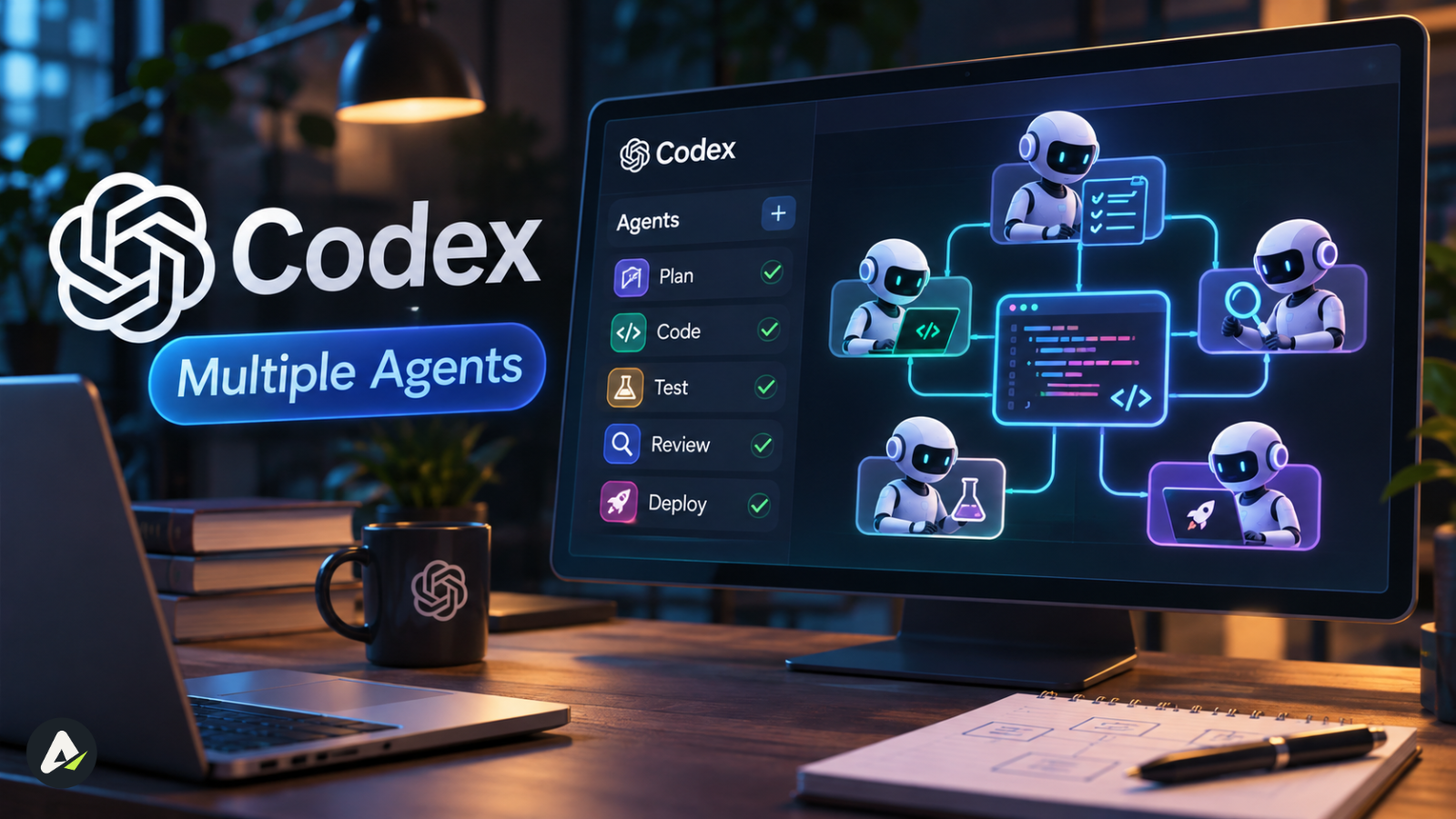
- Subagents: child workers that a parent Codex session spawns to handle slices of one task, inside the parent’s working tree.
- Parallel threads: independent Codex sessions you run side by side in the desktop app, each isolated in its own Git worktree or cloud container.
- Programmatic orchestration: CI jobs or multi-step pipelines driven through the Codex App Server, the Python SDK, or the hosted Agents API.
The three differ in who controls execution, how files stay separate, and how fast they drain rate limits. Read-heavy work fans out cleanly, while writing needs isolation.
Direct answers follow for the questions developers ask most: subagent limits, creating sub-agents, multiple accounts and parallel chats. Context forking, Python, GitHub examples and the Claude Code comparison come along the way. Anything that depends on a model or CLI rollout reflects OpenAI’s documentation and issue tracker as of November 2026, and those details sit in one prunable section near the end.
What does “Codex multiple agents” actually mean?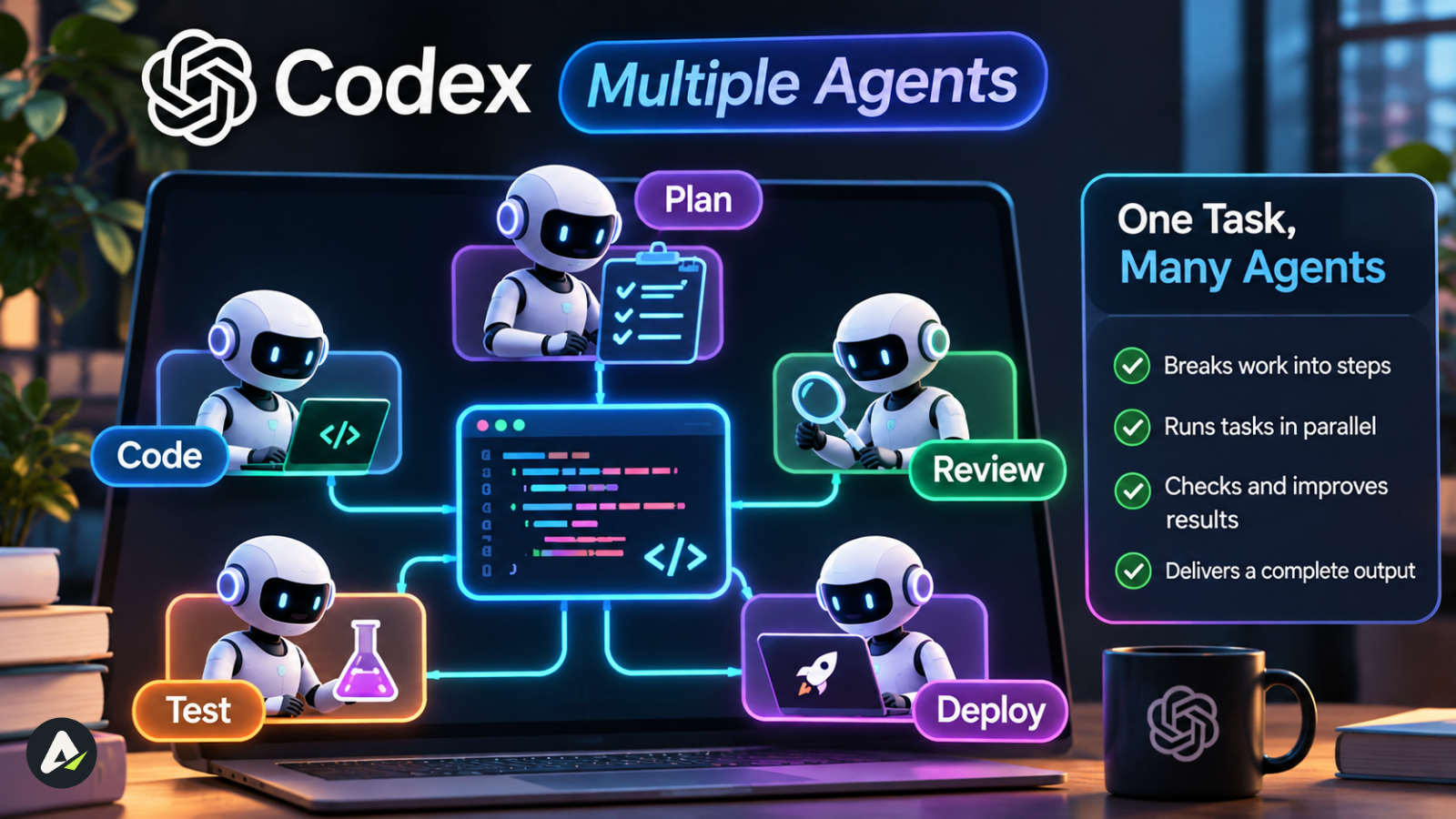
The difference that matters most is where each agent’s files live.
| Setup | Who starts the agents | Where files live | Isolation |
|---|---|---|---|
| Subagents | The parent Codex session | The parent’s working tree | None by default; you partition the files |
| Parallel threads | You, in the Codex app | Own worktree or cloud container | Built in |
| Programmatic orchestration | Your code | Whatever your code sets up | Yours to design |
The subagent pattern is no longer a Codex exclusive. Simon Willison’s March 2026 roundup calls Codex’s version very similar to Claude Code’s, and lists matching features in Gemini CLI, Cursor, Mistral Vibe and OpenCode.
Can Codex create sub-agents?
Yes. Codex can spawn specialized agents in parallel, route follow-up instructions, wait for results and close finished threads, then return everything in one response. A direct request triggers it, as do instructions in an applicable AGENTS.md file or skill. Without either, Codex works alone.
Subagents reached general availability on March 16, 2026, after several weeks in preview behind a feature flag. OpenAI’s documentation now says current releases enable them by default in the desktop app, the CLI, and the IDE extension. Proactive delegation is rare: it exists at the Ultra level of ChatGPT Work and behind a default-off multi_agent_mode gate in the open-source code.
OpenAI’s subagent documentation lists three built-in agents. The default agent is the general fallback, worker handles implementation and fixes, and explorer handles read-heavy exploration. A custom agent with a matching name overrides the built-in one. You can follow each subagent in the desktop app through linked threads, in the CLI with /subagents, or in the IDE’s background-agent panel.
How do you start a multi-agent workflow in Codex?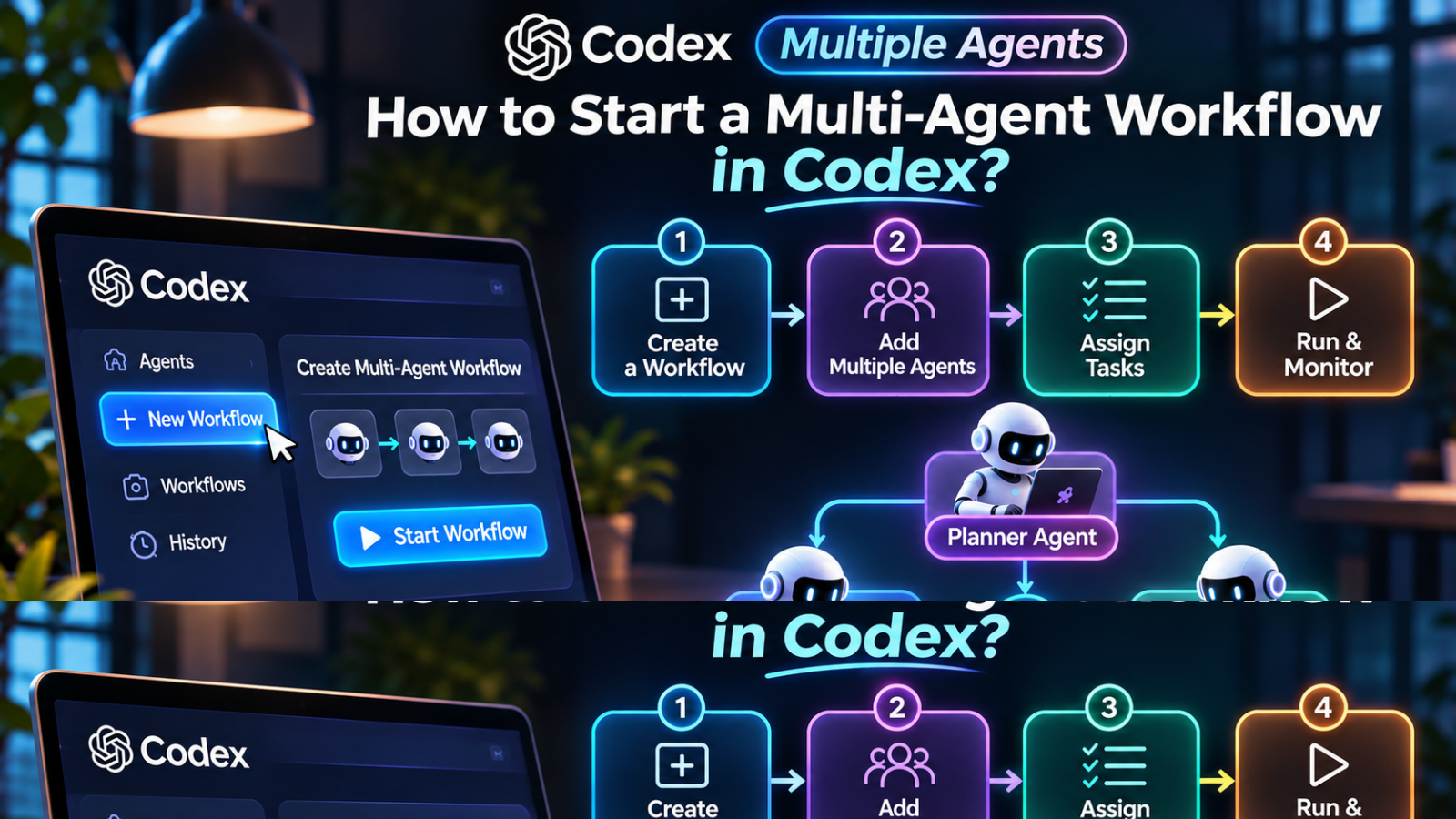
Ask in everyday language and give every agent one narrow job. Name the roles, say whether Codex should wait for all of them, and define what comes back. The parent then orchestrates: it spawns, routes, waits, and merges.
This prompt follows OpenAI’s own three-way branch review:
Review this branch with parallel subagents. Spawn one for security risks,
one for test gaps and one for maintainability. Wait for all three, then
summarize the findings by category with file references.
It works because the jobs are independent and read-only. None needs another agent’s output, and none edits a file. The parent gets three short summaries instead of three long exploration trails.
Task design matters more than any setting. A subagent with no exit criterion and no return format dumps raw logs on its parent, which refills the context with the noisy intermediate output that OpenAI says delegation should keep out. Add writers only after the summaries prove useful.
For batch jobs with many similar rows, Codex also offersspawn_agents_on_csv, which fans each row out to a worker. OpenAI’s docs set the per-worker timeout through agents.job_max_runtime_seconds.
How do you make Codex delegate the same way every time?
Put the rules in AGENTS.md. Writing AGENTS.md rules in Codex well takes some care, and delegation deserves its own block, so each review fans out identically no matter who types the prompt.
Here is an illustrative block written for this guide, not taken from OpenAI. It gives every subagent an exit criterion and a return format:
## Delegation rules
- Spawn subagents only for read-only work: codebase mapping, test-gap
  review and documentation lookup.
- Never run two agents that edit the same files.
- On multi-agent v2, pass fork_turns "none" and put the full task in
  the spawn message. Skip this line on v1.
- Give each subagent an exit criterion and a return format: ten bullets
  at most, each with a file path and line number, with no raw logs.
- Wait for every subagent, then merge the summaries before proposing
  changes.
One limit applies: AGENTS.md steers the model without enforcing anything. A custom agent’s sandbox_mode = "read-only" setting does the enforcing, with one caveat covered in the custom agents section.
How many subagents can Codex use?
The documented cap is[agents] max_concurrent_threads_per_session, which counts open spawned-agent threads and excludes your main thread. The older name,agents.max_threads, is a legacy alias that defaults to 6, and agents.max_depth defaults to 1.
Those numbers hold for multi-agent v1. The root session sits at depth 0, so a v1 subagent cannot spawn children of its own. OpenAI’s docs show this baseline:
[agents]
max_threads = 6
max_depth = 1
The hosted route sets concurrency differently. OpenAI’s Agents API, in public beta since September 10, 2026, shows max_concurrent_subagents at 3 in its example configuration.
Set your own ceiling by review capacity, not by what the system permits: three or four subagents suit a code review. On v2, builds the counting changes, so the version section lists the exact keys.
How does a subagent get its context and files?
Context and files follow separate rules. A v2 child inherits the parent’s whole conversation unless you passfork_turns, while every subagent shares the parent’s working tree. Context isolation takes one argument. File isolation takes a separate worktree.
On v2, omitting fork_turns means “all”, which copies the parent’s full history into each child. You can pass "none" for a clean start or a number for only the most recent turns. That default decides whether you get the clean-context benefit OpenAI advertises, because a full-history fork brings back the context rot and the token bill that delegation was meant to avoid. Practitioners writing about v2 advise fork_turns: "none" for specialists such as reviewers and explorers, and "all" only for a child that continues the parent’s exact task.
The default has a second consequence. Issue #20077 documents that full-history forks reject agent_type, model and reasoning_effort settings, so the natural call for a specialized agent fails until you set fork_turns yourself.
Shared files explain why parallel writers collide. Two workers editing one working tree can overwrite each other, and no merge step catches it. When writers are unavoidable, give each a separate set of files, or run them as parallel threads on worktrees.
How do you set up custom Codex agents?
Create a TOML file in ~/.codex/agents/ for personal agents or .codex/agents/ inside a project. Three fields are required: name, description and developer_instructions. Optional fields set a model, a reasoning effort, a sandbox mode, and extra MCP servers.
This example was written for this guide, not copied from OpenAI:
name = "test_gap_finder"
description = "Reviewer that finds changed code with no test coverage."
developer_instructions = """
Map the changed files to their existing tests.
List behaviors that no test covers.
Do not edit files. Return a short list with file paths.
"""
sandbox_mode = "read-only"
The description does real work, because Codex reads it to decide when an agent fits a task. A vague line produces vague delegation.
OpenAI’s docs allow a per-agent sandbox mode such as read-only. The parent can still win: a community summary of the docs notes that live permission changes on the parent turn, such as /permissions or --yoloapply to every child even when its file sets stricter defaults.
Custom roles also depend on the protocol your model resolves to. On v2’s default schema, the role, model, and effort fields are hidden, so a custom role can look inert. The v2 section below explains the cause and the workarounds.
Can Codex run multiple chats at once?
Yes, in the Codex app. Add a project for each codebase, run threads side by side, and start each one in Local, Worktree, or Cloud mode. Local and Worktree threads run on your computer, and Cloud threads run in a configured remote environment.
Worktrees make parallel work safe. Each one holds its own copy of every file in the repository while sharing a single .git folder for commits and branches, so threads can work on different branches without overwriting each other. Codex stores the worktrees it manages under$CODEX_HOME/worktrees, and they take real disk space on large repositories.
Git allows only one worktree per branch at a time, so every parallel thread needs its own branch. Parallel threads also lack a parent agent: you supervise each one yourself.
Does Codex allow multiple accounts?
Not as an official Codex feature today. OpenAI’s help center says account switching keeps two ChatGPT accounts signed in, with one active at a time, on ChatGPT web only. The page states that Codex desktop and the native mobile apps don’t support it yet.
When switching works, chats, memory, files, billing, and workspaces stay separate. Device limits stay separate too, and managed workspaces follow their organization’s policies.
Third-party tools fill the gap, including codex-multi-auth, codex-switch, and codex-profiles. One account-switcher README states that the official CLI has no multi-account login. These tools are unofficial; they handle OAuth tokens or auth files on your machine, and some rotate accounts automatically when a quota runs out.
A switcher suits anyone who separates personal and work logins. Rotating accounts to stretch a quota is a different use: the help article never addresses it, and nothing in OpenAI’s documentation approves it, so read your plan’s terms first.
How do you run Codex agents from Python?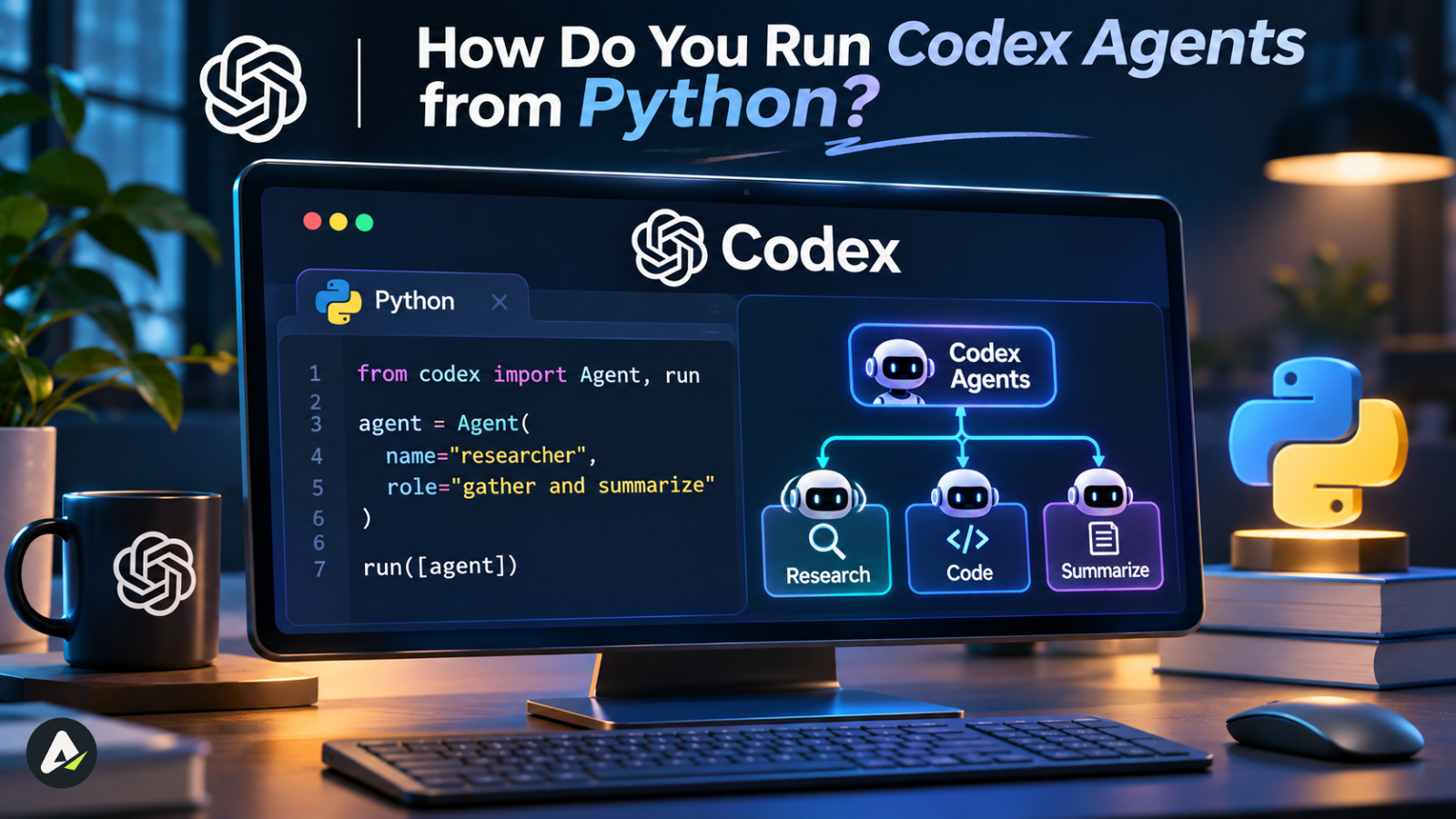
Install the official SDK with pip install openai-codex. OpenAI’s SDK page gives that exact name, requires Python 3.10 or later, and describes a library that controls the local Codex app-server over JSON-RPC. The docs call the SDK stable, while the PyPI project page labels it beta, so pin a version.
Watch the package name. Look-alikes such as openai-codex-sdk, codex-sdk-py and codex-sdk-python are separate projects that wrap the CLI in different ways, not the SDK OpenAI documents. Install from the name on OpenAI’s page.
The SDK’s API reference says one client can consume several active turns at once, which suits fan-out jobs in CI. For role-based pipelines, OpenAI’s cookbook shows the Agents SDK driving Codex as one specialist, with a project manager, designer, developers, and tester behind gated handoffs. Treat that as a design pattern. It runs Codex through codex mcp-server, and the SDK page says OpenAI removed that command and the standalone binary in favor of the Codex App Server.
The hosted route skips local setup. The Agents API runs cloud agents on the Codex harness, and each subagent keeps its own context while the main agent combines the results.
Where can you find Codex multi-agent examples on GitHub?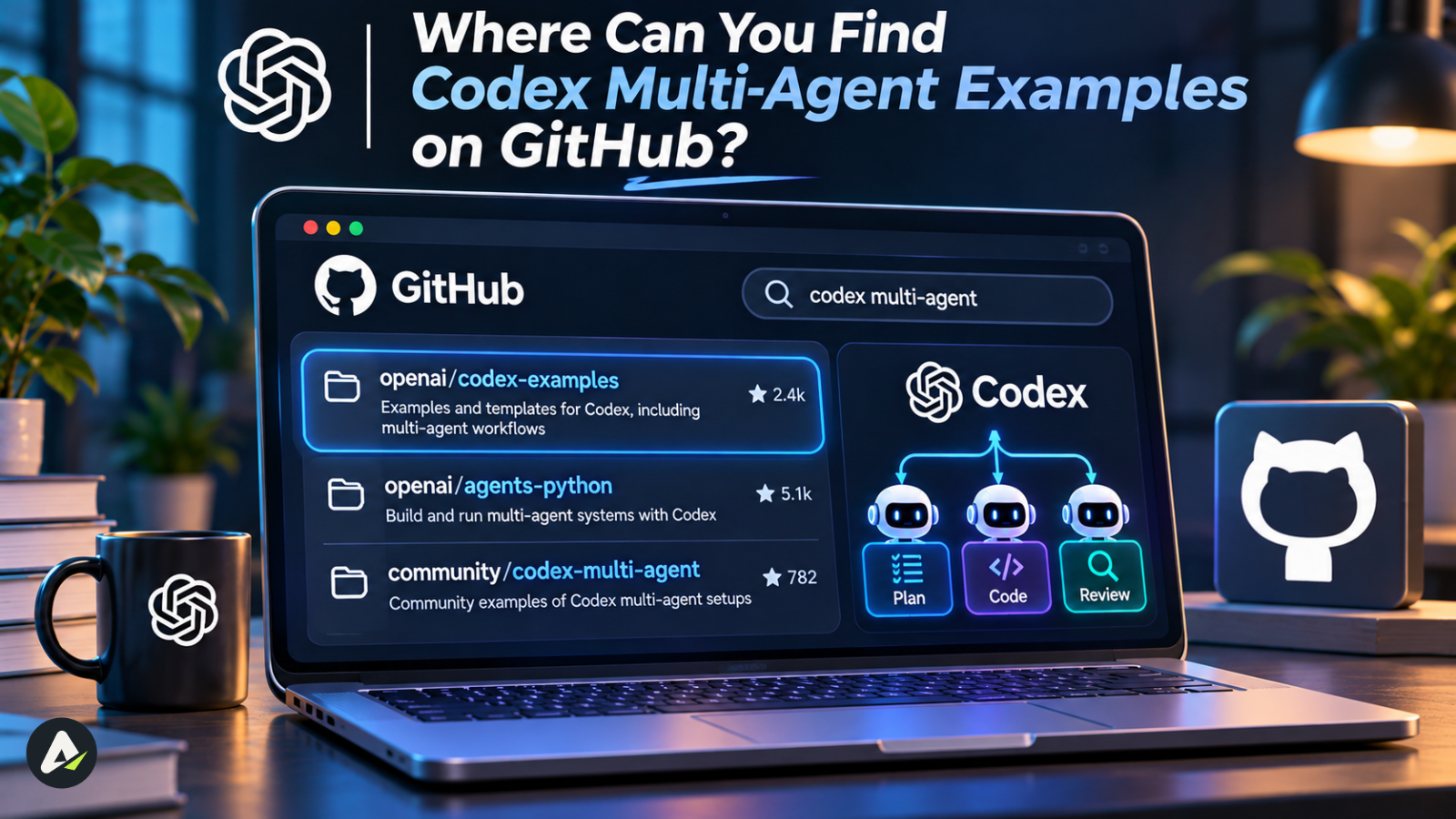
Start with openai/codex. It holds the open-source app server undercodex-rs/app-server, the Python SDK source, and the issues and pull requests that show how multi-agent behavior shifts from release to release.
Community repositories such as codex-cli-best-practice add custom-agent TOML files and review prompts, and the OpenAI Cookbook carries the Agents SDK notebook.
Community examples age quickly. Before you copy one, compare its config keys against the current reference, since the same key name can count differently on v1 and v2.
How does Codex multi-agent compare with Claude Code subagents?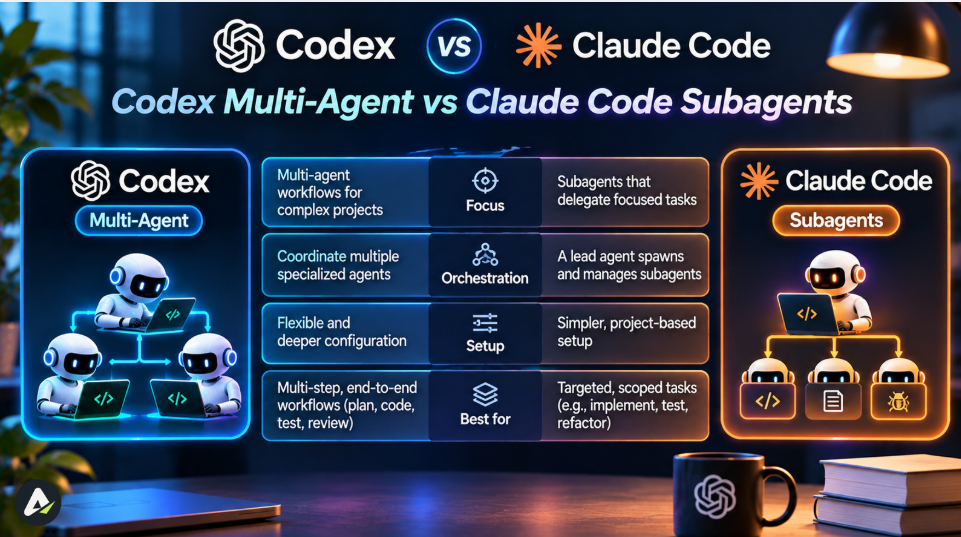
Core delegation looks alike in both tools: a parent hands work to children that run in their own context and return summaries. The bigger gap is what Claude Code adds on top. Its experimental agent teams let teammates share a task list and message each other directly, while Codex documents a parent-managed model of spawning, routing, waiting, and closing.
- Delegation shape: Claude Code’s subagents report only to the main agent, using built-ins named Explore, Plan, and general-purpose. Codex uses default, worker, and explorer.
- Peer coordination: Claude Code’s agent teams are off by default behind an experimental flag. Teammates claim work from a shared list and communicate directly. I found no equivalent peer-to-peer feature in Codex’s documentation, though v2 adds path-based addresses and structured messages.
- Agent files: Claude Code agents are Markdown files with frontmatter and an optional
modelfield, stored in.claude/agents/. Codex agents are TOML files in.codex/agents/, and v2’s default schema can hide per-agent model settings.
Both products ship fast, so recheck any detail a decision rests on.
When do multiple agents help, and what do they cost?
They help when work splits into independent, read-heavy pieces. They cost more than they save when agents need each other’s output or touch the same files. Raw token use always rises, since every subagent runs its own model and tool calls, but the bill depends on which model tier does the work.
OpenAI recommends giving fast, inexpensive models scanning jobs and reserving stronger reasoning settings for harder analysis. Its docs name gpt-5.6-terra for quick scans. A parent on a flagship model that delegates exploration to cheaper tiers can come out ahead of one long flagship session, though a full-history fork erases that gain. The better yardstick is spend per accepted result, not tokens per run. Agent Intellect’s analysis of agent performance also finds that multi-agent setups pay off mainly for parallel, breadth-first work.
Human attention is the second budget. Subagents inherit your approval settings so that each parallel writer can raise its own prompts, and four live diffs ask one reviewer to track four contexts. People usually respond with read-only agents or a permissive mode like--yolo, which widens the blast radius. A third path is supervising guardian agents that score each proposed action against policy before it runs. This paragraph is reasoning from how approvals work, not a measured result.
Before you delegate, run through five questions:
- Fit: Is the job one where the VAR framework for agents says an agent beats fixed automation, or could one model with the right tools do it? A short screen on whether the job needs an agent settles that first.
- Independence: Can each agent finish without another’s output?
- Isolation: Do the agents touch different files, and have you set
fork_turnsfor each? - Reviewability: Can you read every summary and every diff?
- Traceability: Do you need the delegated instructions on record? If so, confirm how your model and version handle v2.
Good fits include multi-angle code review, mapping an unfamiliar codebase, and verifying an API against its documentation. Poor fits include a tightly coupled refactor, a small bug fix, and any job where you can’t say in one sentence what each agent should return.
What is Codex multi-agent v2, and which quirks matter right now?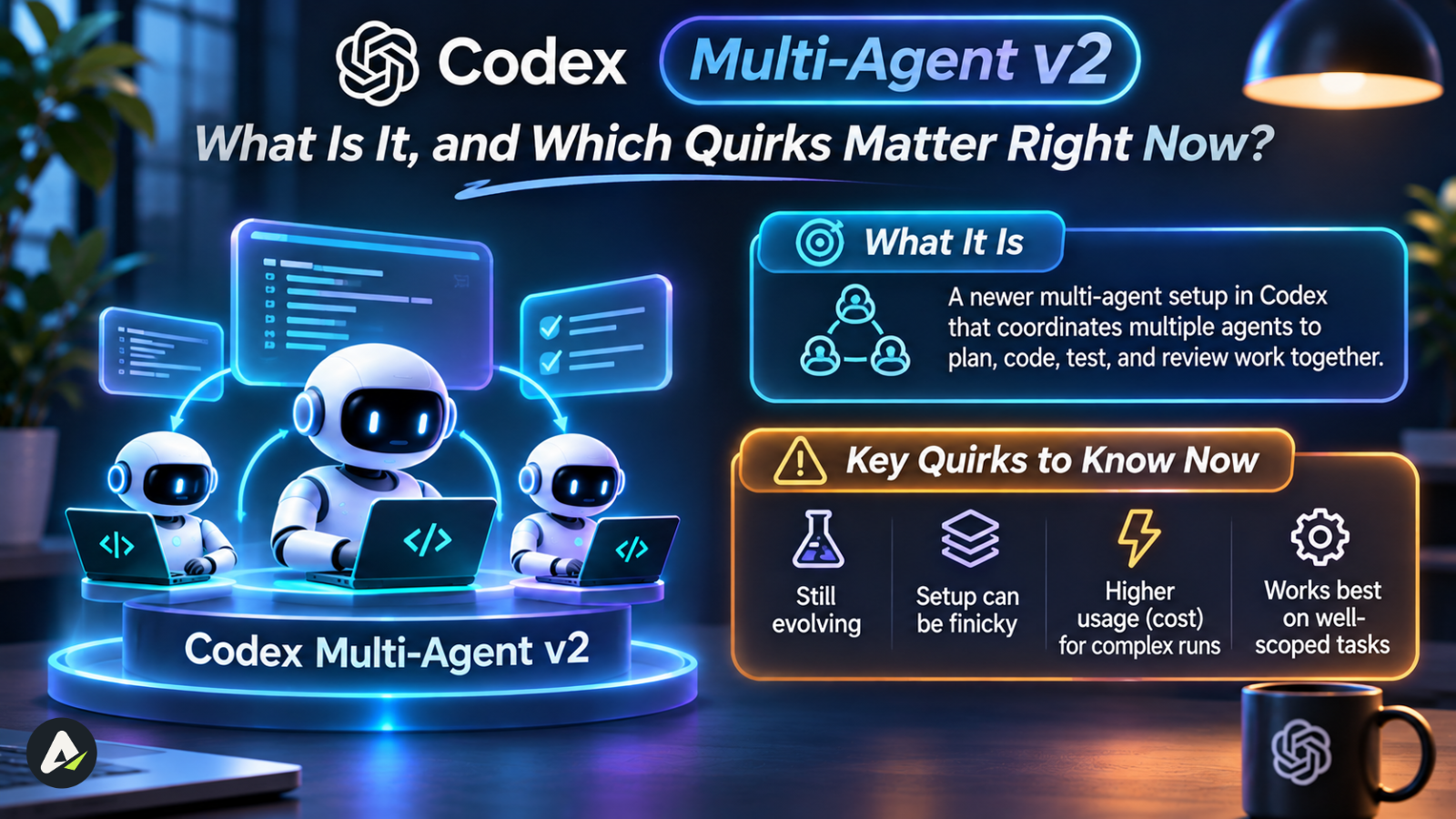
Multi-agent v2 is a newer delegation protocol with path-based agent addresses (such as /root/research/api), structured messages and fork_turns. OpenAI marks it as under development. Treat the rest of this section as a changelog: dated, bug-driven, and meant to be pruned as OpenAI closes each issue.
- Models can force it. Issue #31097 documents GPT-5.5 selecting v2 through model metadata even with
multi_agent_v2set to false. Issue #32031 showsgpt-5.6-solandgpt-5.6-terraon v2 andgpt-5.6-lunaon v1. The model catalog, not your config file, decides. - Two keys share one name.
[agents].max_concurrent_threads_per_sessionis documented and excludes the primary thread.[features.multi_agent_v2].max_concurrent_threads_per_sessionis accepted but missing from the public reference, and it counts the primary thread. When both are set, the v2 value wins, per issue #40211 on CLI 0.149.0. Issue #33447 adds thatagents.max_threadstriggers an error when you enable the v2 flag yourself, and gets silently ignored when a model selects v2. - Depth limits may not hold.Issue #32027 traces a v2 spawn handler that records child depth but never checks the limit. A
gpt-5.6-solsession built a depth-3 chain withmax_depth = 1, and the latest comments say the problem persists on 0.146.0. A model whose catalog entry resolves to v1 avoids it. - Custom role fields disappear. The default
hide_spawn_agent_metadata = trueleavesspawn_agentwith onlytask_name,messageandfork_turns. Setting it to false restored role and model controls for some users, but issue #32031 found that ChatGPT-authenticated sessions reject the change with a reserved-function error. A related setting appears among the proposed fixes. The issue doesn’t say whether any of them has shipped. - Delegated prompts are opaque.InfoWorld reported on July 15, 2026 that v2 passes instructions in encrypted form, so users can’t read what a parent told a child. Critics said that complicates debugging and compliance, much as enterprise teams already insist on agents tied to named users for audit. An OpenAI contributor declined further changes to the request.
The release history is easy to misread. Third-party coverage places early v2 plumbing in spring 2026 builds behind a flag, while the issues above show model-selected v2 in CLI builds from 0.143 through 0.146 over the summer.
To see what your install does, run codex debug models and read each model’s multi_agent_version. Run codex features list too, but remember it can report v2 as disabled while a session runs it.
FAQs
Q. Can a Codex subagent spawn its own subagents?
Not on v1, where agents.max_depth defaults to 1. On v2 builds, issue #32027 shows the limit going unenforced, so a grandchild chain is possible.
Q. Why does changing max_threads do nothing?
Your session probably runs v2, which reads a different key. See the two same-named settings in the version section above.
Q. Why was my custom agent ignored on a GPT-5.6 model?
The model likely selected v2, which hides role fields. Pass fork_turns explicitly, or pick a model that resolves to v1.
Q. Do subagents inherit my MCP servers and settings?
Anything a role leaves unset comes from the parent session, according to OpenAI’s agent-role documentation. A role can also define its own MCP servers, as OpenAI’s docs_researcher example does.
Q. Can I steer or stop a running subagent?
Yes. Ask Codex directly to redirect, stop, or close it, or open the thread from the app or the CLI’s /subagents command. Some users say direct follow-ups to subagents stopped working after the v2 change.
Related: Vertical AI Agents: Examples, Uses & How They Work
| Disclaimer: This guide is for educational and informational purposes only.OpenAI Codex models, CLI flags, and Multi-Agent v2 behaviors evolve rapidly. Details and issue behaviors in this guide reflect documentation, community reports, and tracker findings as of November 2026—always verify exact config keys and model routing (Codex debug models) on your installed version before relying on them in production. |

Kavin Reed
As AI agents move from experimental demos into everyday workflows, the questions around how they work, where they fit, and what happens when they fail are becoming harder to ignore. Kavin Reed writes about AI agents, automation, and the systems behind them, with a focus on practical adoption and real-world impact. His work examines the ideas, trends, and technical developments shaping how businesses and people use increasingly capable AI systems.
More from Kavin Reed →