12 Best No-Code AI Agent Builders in 2026 (Compared by Features & Pricing)
Looking for a no-code AI agent builder in 2026? Compare leading platforms by features, pricing, integrations, and limitations. Learn how to build your first AI agent, avoid hidden costs, and choose a tool that fits your business.

In this article · 20 sections +
- What Is a No-Code AI Agent Builder?
- AI Agent vs. Chatbot vs. Workflow Automation
- The 5 Building Blocks of a No-Code Agent
- The LOOP Test: Does Your Task Need an AI Agent?
- 12 Best No Code AI Agent Builder Tools in 2026: Features and Pricing
- Free and open-source builders
- Paid no-code builders
- Free vs. Paid AI Agent Builders: How Pricing Works
- Cost per usage unit
- How to Choose the Right AI Agent Builder
- How to Build an AI Agent Without Coding: 7 Steps
- Real-World Example: Budgeting a Lead-Triage Agent
- Are No-Code AI Agents Reliable and Secure?
- When things go wrong
- Security questions to ask every vendor
- 5 Common Mistakes When Building No-Code AI Agents
- No-Code vs. Low-Code: When Should You Switch?
- What’s Changing in AI Agent Builders in 2026?
- Conclusion
- FAQs
On November 30, 2026, OpenAI switches off its drag-and-drop Agent Builder, barely a year after a splashy launch. The company is winding down the product and pointing users to its code-based Agents SDK instead. A few months earlier, Flowise, one of the most-starred visual builders on GitHub, froze development and archived its repository.
Does that make code-free agent building a dead end? No. It does mean that choosing a platform now calls for more homework than a slick demo provides.
A no-code AI agent builder still lets a marketer, founder, or ops lead create software that reads an email, checks a CRM, decides what to do, and acts, all without touching Python. The hard part is picking a tool that still fits, and still exists, a year from now.
This guide explains how these platforms work, profiles 12 builders by features and price as of November 2026, covers reliability and security, and lays out a seven-step path to your first working agent. You’ll also get the LOOP test, a four-question check that flags tasks that never needed an agent and can spare you a month of wasted effort.
What Is a No-Code AI Agent Builder?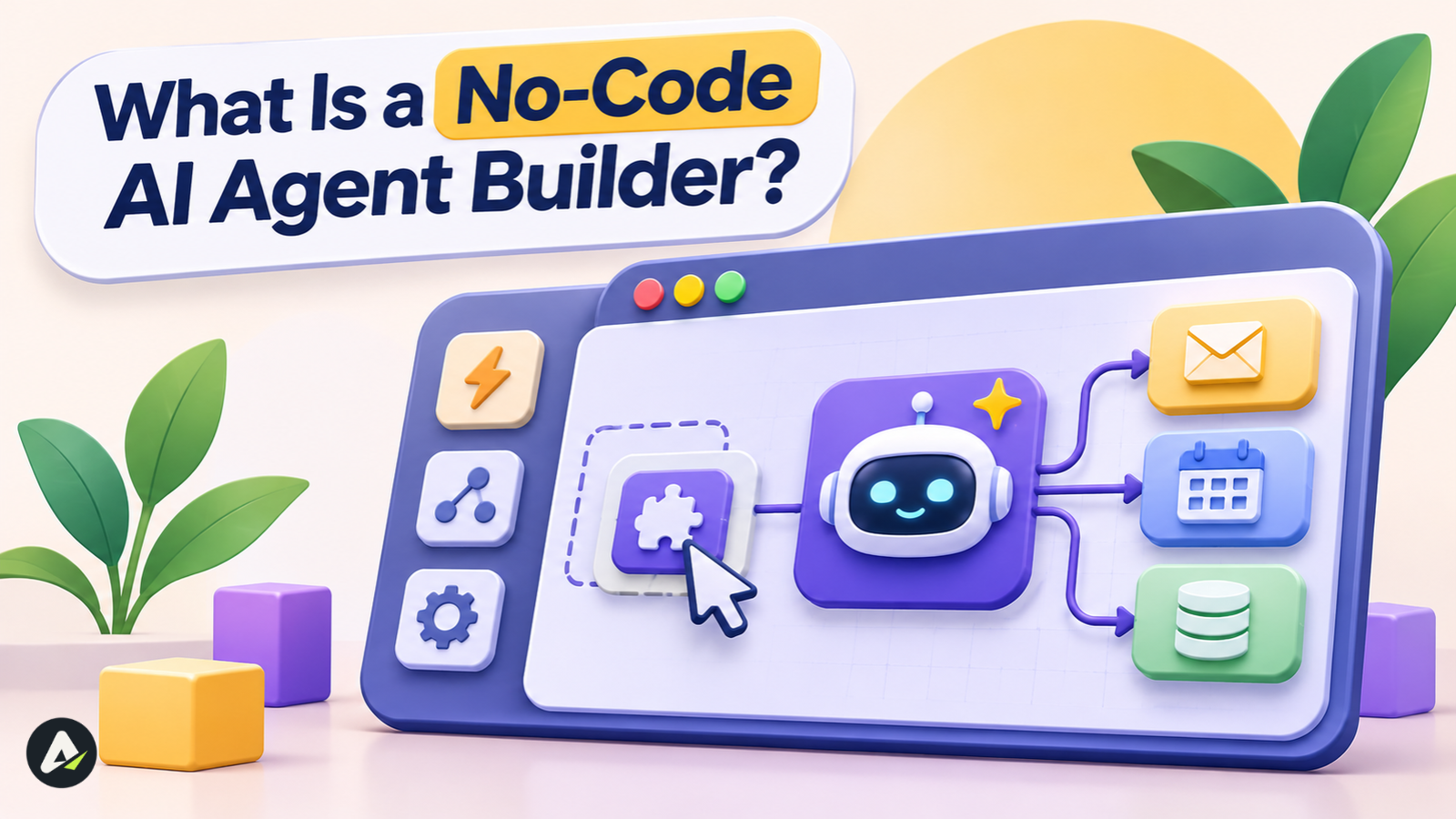
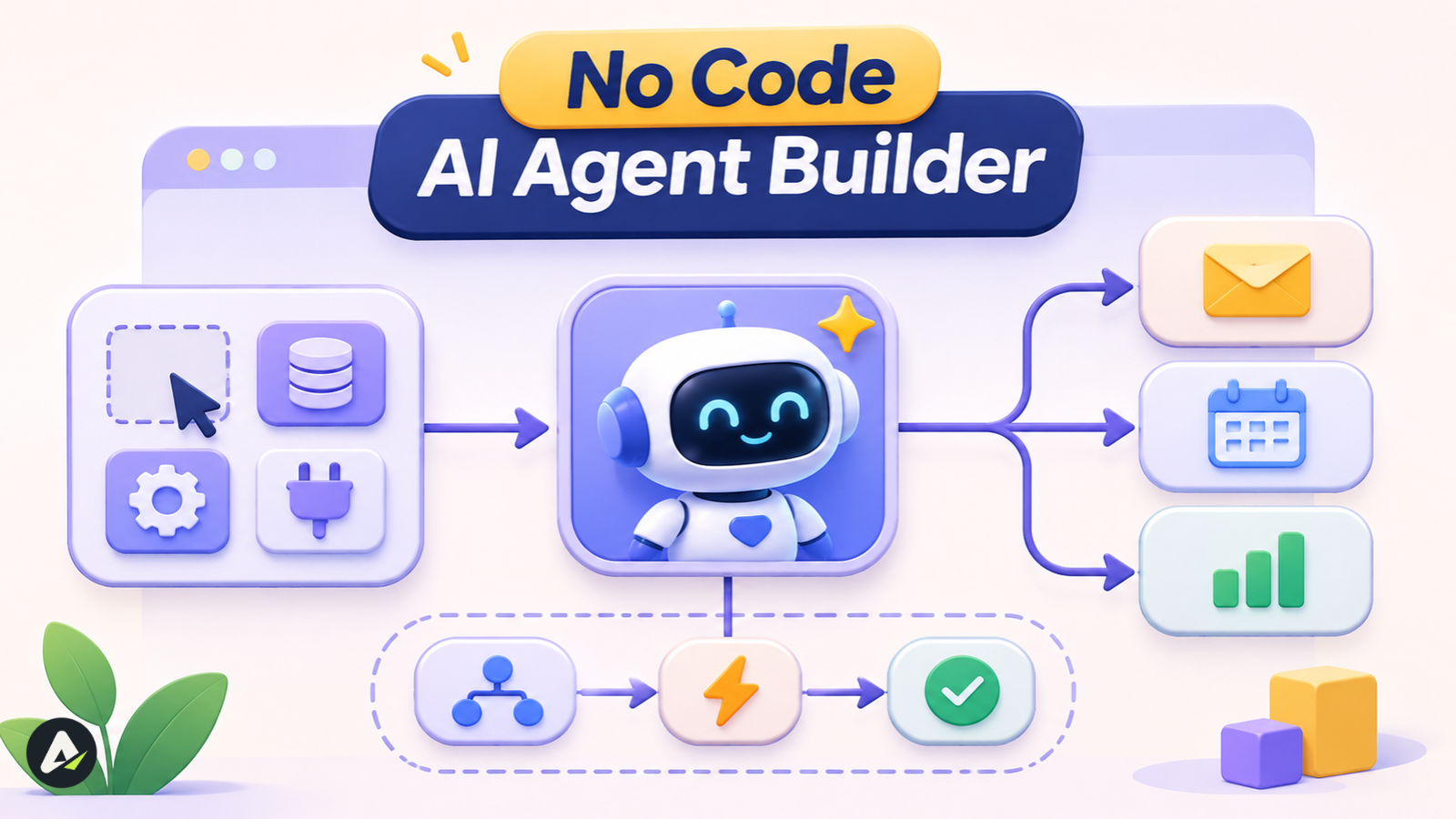
A no-code AI agent builder is a platform that lets you design, test, and deploy an AI agent through a visual editor, templates, or written instructions instead of programming. The vendor hosts the language model, connects it to your apps (Gmail, Slack, HubSpot, Sheets), and supplies logs and testing. You supply the job description.
Builders take one of three approaches:
- Prompt-to-agent: describe the job in a sentence, and the tool drafts the agent (Lindy, Glean).
- Drag-and-drop editor: wire triggers, model calls, conditions, and actions yourself (n8n, Gumloop, Langflow).
- Hybrid: a chat box for quick changes and a flow view for fine control. Many tools now offer both.
AI Agent vs. Chatbot vs. Workflow Automation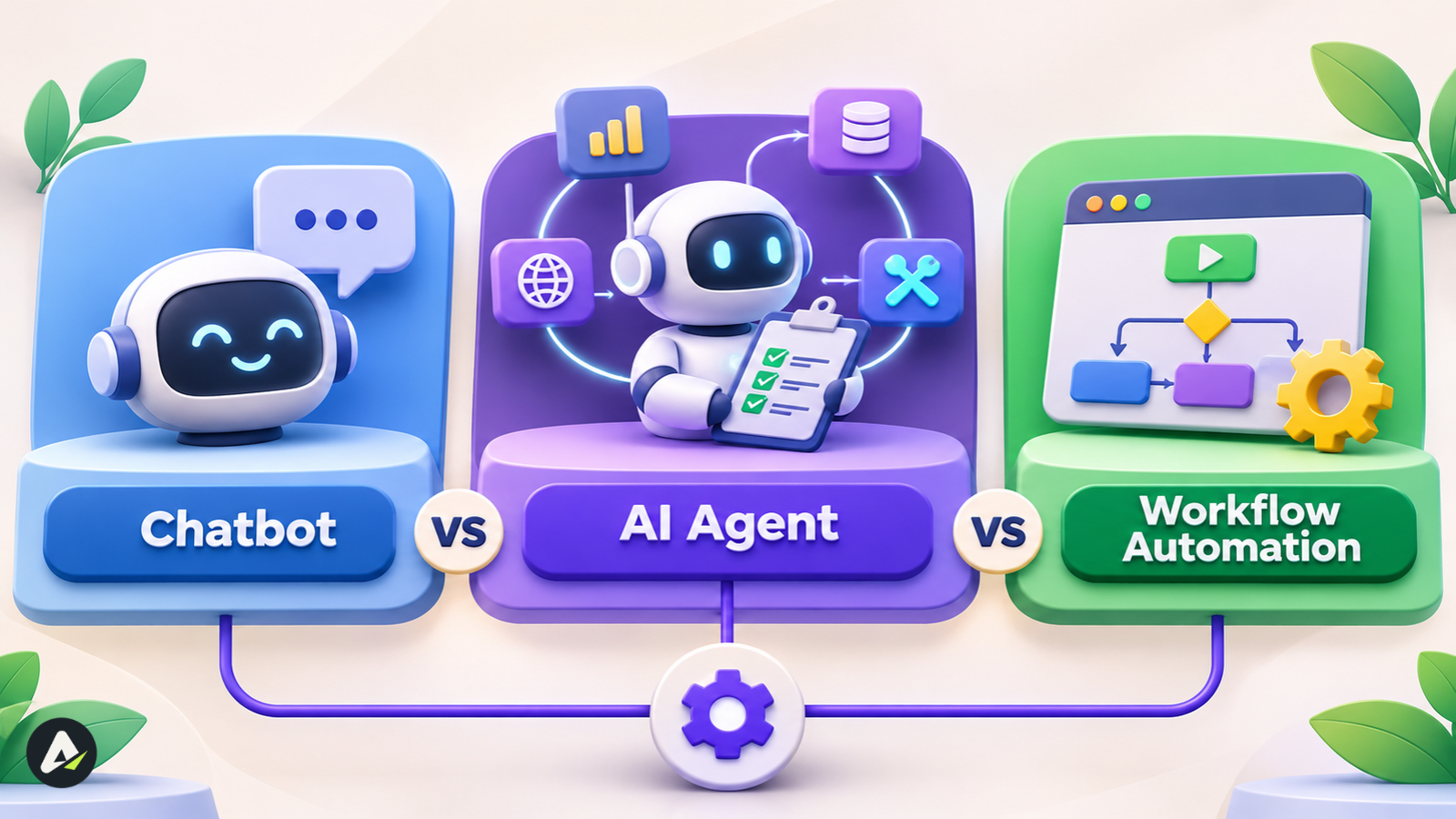
An AI agent pursues a goal by choosing its own next step, deciding which tool to call, and acting on the result. A chatbot only replies to messages, and a workflow automation follows fixed if-this-then-that rules.
Vendors stretch “agent” to cover all three. Gartner calls this “agent washing” and, in a June 2025 forecast, estimated that only about 130 of the thousands of agentic AI vendors are real.
| Chatbot | Workflow automation | AI agent | |
|---|---|---|---|
| Core behavior | Answers questions | Runs a fixed sequence | Plans and adapts toward a goal |
| Handles messy input | Partly | No | Yes |
| Takes actions in apps | Rarely | Yes, predefined ones | Yes, picks which ones |
| Typical cost driver | Messages | Tasks or runs | Tool calls and model tokens |
| Example | FAQ widget | Copy form leads into a sheet | Triage leads, research each, draft replies |
Fixed processes belong in plain automation, which is cheaper and more predictable. Agents pay off when inputs vary, and agent-powered workflow automation blends the two. For background on how AI agents actually work, including planning loops, start with the fundamentals.
The 5 Building Blocks of a No-Code Agent
Every agent combines a reasoning model, instructions that define its job, memory that holds context, tools and triggers that connect it to your apps, and guardrails that limit what it can do.
- Model (the brain): an LLM from OpenAI, Anthropic, Google, or others decides each next move. Bigger models reason better but cost more, and email sorting rarely needs the priciest one.
- Instructions: the system prompt states the goal, the steps, what “done” means, and when to hand off to a human. Vague prompts produce vague agents.
- Memory and knowledge: short-term memory holds the conversation, long-term memory keeps facts across sessions, and a knowledge base lets the agent look up your documents through retrieval-augmented generation (RAG). Learn the types of AI agent memory before you upload anything.
- Tools and triggers: triggers start the agent (a new email, a form, a schedule); tools are the actions it takes (send a message, update the CRM, search the web). Many platforms also support the Model Context Protocol (MCP), which lets one tool connection serve many agents and helps agents discover tools on their own. Without MCP support, you wire every app by hand. MCP doesn’t make a tool safe, though; permissions still decide what an agent can touch.
- Guardrails: read-only access, spending limits, blocked topics, step caps that stop an agent from calling the same tool in a loop, and approval before anything reaches a customer or moves money.
The LOOP Test: Does Your Task Need an AI Agent?
The LOOP test is a four-question filter that tells you whether a task deserves an AI agent or a simpler automation. It checks the task’s Load, whether its inputs are Open-ended, whether the agent has safe Operational access, and whether the Payoff is measurable.
Gartner also predicts that more than 40% of agentic AI projects will be canceled by the end of 2027, citing rising costs, unclear value, and weak risk controls. Screening tasks first weed out many of them.
| Letter | Question | Passes | Fails |
|---|---|---|---|
| Load | Does the task repeat often, or is each instance valuable enough to justify setup? | 30 support emails a day; a weekly competitor brief | A one-off spreadsheet cleanup |
| Open inputs | Do the inputs vary in wording or shape and need interpreting? | Free-text emails, tickets, call notes | Identical form fields every time |
| Operational access | Can the agent reach the data and tools with scoped, safe permissions? | Connector or API exists, read-only to start | Data lives in someone’s head or a locked system |
| Payoff | Can you measure the gain in hours, cost, or speed? | First response drops from 4 hours to 15 minutes | “Feels more modern” |
One more question settles it: does the task need the AI to choose its own steps? If only one step needs judgment, such as classifying an email, a fixed workflow with a single AI step is cheaper and steadier. A miss on access or payoff points to a process problem no tool can fix.
12 Best No Code AI Agent Builder Tools in 2026: Features and Pricing
The best builder depends on who builds the agent, where it runs, and how its bill grows with use. Eight tools below can be started free (open source, a free plan, or a trial); four are paid platforms for business and enterprise teams. Details come from vendor pages, and pricing trackers checked September to November 2026, so confirm critical features during a trial.
Free and open-source builders
1. Flowise
Best for: teams already running Flowise who want a free, forkable canvas.
- Drag-and-drop builder for chatbots, RAG pipelines, and agent flows, built on LangChain components
- Self-hosts through npm or Docker
- Status: the official team froze development in July 2026 and archived the repository in August; community forks such as Keelflow now ship patches
Pricing: free under Apache 2.0. You pay for hosting and model usage.
2. n8n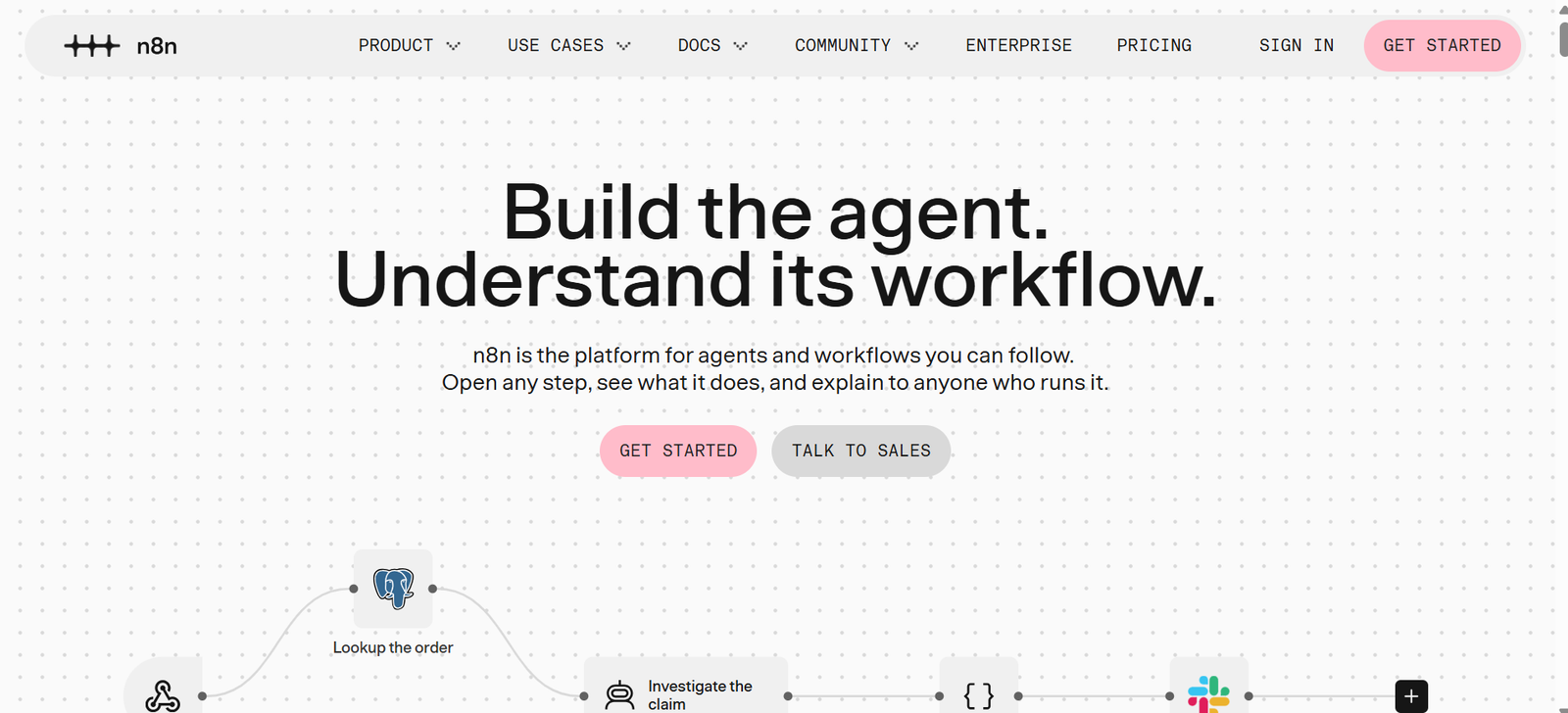
Best for: technical teams that want full control over data and hosting.
- AI agent nodes wire LLMs, memory, and tools into any workflow
- 400+ integrations, plus JavaScript code nodes when the editor falls short
- Free Community Edition keeps everything on your own servers
Pricing: Community Edition is free. Cloud Starter runs €20/mo billed yearly for 2,500 executions, and Pro €50/mo for 10,000.
3. Langflow
Best for: Python-friendly teams prototyping retrieval and agent flows.
- Component-based editor for agents, retrieval, and multi-step logic
- Publishes any finished flow as a REST API endpoint
- Pairs with local models through Ollama for fully offline setups
Pricing: free and open source under MIT. Hosting and model fees are yours.
4. YourGPT
Best for: support and sales teams serving customers across many channels.
- Trains agents on your website, documents, and FAQs without code
- Deploys to web chat, WhatsApp, Instagram, Telegram, and email
- Passes conversations to human staff with context intact, in 100+ languages
Pricing: free trial. Essential runs $49/mo (10M AI credits), Professional $99/mo (30M), and Advanced $399/mo (100M); yearly billing cuts each price.
5. Zapier (AI by Zapier)
Best for: teams that already automate with Zapier.
- Drops an AI step that reasons, calls tools, and acts into any Zap
- Starts from triggers across 9,000+ app integrations
- Requires approval per tool, so lookups run freely while sends wait
- Standalone Zapier Agents is moving into AI by Zapier; existing agents convert to Zaps automatically
Pricing: Agents Free includes 400 activities a month; Pro is $33.33/mo billed yearly for 1,500. Test runs count against the free quota, one of several free-plan limits on Zapier agents that catch new users.
6. Gumloop
Best for: ops and marketing teams building data and document pipelines.
- Node canvas plus Gummie, an assistant that drafts flows from a prompt
- 35+ models, with the option to bring your own API keys
- Unlimited seats and agents on every plan
Pricing: 14-day trial, then Pro from $37/mo with 20,000 credits plus an 8% orchestration fee. Enterprise pricing comes by quote.
7. Botpress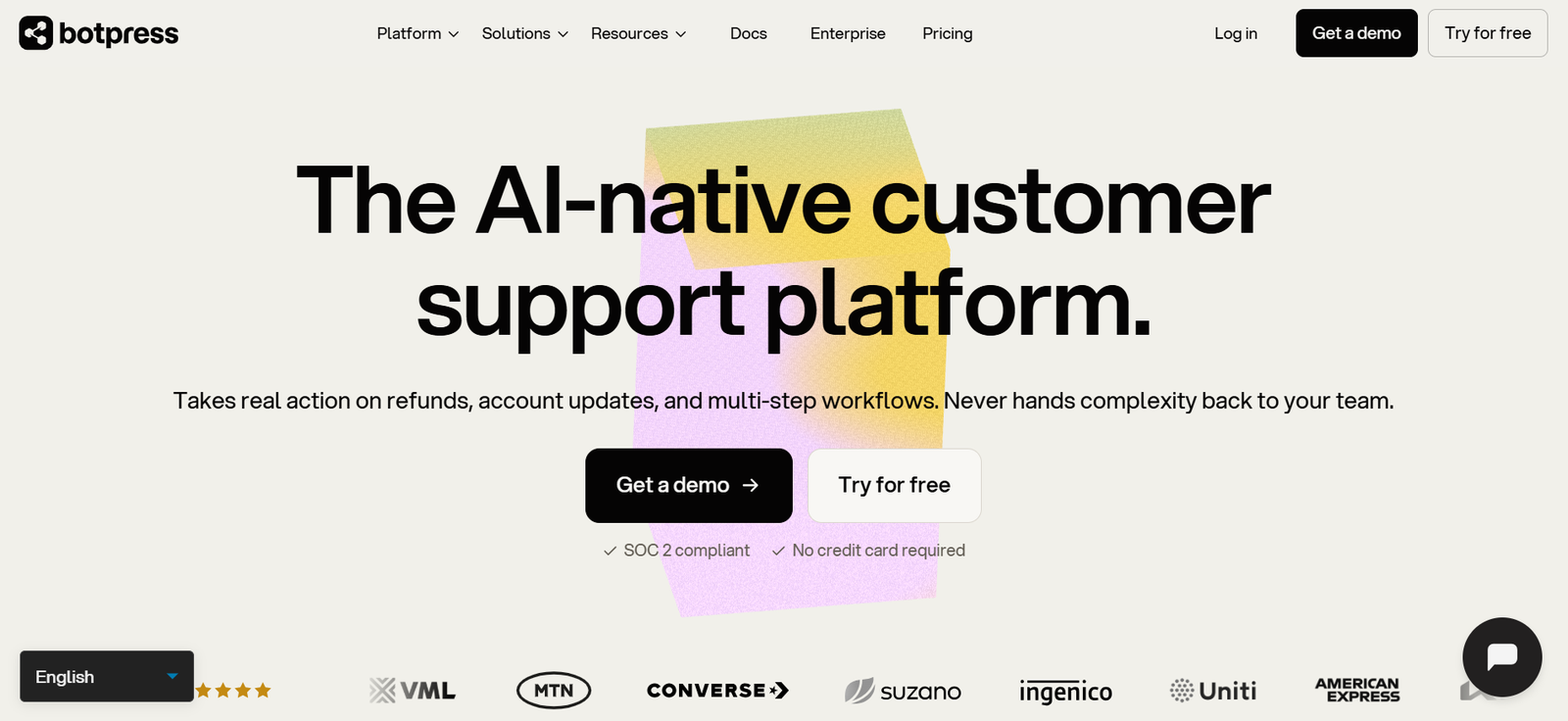
Best for: customer-facing chat agents that may later need custom code.
- Three ways to build: prompt-based, a visual Studio, and a TypeScript developer kit
- Knowledge bases from websites, FAQs, and files
- SOC 2 compliance, with DPA and HIPAA BAA options on higher plans
Pricing: free plan with a small conversation allowance. For workspaces created after May 14, 2026, Plus is $150/mo billed yearly ($189 monthly) for 250 conversations, and Team is $750/mo billed yearly for 1,500.
8. Voiceflow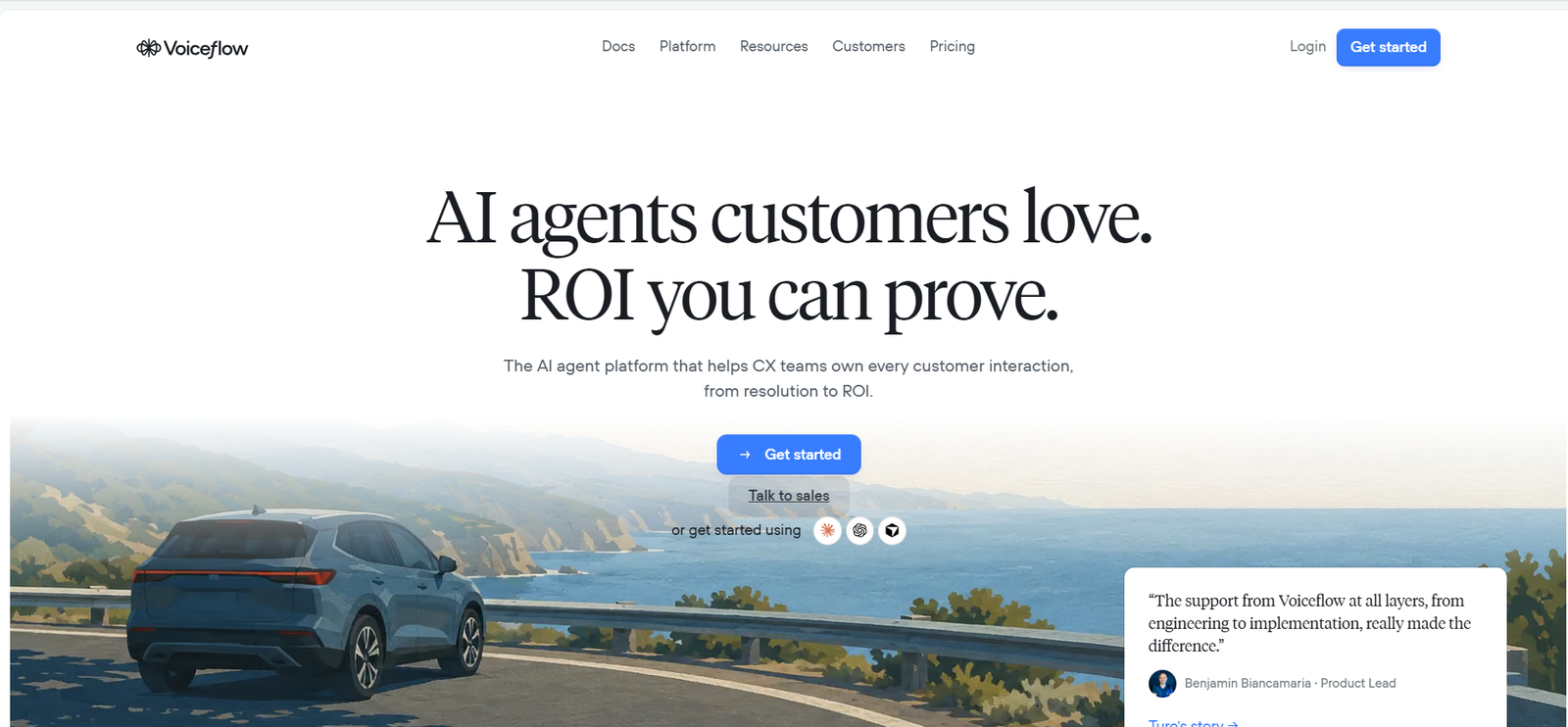
Best for: teams designing chat and voice support agents together.
- Shared design board that non-engineers can review and edit
- Voice and chat agents built in one workspace
- Works with major LLM providers; Business adds fallback models
Pricing: free Starter plan. Pro starts at $60 and Business at $150 per editor per month, and usage draws on credits. Voiceflow shows exact prices inside the app rather than on its public pricing page.
Paid no-code builders
9. Lindy
Best for: individuals and small teams automating inbox, calendar, and sales follow-ups.
- Turns a written description into an agent that reasons through tasks step by step
- Templates for meeting notes, email triage, and lead follow-up
- Computer use on Pro lets agents work on websites that lack an API
Pricing: 7-day trial, then Plus $29.99, Pro $99.99, or Max $199.99 per user per month with 3,000, 15,000, or 35,000 credits. Credits pool across the team.
10. Sim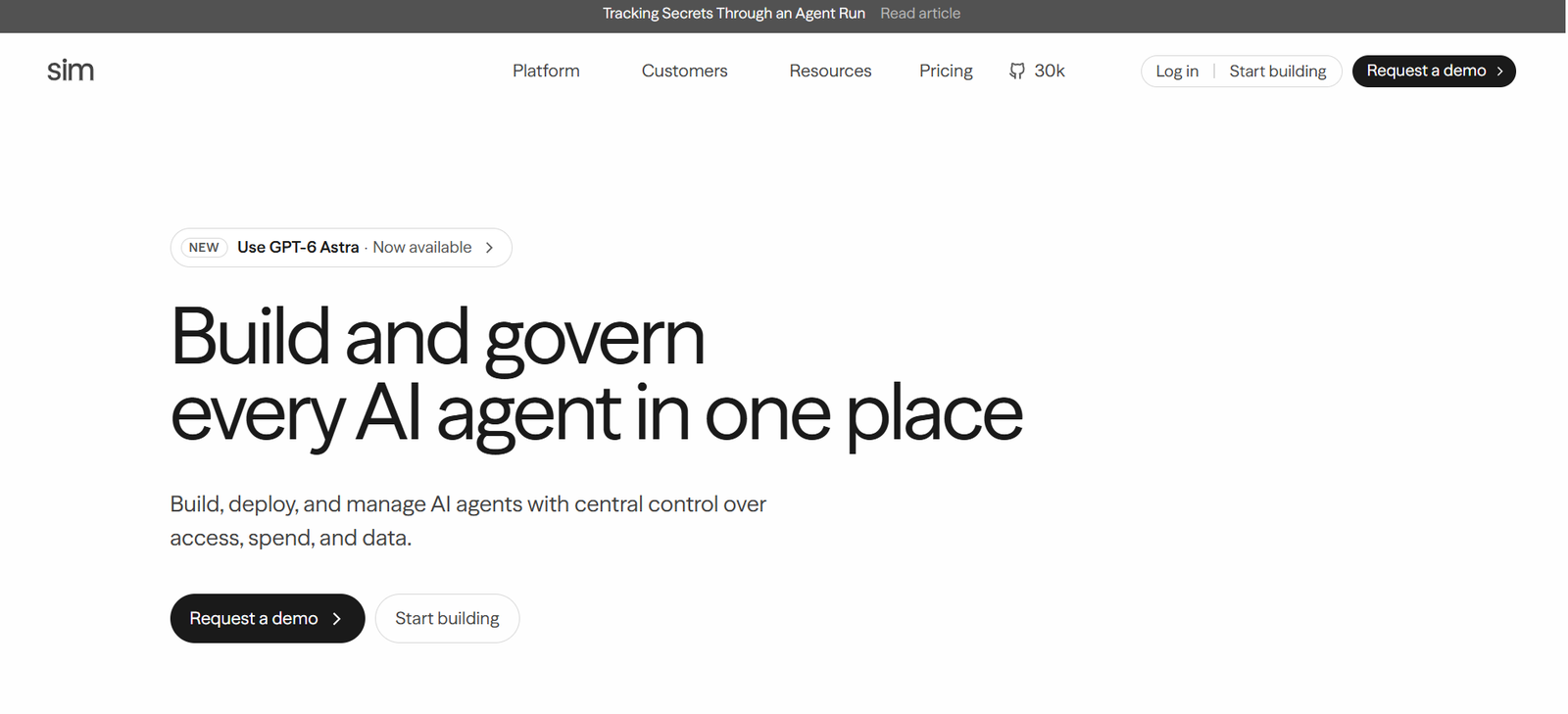
Best for: technical teams that want an open-source, multi-agent workspace that also sells managed cloud plans.
- Drag-and-drop editor plus a Copilot that drafts workflows from a request
- 1,000+ integrations and 15+ model providers, local models included
- Apache 2.0 code you can self-host; SSO and access control need an enterprise license
Pricing: free Community tier for testing. Pro is $25, and Max is $100 per user per month, with 6,000 and 25,000 credits; yearly billing saves 15%.
11. Microsoft Copilot Studio
Best for: organizations standardized on Microsoft 365.
- Builds agents through chat or a low-code canvas
- Grounds answers in company data across the Microsoft 365 tenant
- Uses existing Microsoft identity and admin controls, plus a separate governance layer for company-wide agents
Pricing: free maker license. Agents consume Copilot Credits at $0.01 each pay-as-you-go, or $200/mo for a 25,000-credit pack. Microsoft 365 Copilot licenses cover some internal agent use.
12. Glean Agent Builder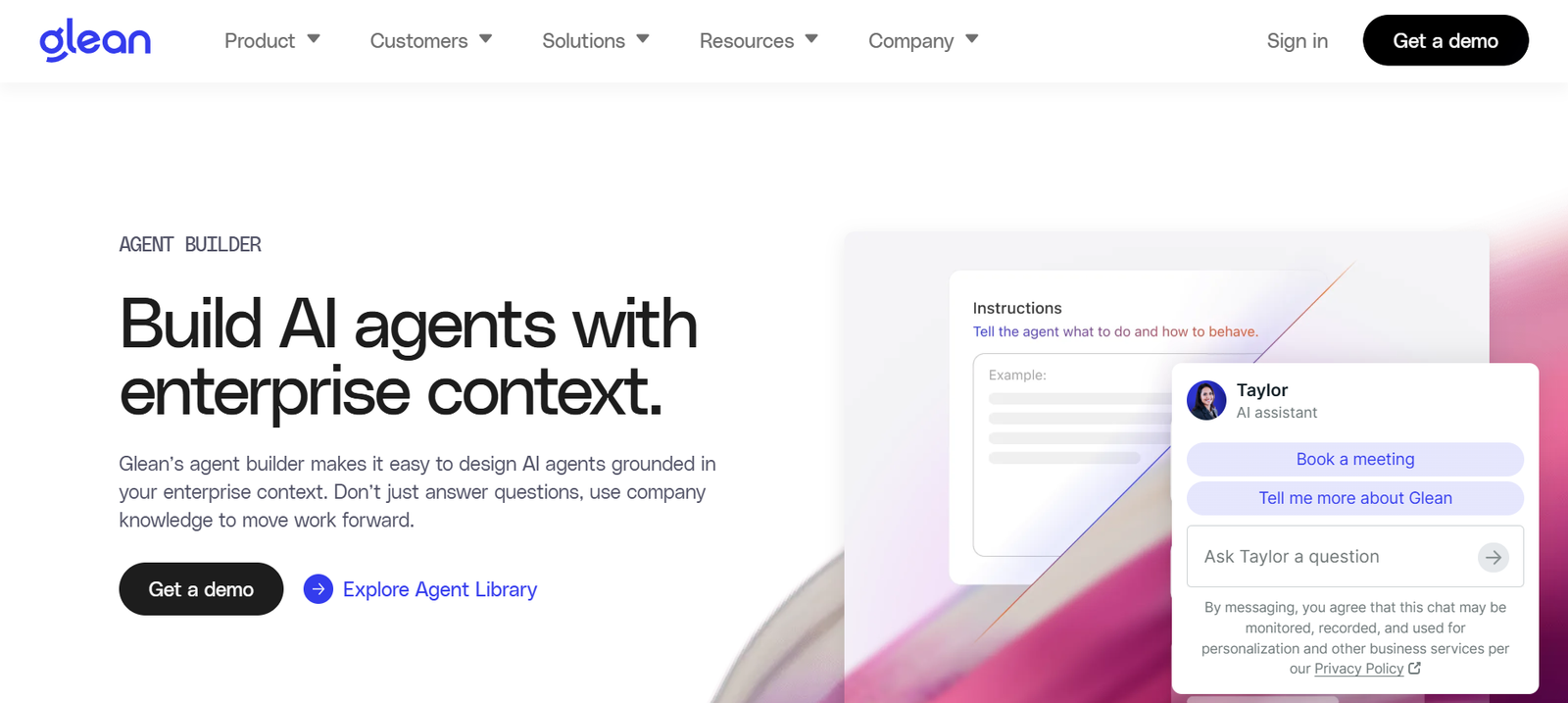
Best for: large enterprises that want agents grounded in company knowledge.
- Starts from a prompt or template, then refines on a drag-and-drop canvas with branching and loops
- 100+ connectors with permission-aware search across documents, tickets, and code
- Runs agents where staff already work, including Slack and Microsoft Teams
Pricing: custom. Glean sells Agent Builder as part of its enterprise platform through sales.
Also worth a look: Make AI Agents (open beta, credit-based), Dify (open source), Google Agent Designer for Gemini Enterprise customers, MindStudio, and Relevance AI.
Free vs. Paid AI Agent Builders: How Pricing Works
A free builder either caps your usage or, if open source, costs nothing to license but runs on your own server and model keys. Paid plans bill by a usage unit (activities, executions, or credits), and that unit drives your bill more than the sticker price.
Most of the 12 tools offer a no-cost way in: open-source code (Flowise, n8n, Langflow, Sim), a free plan (Zapier, Botpress, Voiceflow, Copilot Studio’s maker license), or a trial (YourGPT, Gumloop, Lindy). Self-hosting shifts costs rather than removing them: servers, model tokens, patching time, and GPU hardware if you run models locally.
Cost per usage unit
| Plan | Price | Units included | Cost per unit | What one unit covers |
|---|---|---|---|---|
| n8n Cloud Starter (billed yearly) | €20/mo | 2,500 executions | about €0.008 | One full workflow run, any number of steps; model API fees extra |
| Copilot Studio capacity pack | $200/mo | 25,000 credits | $0.008 | Varies by action; grounding and reasoning use more |
| Lindy Plus | $29.99/user/mo | 3,000 credits | about $0.010 | Varies by model and task length |
| Zapier Agents Pro (billed yearly) | $33.33/mo | 1,500 activities | about $0.022 | Each tool use, search, or knowledge lookup inside a run |
| Gumloop Pro | $37/mo | 20,000 credits | about $0.002 before the 8% fee | Varies by node and model |
Because the units measure different things, the cheapest-looking one can end up costing the most. On token-based plans, cost also climbs faster than the step count, because each new step resends the instructions, tool list, and conversation so far. Microsoft’s own example puts one answer grounded in company data at 12 credits, about 12 cents. Document search adds quieter costs too: embeddings, vector storage, and the extra text fed into every model call.
Rule of thumb: run your agent ten times on a free tier, log the units each run uses, and multiply by your monthly volume.
How to Choose the Right AI Agent Builder
Match three things: who will build and maintain the agent, which apps it must touch, and how its usage unit scales with your volume.
- Non-technical team, common SaaS apps: AI by Zapier, Lindy, or Gumloop
- Customer support across channels: YourGPT, Botpress, or Voiceflow
- Already on Microsoft 365 or a company-wide search tool: Copilot Studio or Glean
- Strict data rules or high volume: self-hosted n8n or Sim
- Developers prototyping retrieval flows: Langflow
First, find out whether your CRM or help desk already ships a native agent for the job. Prompt-to-agent tools build fast, but their generated logic is hard to inspect when something breaks. A node editor exposes every step.
Before you commit, confirm your shortlist offers:
- Model switching without a rebuild
- Native or MCP connections to your core apps
- A step-by-step log for every run
- Per-tool approval and error routing to a person
- SSO, admin-managed credentials, and clear data terms
- A stable product, not a beta or mid-migration
How to Build an AI Agent Without Coding: 7 Steps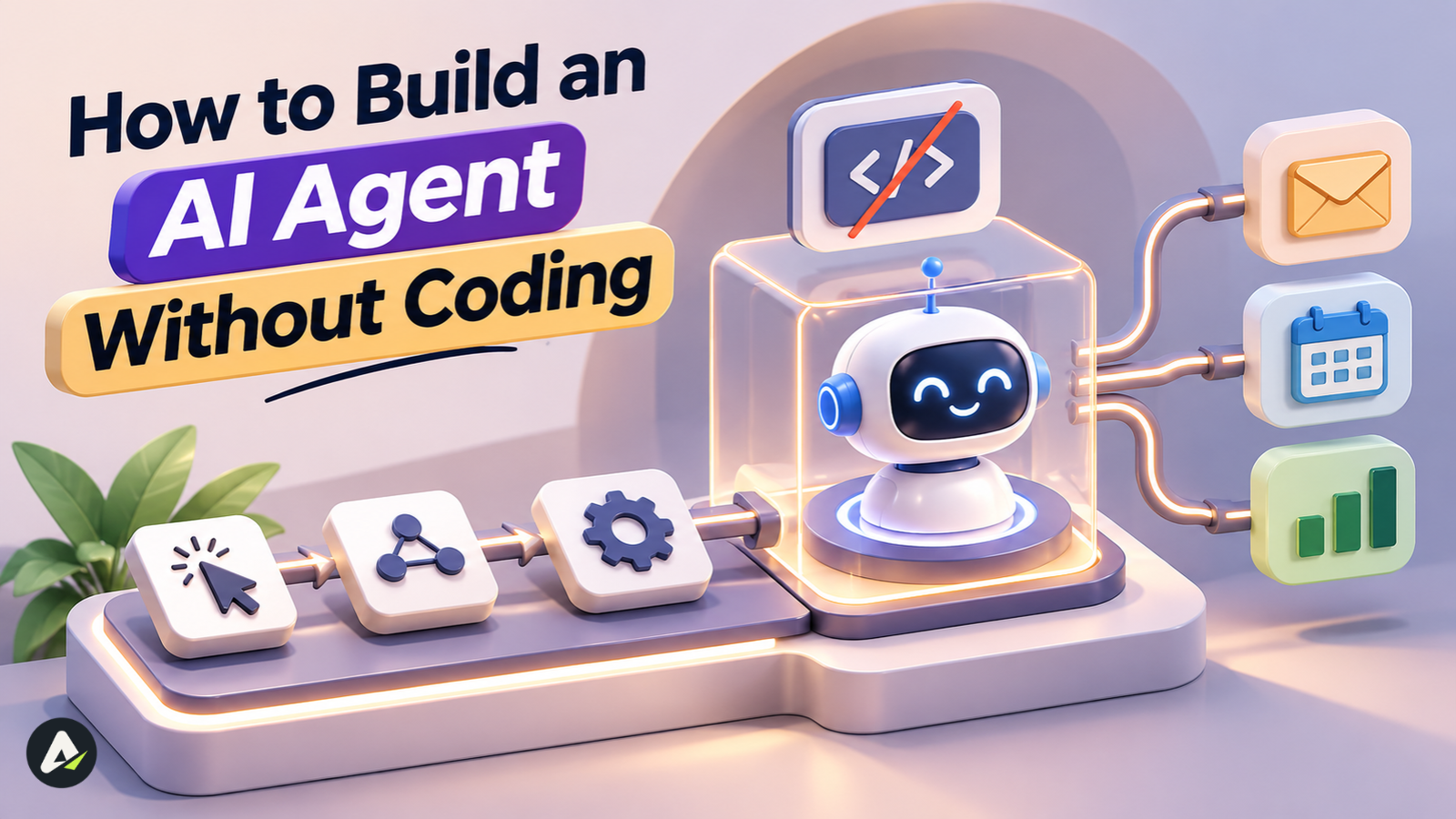
Pick one narrow job, brief the agent, connect only what it needs, and test on real examples before it goes live.
- Pick one narrow, repeated job. “Triage inbound sales emails” beats “handle sales.”
- Collect 10 to 20 real examples with the outcome you want for each. They become your test set.
- Write instructions like a job brief: goal, ordered steps, output format, and when to hand off to a person.
- Connect the trigger and only the tools it needs, read-only where possible. An agent that can only draft can’t send a wrong reply.
- Add knowledge (FAQ, price sheet, policies) and tell it to say “I don’t know” when the answer isn’t there.
- Test, then try to break it. Feed it rude, half-finished, and instruction-overriding messages. Disconnect an app and confirm it retries once, then hands off. Check the log of every run.
- Launch in draft mode. A person approves outputs for the first two weeks while you track hours saved, error rate, and cost per task. Rerun your test set after every prompt change, then widen permissions step by step.
Real-World Example: Budgeting a Lead-Triage Agent
Run one realistic workload against each plan’s published limits before you pay. The scenario is illustrative; the limits are November 2026 figures.
A six-person agency gets about 30 leads per workday. Its agent reads each email, checks the sender’s website, scores the lead, logs it in the CRM, and drafts a reply: roughly five tool uses per lead.
- Zapier Agents Pro: 30 × 5 × 22 workdays comes to about 3,300 activities a month against 1,500 included, so the plan runs out in about two weeks.
- n8n Cloud Starter: one execution per lead comes to about 660 a month, well within 2,500, plus model API fees.
Same agent, very different bills. Zapier still wins when the agency needs many niche app connections fast; n8n suits steady, high volume. Agencies that resell this setup can package it as an AI worker service for clients.
Are No-Code AI Agents Reliable and Secure?
They are reliable enough for business work when you design for failure, and secure when vendor data terms and your permissions are tight.
When things go wrong
APIs time out, apps log out, and models call the wrong tool with confidence. Plan for it:
- Capped retries: retry a failed call once or twice, then stop, so you don’t burn credits or repeat actions.
- Duplicate checks: before sending or creating anything, check a flag such as “lead already contacted.” Engineers call this idempotency.
- Fallback paths: route errors to a person. n8n and Make both offer error-handling steps, and the better tools can pause a run, ping a reviewer in Slack, and resume hours later once someone approves.
- Step caps: limit actions per run so an agent can’t loop on the same tool. Zapier Agents caps paid runs at 40 activities.
Security questions to ask every vendor
SOC 2 and GDPR badges are a start, not an answer.
| Question | Why it matters |
|---|---|
| Is our data used to train models? | Policies differ by vendor and plan tier |
| How long are prompts, logs, and files kept, and can we delete them? | Retention decides your exposure after a breach |
| Where are credentials stored, with what scopes, and who owns them if the builder leaves? | Agents tied to one employee’s login can break, or keep running unchecked, after that person leaves |
| Can we restrict who builds, edits, and runs agents? | Role-based access stops shadow agents |
| How long are audit logs kept? | Investigations need history |
| Which region stores our data? | Residency rules vary by country and industry |
| Can approval be required per tool? | Let’s run low-risk lookups while sends and payments wait |
Watch for prompt injection: hidden instructions in an email or web page can redirect your agent, and the OWASP Top 10 for Agentic Applications ranks goal hijack and tool misuse among its top risks. Read up on common AI agent security risks before an agent touches inboxes or payments.
5 Common Mistakes When Building No-Code AI Agents
Most failures come from process, not technology, and each has a cheap fix.
- Scoping too wide. Start with one ticket category, not “customer service.”
- No named owner. Someone must review logs weekly and update instructions, or the agent drifts.
- Counting activity, not results. Track resolved tickets, hours saved, and error rate rather than “conversations handled.”
- Messy source data. Duplicate CRM records and stale PDFs produce confidently wrong answers.
- Logic locked in one vendor. Keep instructions, test set, and tool list in a shared doc. Exported flow files rarely import into another platform.
No-Code vs. Low-Code: When Should You Switch?
No-code tools hide all programming, while low-code tools let you add code where a visual block won’t do. Teams rarely leave because they dislike dragging boxes. They leave because version control, code review, and automated testing are clumsy or missing in most visual editors.
Signs you’ve outgrown no-code:
- Workarounds pile up to express a single rule
- You can’t compare, branch, or roll back versions cleanly
- The bill rises faster than the value
- Legal or security wants audit trails the tool can’t produce
When two show up, try a low-code tool such as n8n, Langflow, or Sim before a full framework. And skip no-code agents entirely for work that needs split-second responses or must update several systems all-or-nothing, such as payment processing.
What’s Changing in AI Agent Builders in 2026?
The market is consolidating around big software suites, usage-based pricing, and tighter security.
- Builders become a layer inside suites. Microsoft, Google, Glean, and Zapier now place agent builders inside products companies already pay for. CRMs and help desks go further: Salesforce Agentforce, HubSpot, and Zendesk ship ready-made agents, so a standalone builder makes most sense when work spans several apps.
- Standalone canvases shrink. OpenAI now steers users toward code (its Agents SDK) or chat (Workspace Agents in ChatGPT) instead of a visual editor. Meanwhile, computer-use agents such as Lindy’s Pro feature work inside websites that offer no API.
- Teams of agents. One researches, one drafts, one logs. Study multi-agent systems in practice first, since coordination adds failure points.
Gartner still expects at least 15% of day-to-day work decisions to be made autonomously by agentic AI by 2028, up from 0% in 2024.
Conclusion
Picking a no-code AI agent builder comes down to fit and predictable cost, not the longest feature list.
- Run the LOOP test first; many tasks need only one AI step.
- Compare cost per task, since executions, activities, and credits measure different things.
- Design for failure with capped retries, duplicate checks, and human sign-off.
- Keep instructions and test examples outside the platform.
Your next move: pick one repetitive task, gather real examples, and trial it on a no-cost plan this week.
FAQs
Q. Can I build an AI agent for free without coding?
Yes. Zapier, Botpress, and Voiceflow all have no-cost tiers, and open-source projects like n8n, Langflow, and Sim cost nothing to license. Running them at scale still brings server and model fees.
Q. What is the best no-code AI agent builder for beginners?
Non-technical users usually start fastest with prompt-based tools like Lindy or AI by Zapier, because you describe the job in your own words. Zapier suits teams that need many app connections, Lindy fits inbox and calendar work, and Gumloop suits people who prefer a visual canvas.
Q. Does Google have a no-code agent builder?
Yes. Agent Designer inside Gemini Enterprise lets employees create agents from natural-language descriptions and connect them to Gmail, Drive, Jira, and other sources. An admin must enable it, and it’s available on the Standard and Enterprise editions. The Agent Designer documentation covers setup.
Q. Are there open-source AI agent builders on GitHub?
Yes. Dify, Langflow, and Sim rank among the most active open-source visual builders in 2026, and n8n offers a source-available Community Edition. Flowise’s code stays forkable, but the official project no longer ships fixes.
Q. How much does it cost to run an AI agent?
Entry plans run roughly $20 to $35 a month, but usage decides the real bill. Units range from about €0.008 per n8n execution to about $0.022 per Zapier activity, and one agent run can use many units. A short trial with real data gives the most reliable estimate.
Q. What’s the difference between low-code and no-code agent builders?
The difference is whether you can drop into code. Pure no-code tools stop at blocks, templates, and prompts, while low-code tools such as n8n let you add a script when a rule gets tricky. Most teams begin with the first and graduate to the second.
Q. Are no-code AI agents safe to use with business data?
Yes, if you limit what they can reach. Grant the narrowest permissions, keep sign-off on anything customer-facing or financial, and pick vendors that log every run and hold recognized certifications. Hidden instructions inside emails and web pages remain the biggest threat.
Q. What happened to OpenAI’s Agent Builder?
OpenAI announced on June 3, 2026, that it is deprecating Agent Builder and its Evals platform, with shutdown on November 30, 2026. It points users to the code-based Agents SDK or to Workspace Agents in ChatGPT Business, Enterprise, and Edu workspaces, while several AgentKit alternatives cover the no-code gap. ChatKit remains available.
Related: Lightspeed Filter Agent: What It Sees, What It Blocks & How It Works
| Disclaimer: This article is based on publicly available product information, pricing pages, and industry research. Features, pricing, and platform availability may change. I am not affiliated with the platforms mentioned, and readers should verify current terms before choosing a tool |

Kavin Reed
As AI agents move from experimental demos into everyday workflows, the questions around how they work, where they fit, and what happens when they fail are becoming harder to ignore. Kavin Reed writes about AI agents, automation, and the systems behind them, with a focus on practical adoption and real-world impact. His work examines the ideas, trends, and technical developments shaping how businesses and people use increasingly capable AI systems.
More from Kavin Reed →