What Is Tool Discovery for AI Agents? MCP, Architecture & Examples
How do AI agents find the right tools without overwhelming their context windows? Explore five tool discovery approaches, MCP architecture, real-world implementations from Anthropic, OpenAI and Uber, and practical ways to improve tool selection, efficiency and security.

In this article · 32 sections +
- What Is Tool Discovery for AI Agents?
- The Four Steps Behind Every Tool Call
- Example: a refund that nearly went wrong
- When shortlisted tools look alike
- Why Loading Every Tool Stops Working
- How MCP Tool Discovery Works at Runtime
- Six Tool Discovery Patterns Compared
- Code-based discovery
- Intention-aware discovery
- Registries and connector governance
- Retrieval at Scale: State Gates, Hybrid Search and Platform Tool Search
- How the major platforms implement tool search
- Latency and caching costs
- Discovery in Multi-Agent Systems
- Which Approach Fits Your Stack?
- Case Study: How Uber Runs Tool Discovery Across 5,000+ Tools
- How to Tell Whether Your Setup Works
- The Five-Gate Tool Discovery Framework
- Gate 1: Register
- Gate 2: Describe
- Gate 3: Retrieve
- Gate 4: Authorize
- Gate 5: Refresh and observe
- Security and Governance in Three Layers
- Layer 1: Static policy, before anything runs
- Layer 2: Authorization at call time
- Layer 3: Runtime containment
- Finding the agents themselves
- Common Mistakes to Avoid
- What’s Changing Next
- Conclusion
- Frequently Asked Questions
Give an AI agent 50 tools, and it’ll sometimes grab the wrong one. Give it a few thousand, owned by different teams with different permissions, and two problems hit at once: definitions crowd out the space the model needs to think, and the agent sees far more than it should. Tool discovery for AI agents is how platforms fix both.
None of this is hypothetical anymore. Uber’s MCP Gateway now fronts more than 5,000 internal tools. AWS puts a typical tool definition at 250 to 500 tokens, so even 20 tools can burn up to 10,000 tokens before anyone types a request.
The real question isn’t whether agents need a way to find tools. It’s how much they should see, when each tool loads, and who may run what. The sections below answer that, ending with a five-gate checklist for your own stack.
What Is Tool Discovery for AI Agents?
Tool discovery for AI agents means finding the tools an agent could use, reading their names, descriptions, and input schemas, and narrowing them to the few that are relevant and permitted before any reach the model’s context.
Tools include functions, REST APIs, database queries, and servers that speak the Model Context Protocol (MCP). Put simply, they’re how an agent reaches anything beyond its own text. Our explainer on how AI agents work covers the wider picture.
Discovery happens in two stages. In the catalog stage, someone installs a server from a registry. In the session stage, that server lists its tools and the agent decides which ones matter for each step. Most failures happen there: an installed tool can sit unused because its description doesn’t match what the model is trying to do.
The Four Steps Behind Every Tool Call
Every tool call passes through discovery, retrieval, selection, and execution. Each can fail in its own way, so it pays to keep them separate.
| Step | What it decides | Usually handled by | Typical failure |
|---|---|---|---|
| Discovery | What exists, and what this agent may know about | Registry, gateway or MCP client | Stale or over-broad catalog |
| Retrieval | Which few tools fit this request | Keyword, semantic or hybrid search | The right tool never makes the shortlist |
| Selection | Which candidate fits this exact step | The model | A lookalike tool gets picked |
| Execution | Whether arguments are valid and the call is allowed | Execution layer or gateway | Bad arguments or missing authorization |
Splitting them pays off when something breaks. A model with flawless judgment still can’t pick a tool that retrieval never surfaced.
That last row is what people call a tool discovery and execution layer, or an AI execution engine. Keep it separate from the catalog so a bad search index can’t route around authorization.
Example: a refund that nearly went wrong
- A support agent gets a request to refund a duplicate charge on order 4417.
- Retrieval returns
create_refundandcancel_order. - The model picks
cancel_order, because its description mentions reversing a payment. - The execution layer sees that
cancel_orderchanges state and needs confirmation. A human reviewer rejects it. - The agent searches again with sharper terms, picks
create_refund, and schema validation confirms the amount doesn’t exceed the order total. - Authorization checks that the agent’s role allows refunds below a set limit. The call runs, and the log records the shortlist, the choice, and the result.
The lasting fix lives in the tool itself: a cancel_order description stating plainly that it doesn’t issue refunds, plus a confirmation step on anything that changes state.
When shortlisted tools look alike
Selection hides a subtler failure. When two shortlisted tools share overlapping descriptions and similar schemas, a model can blend them, sending create_refund fields into cancel_order. Give near-duplicates clearly different names, state what each one doesn’t do, make schemas reject unknown fields, and track how often validation catches a neighbor’s arguments.
Why Loading Every Tool Stops Working
Putting every tool into every prompt is fine for a demo. Past a few dozen tools, it costs you in three ways.
Tokens. Anthropic’s post on advanced tool use gives real figures: GitHub’s 35 tools take roughly 26K tokens, a Jira server about 17K, and one internal Anthropic setup reached 134K tokens of definitions before optimization. Your numbers will vary with schema size, so count your own.
Attention. This cost arrives before the context window fills. The 2023 study Lost in the Middle found that models use information buried in long prompts less reliably than material near the start or end, and tool definitions aren’t exempt. Anthropic’s results point the same way: accuracy on its MCP evaluations rose once most definitions stayed out of the prompt.
Drift. Teams ship on their own schedules, and staging rarely mirrors production. Hardcoded lists quietly go stale, and an agent that sees everything learns about capabilities it shouldn’t know exist.
How MCP Tool Discovery Works at Runtime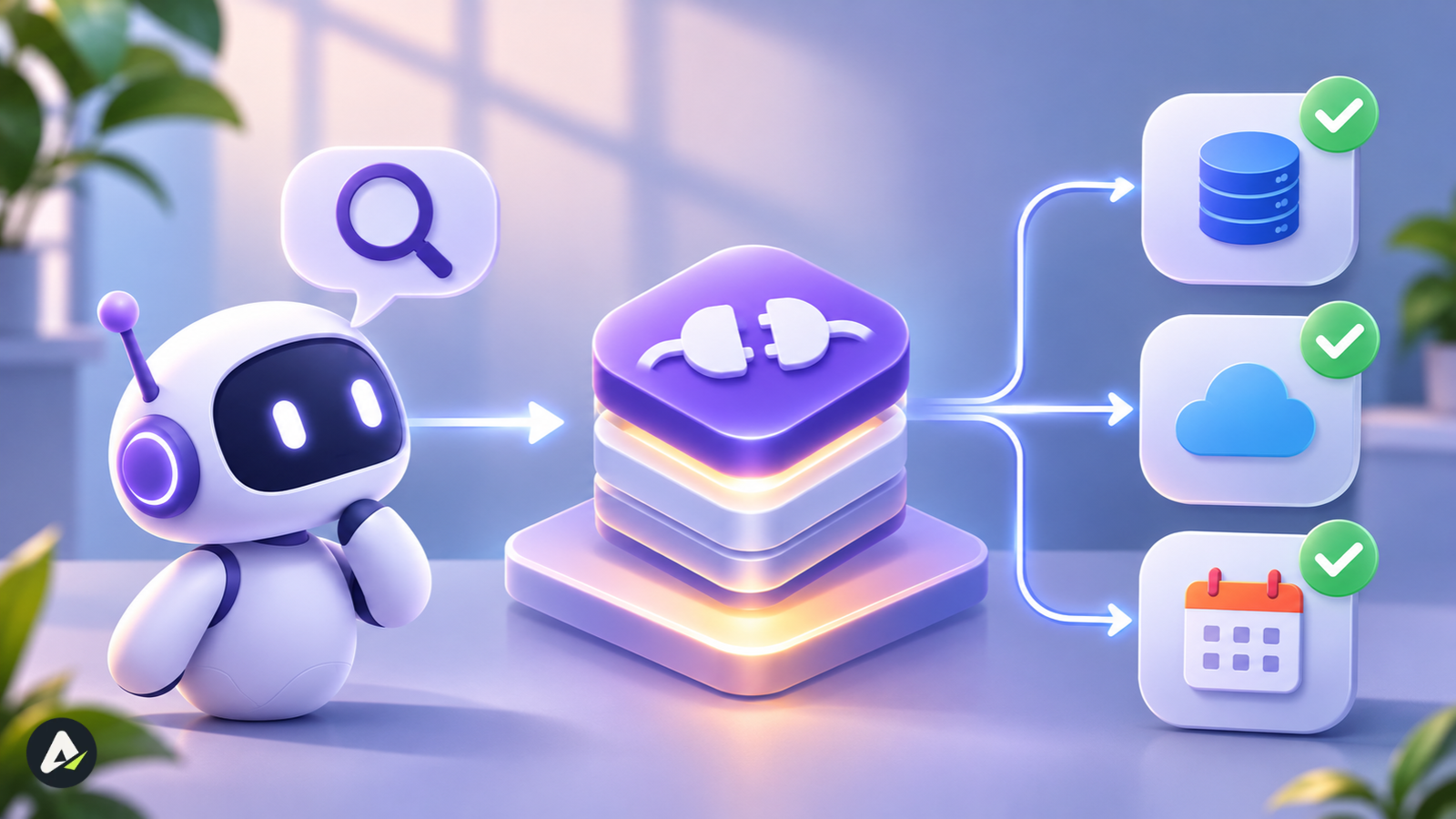
In MCP, discovery is a short exchange: the client asks a connected server what it offers, gets structured definitions back, and may refresh them when the server reports a change. The MCP tools specification defines each part.
- Initialize. Client and server agree on capabilities. A server offering tools declares the
toolscapability and may setlistChangedto say it will report updates. - List. The client calls
tools/list. Big catalogs can come back in pages, using a cursor. - Present. The host app decides how much of that list the model sees. Some pass everything; others filter or search first.
- Call. The model picks a tool, and the client sends
tools/callwith arguments. - Refresh. A server that declares
listChangedcan sendnotifications/tools/list_changed. Clients that support it then fetch a fresh list. Not every client does.
The model judges each tool from four fields: name, description, JSON Schema input and annotations such as a read-only hint. The spec tells clients to treat annotations as untrusted unless the server itself is trusted. Gate 2 of the framework below covers how to write the other three.
Six Tool Discovery Patterns Compared
These patterns combine rather than compete. Most production systems run two or three at once.
| Pattern | How it works | Best fit | Main trade-off | Examples |
|---|---|---|---|---|
| Static or filtered registration | Tools listed in code, optionally filtered by name, pattern, or tag | Small, stable toolsets | Brittle when servers change | Strands Agents tool filters on AWS |
| Model-side tool search | Definitions deferred; the model searches and loads matches | Large libraries on one model API | Extra search step before the real call | Anthropic Tool Search Tool, OpenAI tool_search |
| Gateway-mediated | A gateway filters by identity and environment, then serves search and single schemas | Many teams publishing tools | More infrastructure to run | Uber Omni MCP, AgentCore Gateway |
| Code-based | The agent writes code against a typed API instead of reading every schema | Very large API surfaces | Per-call checks move to the API and sandbox | Cloudflare Code Mode |
| Intention-aware | The agent describes the capability it lacks; a router matches it | Long tasks whose needs shift | Graph-based methods are still mostly research | MCP-Zero, SING |
| Registry and marketplace | People or bootstrapping agents browse catalogs before installing | Sourcing new capabilities | Finds servers but doesn’t filter at runtime | Official MCP Registry, AWS Marketplace |
Code-based discovery
Cloudflare’s Code Mode MCP server exposes two tools, search() and execute()and lets the agent write code against Cloudflare’s API instead of reading a schema per endpoint. Cloudflare says this covers more than 2,500 endpoints in about 1,000 tokens, versus roughly 1.17 million for an equivalent native MCP server. Coding agents like OpenHands work the same way, writing and running code rather than browsing tool menus. The security trade-off is covered under Layer 3.
Intention-aware discovery
MCP-Zero (2025) has the agent request the tool it lacks, then routes that request to a server and on to a tool. SING (arXiv, June 2026) adds a graph of user intentions, tool capabilities, and tools that work well together. Across 7,471 tools, its authors report up to 59.8% better Recall@5 and 28.9% higher task success than baselines, while exposing 99.8% less of the schema corpus.
Registries and connector governance
The official MCP Registry opened in preview in September 2025 as an open catalog and API for public MCP servers. Each server publishes a server.json manifest, and companies can mirror the catalog into private sub-registries. AWS Marketplace adds natural-language search with a filter for MCP-enabled products.
OpenAI’s Connector Registry, which stays available despite the AgentKit Agent Builder shutdown, gives eligible Enterprise and Edu admins one panel for connectors and MCP servers.
Retrieval at Scale: State Gates, Hybrid Search and Platform Tool Search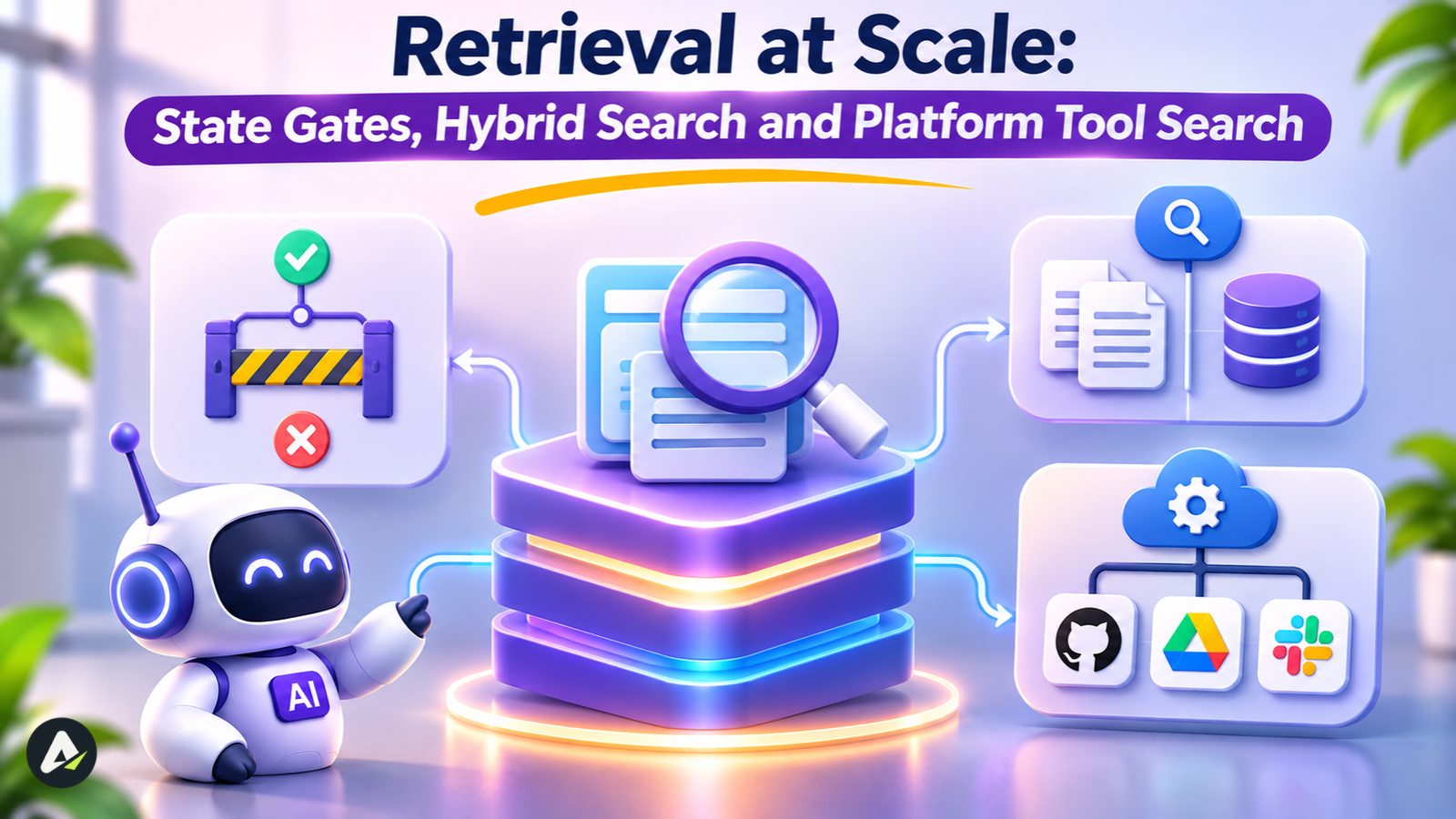
At scale, retrieval works best as a three-stage pipeline: filter by state, search what’s left with several signals, and keep a small core of tools out of search entirely.
- Gate on state first. Search sees only the request, not what the user has connected. If a customer linked Shopify but not QuickBooks, accounting tools shouldn’t enter the search space, however well they match. Filter by connected accounts, tenant, plan tier, region, and role.
- Search with several signals. Vector search handles paraphrases but misses jargon: a request to pay out an invoice may never surface a ledger tool called
GL_POST_V2. BM25 catches exact terms but misses synonyms, so combine both with metadata tags. StackOne, whose catalog runs to tens of thousands of actions, found keyword matching broke as it grew, and Stacklok’s test against Anthropic’s tool search also favored hybrid matching, though it came from a competing vendor. - Pin the core. Keep high-traffic tools permanently loaded so routine requests skip search.
How the major platforms implement tool search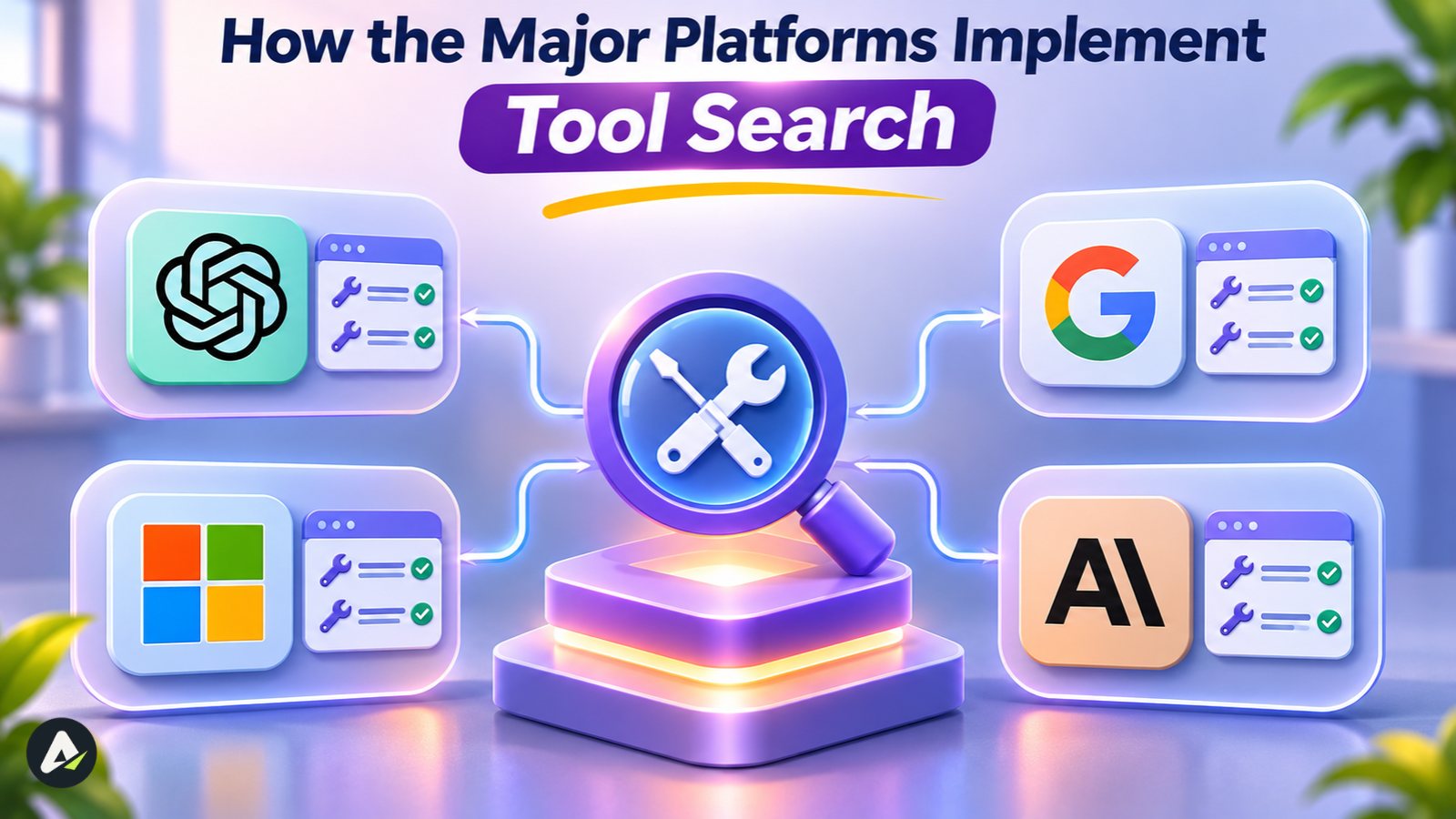
| Platform | How you turn it on | Where search runs | Worth knowing |
|---|---|---|---|
| Anthropic | Add the Tool Search Tool; mark tools defer_loading: true |
Anthropic API, regex or BM25 variants | Whole MCP servers can be deferred while key tools stay loaded. Reported an 85% token cut in its example, with Opus 4.5 accuracy rising from 79.5% to 88.1% on internal MCP evaluations |
| OpenAI | Add tool_search; mark functions, namespaces or MCP servers defer_loading: true |
Hosted by OpenAI or run by your app | GPT-5.4 and later in the Responses API. Grouping tools into namespaces or MCP servers is recommended |
| AWS | Use AgentCore Gateway’s built-in semantic search tool | The gateway, independent of the model | AWS guidance suggests trimming each request to the 5 to 10 most relevant tools |
The OpenAI tool search guide also lets your app run the search itself, which is the natural home for the state gate in step 1: your code decides what’s searchable based on tenant or permissions.
Latency and caching costs
Latency. Every lookup adds work before the real call, and a miss adds another round trip. Keeping routine tools loaded avoids most of it, as do modes that return loaded tools in the same response, such as OpenAI’s hosted search. Track p95, not averages.
Caching. Prompt caches reward a stable prefix, so rebuilding the tool block each turn from fresh hits wrecks cache rates. Put the always-loaded set first, append discovered tools after it, and never re-sort; OpenAI places newly found tools at the end of the context for this reason. Appended definitions still cost processing when they arrive, so load related tools together and cap lookups per task.
Discovery in Multi-Agent Systems
In a multi-agent system, discovery isn’t a single search before work starts. It recurs every time the task changes shape.
Picture a planner handing work to task-specific specialized agents. An analyst agent writes a SQL query, and the next agent now needs a database runner that was never in its shortlist. A one-time search at the start can’t anticipate that, so the hand-off fails or the agent improvises with the wrong tool.
Designs that cope with this share four habits:
- Re-run retrieval whenever a step produces something new, such as a query, script, or file.
- Send capability needs with the hand-off, so the receiving agent knows what to look for.
- Route work to the agent that already holds the tool, through an orchestrator with a registry view, instead of widening every catalog.
- Cap recursion on search rounds and hand-off depth, so a confused team can’t loop forever.
Which Approach Fits Your Stack?
Step zero is checking whether an agent fits the job at all. Plenty of tasks run better as a fixed workflow with no tool choice to get wrong. If you do need one, start here:
| Situation | Starting point | Why |
|---|---|---|
| Under 10 stable tools | Static registration | Small overhead, predictable behavior |
| 10 to 50 tools | Filtering or model-side tool search | Lean context without new infrastructure |
| Hundreds of tools | State gate plus hybrid search over namespaces or servers | Single-method search starts missing tools |
| Thousands of tools across teams | Registry, gateway and per-call authorization | Ownership and access need central control |
| High-stakes, repetitive requests | A deterministic router mapping known intents to fixed tools | Predictable and testable; the model handles only the long tail |
| One very large API | Code-based discovery with strict containment | A typed interface beats thousands of schemas |
| Long tasks with shifting needs | Iterative, intention-aware retrieval | Required tools only show up midway |
Treat these as starting points, not thresholds; schema size, latency, caching, and security can all tip the scales. If an outside team is building this, ask your AI agent development partner which pattern it will use and how it will measure retrieval.
Case Study: How Uber Runs Tool Discovery Across 5,000+ Tools
Uber’s MCP Gateway turns existing service APIs into MCP tools and lets agents find them piece by piece across more than 800 MCP servers. As InfoQ reported on November 2, 2026, the design rests on four choices:
- Separate control and data planes. A registry stores definitions, owners, and enablement settings; a proxy gateway translates requests into HTTP, gRPC, or TChannel calls.
- Automated ingestion, human switch. An AutoCrawler built on Cadence pulls APIs from Protocol Buffers and Thrift definitions, generates MCP schemas, and has an LLM draft descriptions. New tools stay off until their owners enable them.
- Incremental lookup. Omni MCP lets agents search servers, find relevant tools, and fetch one schema at a time.
- Trimmed outputs. Response Projection returns only the fields an agent requests, not whole payloads.
The gateway also authorizes per server and per tool and can redact PII. Two habits carry over to smaller teams: automate schema generation but gate exposure, and trim tool output as hard as tool input.
How to Tell Whether Your Setup Works
Measure each of the four steps separately, then the whole task end to end. Otherwise, you’ll know something broke without knowing where.
| Metric | What it tells you | How to measure it |
|---|---|---|
| Recall@K | Whether the right tool reaches the top K | Share of test prompts with the correct tool in the shortlist |
| Precision@K | How much noise rides along | Relevant tools divided by K |
| Selection accuracy | Whether the model chooses well from the shortlist | Correct picks when the right tool was present |
| Argument accuracy | Whether parameters pass validation | Schema-valid calls divided by attempts |
| Argument mixing rate | Whether lookalike tools are being blended | Rejected calls carrying fields from another tool |
| Task success rate | Whether the job actually got done | Pass rate on end-to-end test tasks |
| Discovery latency | Time spent searching | Median and p95 delay per request |
| Token overhead | Context spent on definitions | Tokens at session start and per turn |
Build a golden set from real requests, each mapped to the tool that should handle it. AWS judged its semantic search tests over a 422-tool catalog the same way, by final tool selection rather than retrieval scores alone.
Scores drift. A new LLM, a changed embedding model, or a few hundred extra tools can all move them, so pin embedding versions, re-run the golden set after each change, and watch live signals such as agents searching twice before acting.
The Five-Gate Tool Discovery Framework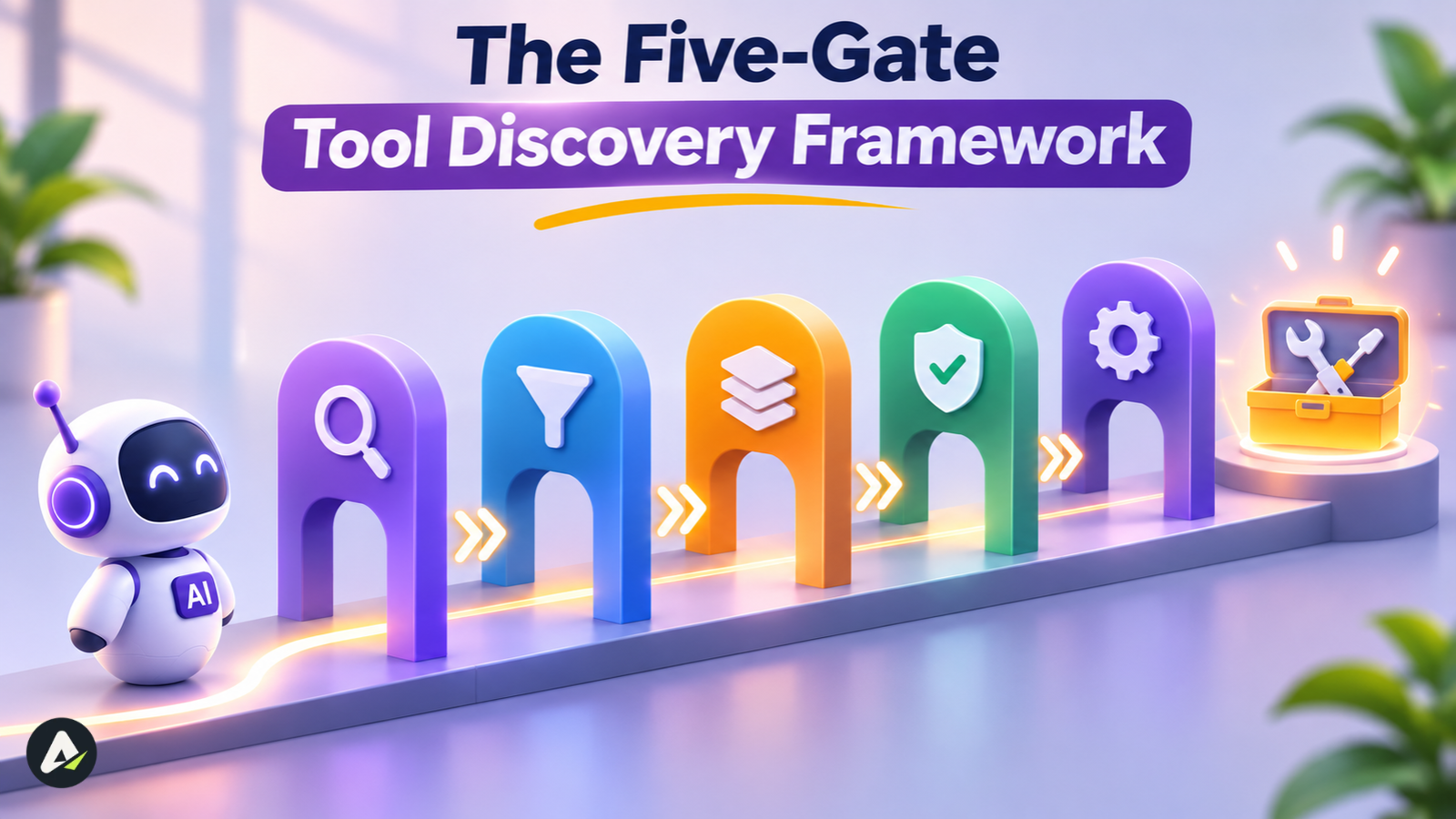
This checklist moves a tool from simply existing to being safely callable by a specific agent. Run each gate’s quick test against your own stack.
Gate 1: Register
Give every tool one authoritative home, with an owner, a version, and the environments where it may run.
- Quick test: can you name each tool’s owner and where it’s enabled in under a minute?
Gate 2: Describe
Write for a model, not for someone skimming a wiki. Lead names with the action (refund_order, not order_tool), say when to use the tool and when not to, make schemas strict, and document common errors so the agent can recover on its own.
- Quick test: could a new teammate pick the right tool from descriptions alone?
Gate 3: Retrieve
Swap one flat search for the three-stage pipeline described in the retrieval section.
- Quick test: what share of your context window do definitions take at session start?
Gate 4: Authorize
Check every call on its own terms, using the three security layers covered next.
- Quick test: can visibility alone ever let an agent run a tool? It shouldn’t.
Gate 5: Refresh and observe
Handle change notifications where clients support them and schedule re-syncs where they don’t. Cache catalogs with a time-to-live and batch notification bursts, so 800 servers don’t trigger 800 re-fetches. Then chart the metrics above.
- Quick test: would you notice within a day if a tool stopped getting picked?
Security and Governance in Three Layers
Tool metadata and output flow straight into the model, so protection has to work at three points: before exposure, at each call, and during execution. A fourth job sits alongside: knowing which agents exist.
Layer 1: Static policy, before anything runs
- Approve servers through the registry and pin their versions.
- Review descriptions for hidden instructions, since a malicious or compromised MCP server can poison them.
- Re-approve tools whose descriptions or behavior change after sign-off.
Layer 2: Authorization at call time
A description is metadata, not policy, so authorization must live outside the model. Give each agent its own credentials rather than a borrowed human login; that agent identity access control model blocks confused-deputy attacks, where a broadly privileged agent gets steered into acting for someone without access. Check every call against that identity, and require human sign-off for irreversible actions.
Layer 3: Runtime containment
- Screen tool output for prompt injection.
- Log the full chain from shortlist to call.
- For code-based discovery, per-tool argument checks have nothing to inspect. Enforcement moves to scoped API permissions, a network-limited sandbox, and static checks on generated code. Those reduce risk without eliminating it, so keep tokens narrow and log every script with the calls it triggered.
Finding the agents themselves
Security teams face the mirror problem: shadow agents and local coding assistants wired to unvetted MCP servers. Microsoft Defender’s AI agent inventory now lists agents built on Copilot Studio, Microsoft Foundry, AWS Bedrock and GCP Vertex AI, plus supported local agents and the MCP servers configured on them.
Define what counts as an agent before you inventory, since the term spans LLM assistants and endpoint software such as the Lightspeed web filtering agent, which monitors web traffic rather than calling tools. Then keep one registry as the source of truth, give each AI agent its own identity, and review the inventory on a schedule.
Common Mistakes to Avoid
- Counting tools instead of tokens. Schema size and similarity drive cost and confusion more than the raw number.
- Trusting annotations from servers you don’t control. A read-only hint is a claim, not a guarantee.
- Publishing LLM-drafted descriptions unread. They’re a quick start, but vague drafts cause the lookalike errors described earlier.
- Assuming refresh just works. Test whether your client really re-fetches after a
list_changednotification. - No plan for an empty result. When nothing relevant turns up, the agent should say so or ask, rather than grab the nearest tool.
What’s Changing Next
- Deferred loading as the default. Anthropic and OpenAI now share the same
defer_loadingapproach, making on-demand loading the expected baseline. - Type-driven discovery. Code Mode hints at agents querying typed interfaces the way developers read type definitions, rather than parsing prose descriptions.
- Deterministic routers on hot paths. Fast embedding or classifier routers that send common intents straight to fixed tools keep the main model out of high-stakes routing.
- Federated registries. Public catalogs increasingly feed private sub-registries that companies curate and allowlist.
Conclusion
Tool discovery for AI agents now shapes accuracy, cost, and safety about as much as the choice of model. Three lessons matter most:
- Each of the four steps can fail on its own, so give each its own metric, and expect lookups to repeat once agents start handing work to each other.
- Cheap, stable context beats clever retrieval: filter first, blend several search signals, and keep the tool block steady enough to cache.
- Authorization belongs outside the model, tied to an identity that belongs to the agent alone.
Start by counting the tokens your definitions consume at session start, then build a small golden set from real requests and run both through the five gates. If you lack in-house capacity, AI agent development services can handle the build, provided the five gates are written into the contract.
Frequently Asked Questions
Q: What is tool discovery in AI agents?
It’s how an AI agent finds which tools exist, reads their metadata and schemas, and narrows them to the ones relevant and permitted for the current task before calling any of them.
Q: How do AI agents choose which tool to use?
A retrieval step usually shortlists a few candidates. The model then weighs the request against each candidate’s name, description, and schema and picks the best fit. The application validates the arguments and checks permissions before the call runs.
Q: What is MCP tool discovery?
It’s the Model Context Protocol flow in which a client calls tools/list on a connected server and receives tool definitions. Servers that declare listChanged can announce updates, and clients that support it fetch a fresh list.
Q: What is a tool discovery and execution layer?
It’s the infrastructure between an agent and its tools. The discovery side controls which tools the agent sees; the execution side validates arguments, enforces authorization, and runs each call. Many gateways bundle both while keeping the functions separate.
Q: Does tool search slow agents down?
Slightly, yes. Every lookup costs a step before the real call. Teams keep that overhead low by loading routine tools up front and limiting how many lookups a single task may run.
Q: Are there open-source tool discovery projects on GitHub?
Yes. The official MCP Registry is open source, StackOne publishes SDKs with semantic tool search and a local hybrid fallback, and AWS maintains a sample project showing AgentCore Gateway’s semantic search across a multi-agent system.
Q: What are agent connectors?
Agent connectors are prebuilt integrations that expose a business app’s actions as tools an agent can call, often through MCP. No-code platforms such as Lindy’s no-code AI agents hide this behind ready-made integrations, while connector platforms like StackOne advertise more than 500 connectors and 40,000 actions, which is why they build search into discovery.
Q: What does AI agent discovery mean in security?
In security, it means finding and inventorying every agent running in an organization, including its owner, permissions, and connected MCP servers, so teams can spot shadow agents and assess risk.
Related: AI Tools vs. AI Agents: What’s the Difference and Which Wins?
| Disclaimer: This article is for informational and educational purposes only. Technical details, features, and performance claims are based on available documentation and published research. Implementations and capabilities may change over time |

Kavin Reed
As AI agents move from experimental demos into everyday workflows, the questions around how they work, where they fit, and what happens when they fail are becoming harder to ignore. Kavin Reed writes about AI agents, automation, and the systems behind them, with a focus on practical adoption and real-world impact. His work examines the ideas, trends, and technical developments shaping how businesses and people use increasingly capable AI systems.
More from Kavin Reed →