Business Automation Tools: How to Pick the Right One
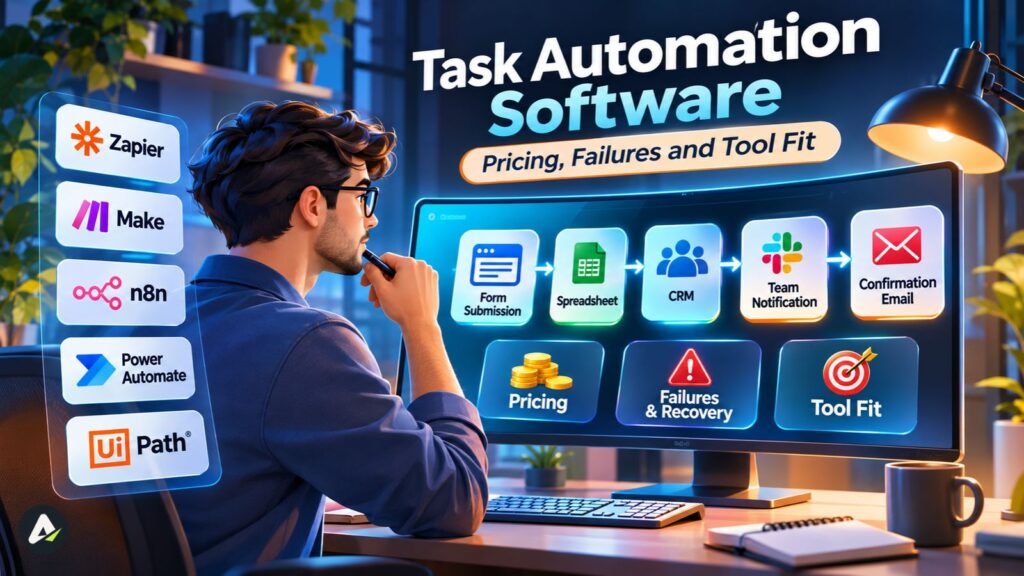
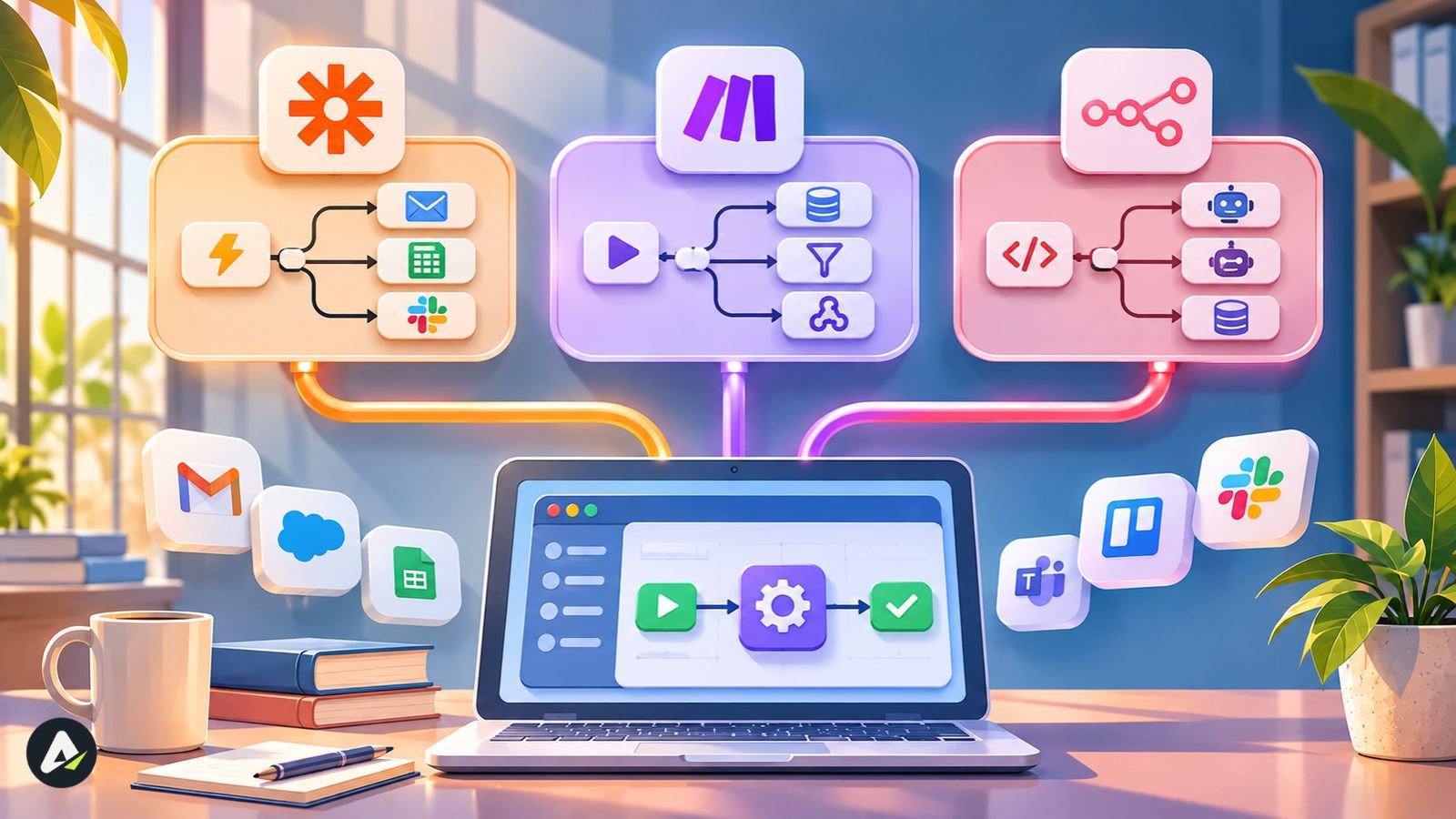
Choose the tool that removes one task you repeat every week. Zapier, Make and n8n connect your apps. Power Automate fits Microsoft shops. HubSpot and ActiveCampaign run marketing sequences. UiPath and ServiceNow serve large enterprises, while Workato spans…

In this article · 19 sections +
- Which tool for which job?
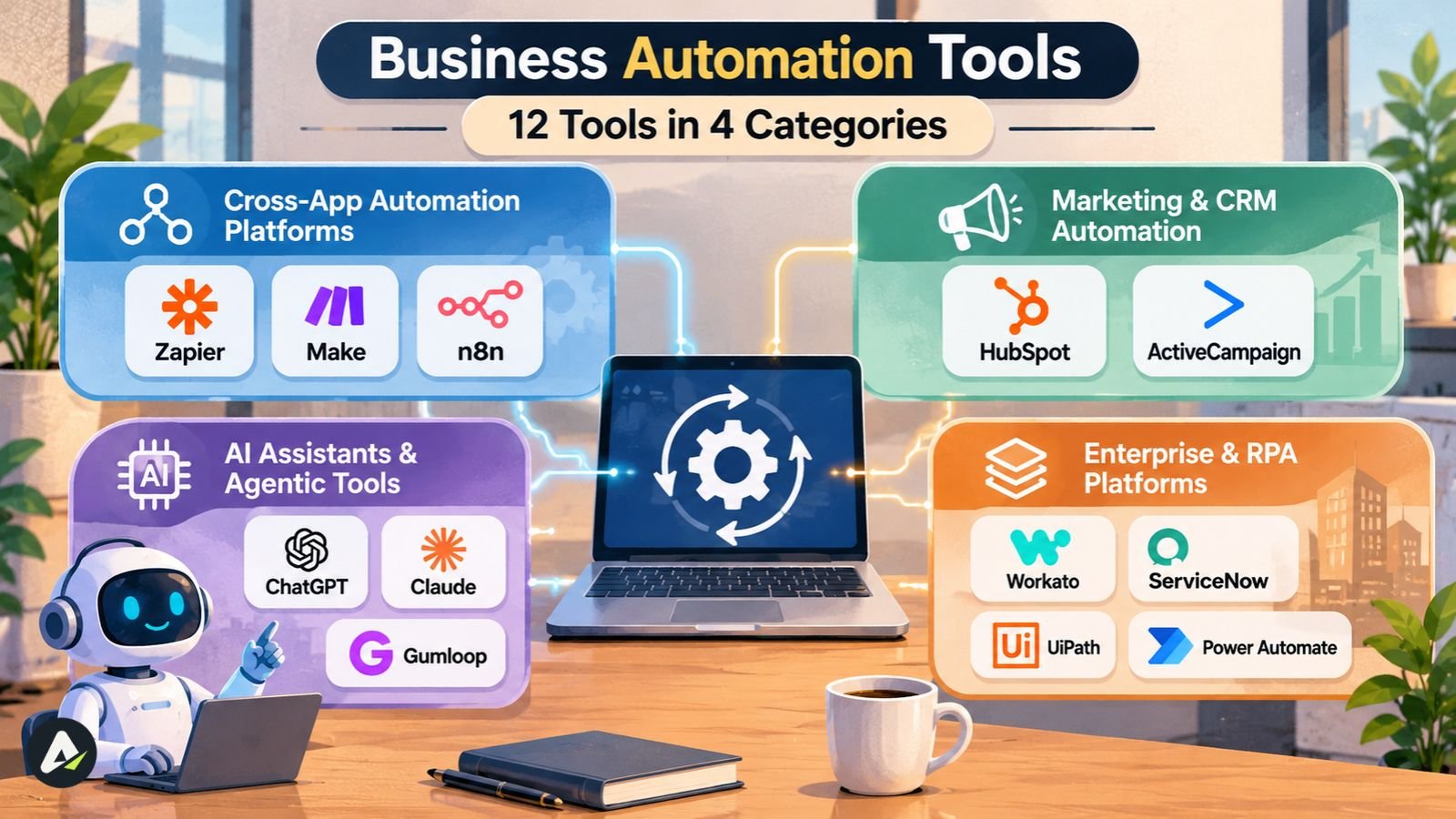
- Twelve tools in four categories, compared
- Cross-app automation platforms
- Marketing and CRM automation
- AI assistants and builders
- Enterprise and RPA platforms
- How the tools behave in practice
- Automation platforms in practice
- Where AI fits in
- RPA and enterprise platforms
- What the same workflow costs on Zapier, Make and n8n
- Why the trigger type changes Make’s bill
- The cheapest plan can cost more to run
- How we picked these tools
- AI agents versus traditional automation
- Security and data privacy
- Hidden costs and common failures
- Conclusion
- FAQ
Choose the tool that removes one task you repeat every week. Zapier, Make and n8n connect your apps. Power Automate fits Microsoft shops. HubSpot and ActiveCampaign run marketing sequences. UiPath and ServiceNow serve large enterprises, while Workato spans a self-service tier and enterprise editions. Claude and ChatGPT research, draft and analyze, and they can coordinate supported actions through connected tools. Pair them with the platforms above when a job needs persistent triggers, branching, logs or retries.
Which tool for which job?
| If your situation is | Choose |
| The trigger and the action live in one app | That app’s built-in automation rules |
| You don’t code, and the exact connector you need exists | Zapier |
| Many branches, filters and loops, with no server to host | Make |
| Technical control or self-hosting matters most | n8n |
| Work that lives in Teams, SharePoint and Outlook | Power Automate |
| Contacts, deals and email sequences | HubSpot or ActiveCampaign |
| Integration with governance and audit trails | Workato |
| IT and HR service workflows | ServiceNow |
| Software with no API | UiPath |
| AI reading and extraction inside a flow | Gumloop |
| Drafting and summarizing inside a flow | Claude or ChatGPT |
| A free way to test an idea | Zapier, Make or n8n Community Edition |
| Rules inside one project app | Asana, monday.com or Airtable |
Twelve tools in four categories, compared
These tools solve different problems, so compare them within their categories. Prices are in US dollars unless marked and were reviewed on November 21, 2026. They come from each vendor’s own pricing page, linked from the tool name, except where a note says “Observed”, meaning a named third-party tracker supplied the figure because the vendor’s page hid it. Billing units differ across seats, tasks, credits and executions, so read the included usage next to each price.
Cross-app automation platforms
| Tool | Billing unit | Pricing | Included usage | Watch for |
| Zapier | Task per billable action | Free; Professional $19.99/mo; Team $69/mo, billed annually. Monthly billing costs more | Free: 100 tasks. Professional: 750 tasks, or 2,000 at $49 (observed). Team: 2,000 tasks, up to 25 users | Multi-action Zaps use tasks quickly |
| Make | Credit per module action, including every trigger check | Free; Core $9, Pro $16, Teams $29/mo, billed annually. Monthly billing costs more | Free: 1,000 credits. Core, Pro and Teams: 10,000 | Polling triggers spend a credit on every check, even with no new data |
| n8n | Production execution (one workflow run) | Community free, self-hosted; Cloud Starter €20 and Pro €50, hosted by n8n; Business €667, self-hosted only. Paid prices are per month, billed annually | Starter: 2,500 executions. Pro: 10,000. Business: 40,000 | Needs technical help; Community Edition has its own license terms |
The $49 Zapier tier is an observed price from Orchestra’s Zapier plans guide, an October 2026 source, because Zapier shows tier prices through a slider.
Marketing and CRM automation

| Tool | Billing unit | Pricing | Included usage | Watch for |
| HubSpot | Seats plus contact tier | Free CRM; Marketing Hub Starter $20/seat/mo; Professional $800/mo with annual commitment, $890 monthly | Starter: 1,000 marketing contacts. Professional: 3 seats and 2,000 contacts; extra seats from $45/mo | Professional needs a one-time $3,000 onboarding fee |
| ActiveCampaign | Contact tier | At 1,000 contacts: Starter $15, Plus $49, Pro $79 per month, billed yearly. Starter costs $19 billed monthly | Starter and Plus: 10,000 email sends, 1 user. Pro: 12,000 sends, 3 users | Price scales with contacts |
ActiveCampaign’s pricing page shows placeholders, so its figures come from the company’s own blog. We couldn’t verify the Plus and Pro monthly prices from an official source, so they’re left out.
AI assistants and builders

| Tool | Billing unit | Pricing | Included usage | Watch for |
| Gumloop | Credits | Pro $37/mo | 20,000 credits a month | 8% orchestration fee on agent chats, 16% if you bring your own model key |
| Claude | Seat subscription; API metered separately | Free; Pro $20/mo, or $17 billed annually; Max from $100; Team standard seat $25/mo, or $20 billed annually | Limits reset every 5 hours and weekly. Max has 5x Pro | API usage is metered separately. Max, Ultra and Team plans may include claimable monthly API credits; Pro isn’t eligible |
| ChatGPT | Seat subscription; API billed separately | Free; Go $8; Plus $20; Pro from $100; Business $20/user billed annually, or $25 monthly | Limits vary by plan | API usage is billed separately. Eligible Pro and Business plans may include claimable API credits |
Enterprise and RPA platforms
| Tool | Billing unit | Pricing | Included usage | Watch for |
| Power Automate | User license or Process (capacity) license | Premium $15/user/mo; Process $150/mo per license, both billed yearly | Premium: cloud flows and attended desktop flows, within service limits. Process: assigned to a cloud flow (250,000 actions a day) or to a machine as an unattended bot | Licensing splits between users and Process capacity |
| UiPath | Plan tier | Community free; Basic from $25/mo; Standard and Enterprise by quote | Basic: limited scale in users and robots. Standard: no scale limits | UiPath says an updated Basic offering is coming |
| Workato | Edition plus credits | Free; Pro from $75/mo, in five tiers up to $1,275/mo; Enterprise by quote | Free: 50,000 one-time credits. Pro: 2,500 credits at $75, 3,500 at $100 (the pricing card figure), up to 50,000 | Unused Pro credits expire each month; enterprise editions need a sales call |
| ServiceNow | Package tier | Custom quote | Set by quote: modules and user licenses | Long implementations |
How the tools behave in practice
Automation platforms in practice
Zapier bills by task. In an ordinary Zap, each successful billable action uses one task and the trigger uses none, so four actions mean four tasks a run. Built-in tools like Filter, Formatter and Paths don’t count, and Zapier MCP calls follow their own rules. At your cap, Zapier either bills overage or pauses your Zaps, depending on your setting. Some apps carry a premium label and need a paid plan or a trial.
n8n meters production executions, meaning runs a trigger starts, so a 40-step flow and a two-step flow can use the same allowance and manual test runs don’t count. Hosting, API charges, AI usage and upkeep still sit outside the plan price. The free Community Edition has no license fee, but you run and patch the server, and its Sustainable Use License covers internal business use, not selling a product built mainly on n8n. Cloud Starter and Pro are hosted by n8n, while the Business plan is self-hosted only and adds SSO. Expect to write a little code when a flow gets unusual.
Power Automate is partly included: select Microsoft 365 licenses cover standard connectors with limits, while premium connectors need a Premium or Process license. A Process license isn’t only a bot license, because Microsoft lets you assign it to a cloud flow or a machine, where it becomes an unattended bot. It fits teams that live in Teams, SharePoint, Outlook and Excel.
Where AI fits in
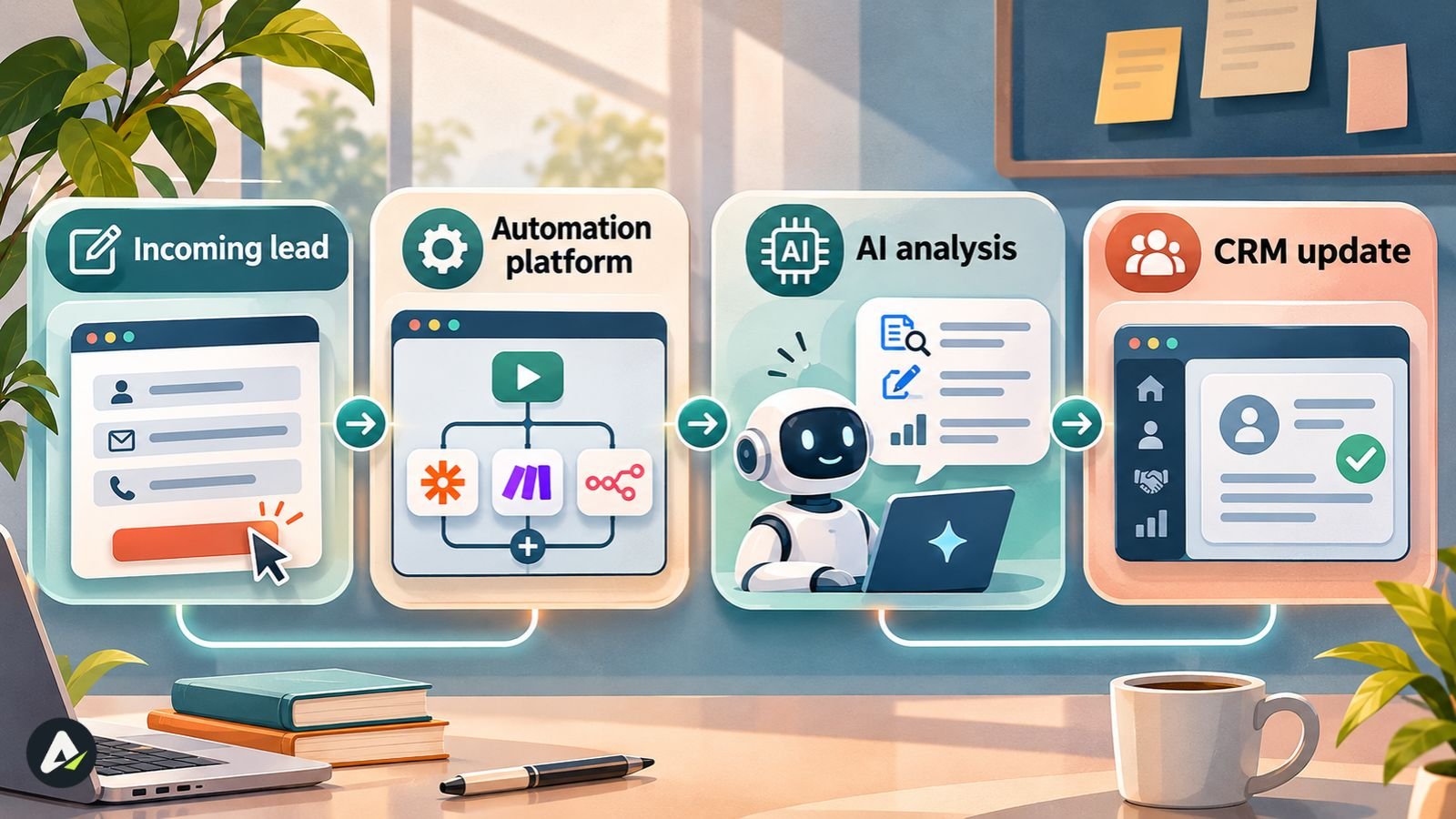
Claude suits long documents and careful writing, and ChatGPT covers drafting, research and data analysis. Both can run supported actions through connected tools, but they don’t replace a platform’s triggers, branching, logs and retries. Let Zapier, Make or n8n catch the form submission, and let the assistant draft the reply or score the lead. API usage is billed separately from chat subscriptions, though eligible plans may include claimable API credits.
The platforms have AI of their own. Zapier MCP lets Claude, ChatGPT and other MCP clients run actions in your connected apps, Make offers an MCP server that exposes scenarios as tools, and n8n has MCP server and client nodes. You choose what to expose, and permissions set what an assistant can run. Zapier MCP currently uses two tasks per successful tool call, and Zapier says its rates may change.
RPA and enterprise platforms
UiPath automates software that lacks an API by operating the screen. Workato is an enterprise iPaaS built around governance, role-based access and audit trails. ServiceNow runs IT, HR and customer-service workflows across a large organization, and it uses AI agents to automate parts of them. Automation Anywhere, Boomi and Appian cover RPA, legacy integration and low-code process automation.
What the same workflow costs on Zapier, Make and n8n
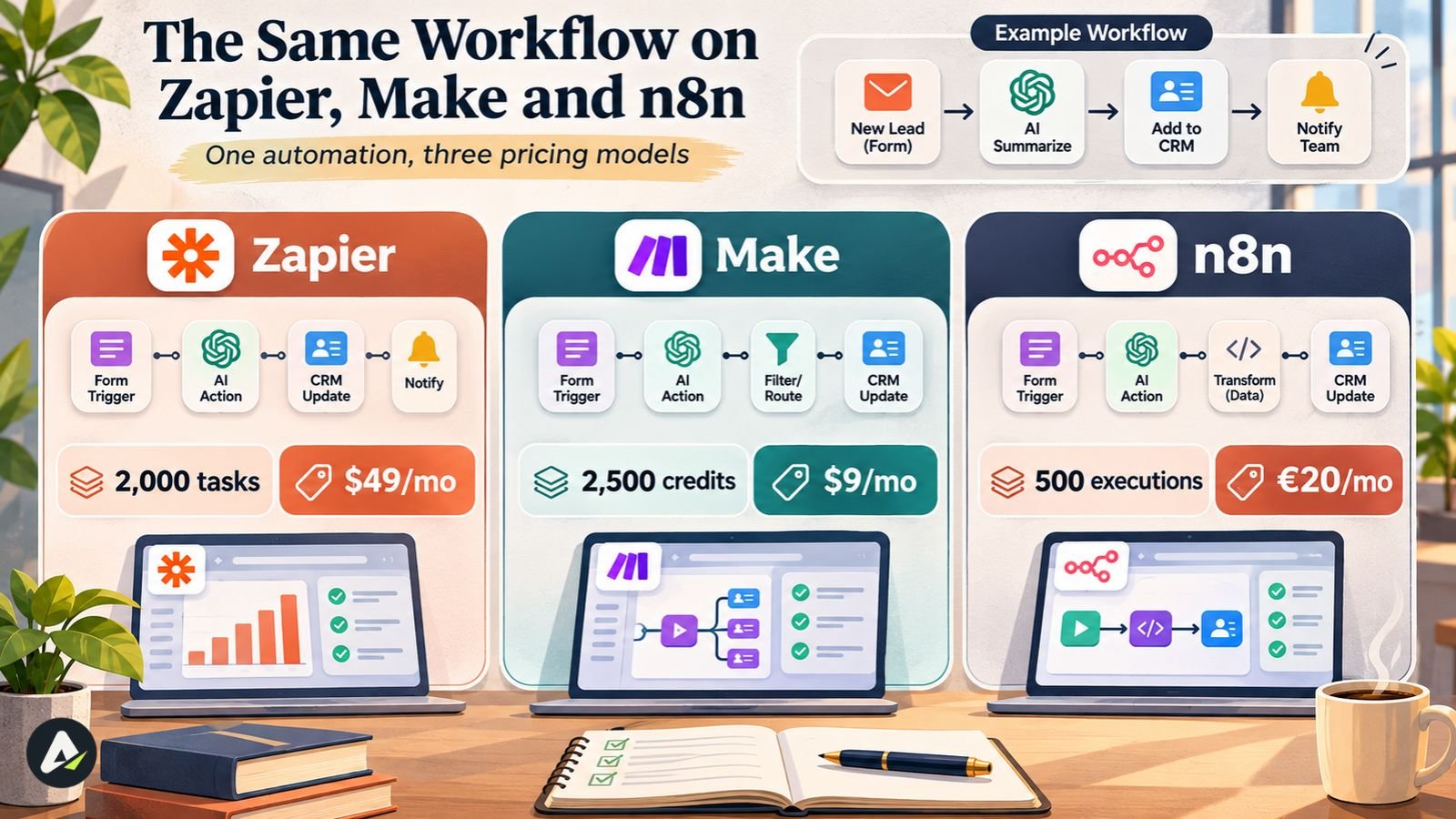
Price is where Zapier, Make and n8n part ways fastest, so run the numbers on your busiest workflow. Assume one trigger, four billable actions and 500 runs a month, with no branching, retries or AI steps. Make counts five modules per run, so 2,500 credits if the trigger is instant. n8n counts 500 executions. Zapier counts four actions per run, so 2,000 tasks, well past the 750 on Professional’s entry tier. The table lists one paid hosted plan whose allowance covers each count. Other plans can fit too, and the table leaves out overages, promotions and self-hosting costs. This is a worked example, not a test result.
| Platform | Usage in this example | A plan whose allowance covers it | Billed annually |
| Zapier | 2,000 tasks | Professional, 2,000-task tier | $49/mo |
| Make | 2,500 credits | Core, 10,000 credits | $9/mo |
| n8n | 500 executions | Cloud Starter, 2,500 executions | €20/mo |
Team already includes 2,000 tasks, so that allowance isn’t unique to Professional. Check Zapier’s checkout for monthly billing and your account for the overage rate.
Why the trigger type changes Make’s bill
The 2,500 credits above assume an instant trigger, which runs only when data arrives. Make’s documentation says a trigger uses one credit per run, even when it finds no new data, so a scenario polling every five minutes pays for every check. Take the same 500 records, four one-credit actions each and a 30-day month:
| Trigger type | Credit math | Credits a month |
| Instant | 500 runs × 5 modules | 2,500 |
| Polling every 5 minutes | 8,640 checks + 500 records × 4 actions | 10,640 |
That exceeds the 10,000-credit Core allowance shown. In this example, empty checks add to Make’s credit usage. Zapier triggers don’t use tasks, and n8n’s docs say polling nodes don’t count empty checks as executions. An n8n Schedule Trigger is different: it counts each time it fires. Ask whether your app offers an instant trigger, and confirm that the exact trigger or action you need exists, before you size a plan.
The cheapest plan can cost more to run
A low subscription doesn’t guarantee a low running cost. Add hosting and the hours you spend monitoring and repairing flows. Under the same assumptions, 10,000 leads a month would use 40,000 Zapier tasks, 50,000 Make credits or 10,000 n8n executions before any retries, so check plan allowances, rate limits and peak traffic first. Then test who gets alerted and how a failed record is recovered. Technical teams may prefer n8n for control, while teams without coders may maintain Zapier more easily.
How we picked these tools
This comparison rests on vendor pricing pages and documentation, with named third-party trackers filling gaps where a vendor hides its prices. We didn’t test the tools hands-on, and the cost examples are our own arithmetic from published billing rules. We looked at ease of use, integration coverage, AI features, complex workflows, pricing, security, error handling and scalability. Treat the picks as a starting point, not a ranking.
AI agents versus traditional automation

Traditional automation follows rules you wrote: if X happens, do Y. An AI agent decides some steps itself, such as reading an inbound email and choosing which team handles it. That helps with messy input and hurts predictability, so knowing when to use dynamic AI agents matters. Keep rule-based steps for anything that touches money, contracts or customer data, and add human approval where a mistake would cost you. Low-risk messages can run on rules you’ve tested without sign-off. Let AI steps read, sort and draft, and start with low-stakes tasks.
Security and data privacy
Automation tools touch customer records, financial data and inboxes, so check encryption, access controls, audit logs and retention before you connect one. A vendor’s SOC 2 report doesn’t make your workflow GDPR or HIPAA compliant. Zapier lists SOC 2 Type II, yet it doesn’t sign a Business Associate Agreement and says protected health information isn’t supported. For regulated data, confirm the vendor will sign the contract you need. Self-hosting controls where a tool runs, but connected apps and AI model providers still receive your data. Once agents join the workflow, set up governance for AI agents early.
Hidden costs and common failures
Failures cost more than fees, so test them in a pilot. In a test workflow with a dummy lead and a test inbox, submit the same lead twice, then simulate a failed CRM write. The tool passes only if no duplicate record appears, the owner gets an alert, and the failed work recovers without emailing the customer a second time. Also check whether the tool retries on its own and whether you can read the execution history.
Recovery tools differ. Zapier can replay errored runs by hand or automatically. Make can store incomplete executions for retry when you enable that setting. n8n lets you retry a failed execution from its list. A retry can repeat work a step already did, which is why the duplicate check matters.
Conclusion
The right platform depends on what triggers the workflow, how many actions it runs, who maintains it and what happens when it fails. Start with your existing app’s built-in rules, then price the same workflow at your expected volume on two or three platforms. Test duplicate handling, alerts and recovery before you pay, name one owner for every workflow, and review the results after 30 days.
FAQ
Q.1 Can Claude or ChatGPT trigger Zapier, Make or n8n workflows?
Sometimes. The AI client must support MCP, the platform must support the action you need, and permissions must be configured. Setup differs by client and plan, so follow the platform’s own guide.
Q.2 Is Zapier or Make cheaper?
It depends on the billing unit and trigger type. In our example, Make’s Core plan covers 500 instant-trigger runs at $9 a month, while a 2,000-task Zapier plan costs $49, both billed annually. Polling can push the same Make workflow past 10,000 credits.
Q.3 Is n8n really free?
The self-hosted Community Edition has no license fee, but you pay for the server and its upkeep. n8n Cloud starts at €20 a month, billed annually.
Q.4 Can I run protected health information (PHI) through Zapier?
No. Zapier says it can’t sign a Business Associate Agreement and doesn’t support PHI. If HIPAA applies and a vendor will handle PHI as your business associate, confirm that a BAA is in place for the service you’ll use.
Related: Droven.io RPA and Business Automation: Is It the Right Automation Tool?

Kavin Reed
As AI agents move from experimental demos into everyday workflows, the questions around how they work, where they fit, and what happens when they fail are becoming harder to ignore. Kavin Reed writes about AI agents, automation, and the systems behind them, with a focus on practical adoption and real-world impact. His work examines the ideas, trends, and technical developments shaping how businesses and people use increasingly capable AI systems.
More from Kavin Reed →