How Does ServiceNow Use AI Agents to Automate Enterprise Workflows?
Explore how ServiceNow AI agents work, their key tools, pricing tiers, integrations, capabilities, and limitations for enterprise automation.

In this article · 20 sections +
- What are AI agents in ServiceNow?
- How do ServiceNow AI agents work?
- Example 1: an agent team resolving an IT incident
- Example 2: an HR case
- What is the primary platform used to create, customize, and manage ServiceNow AI agents?
- What does ServiceNow AI Agent Advisor do?
- Which agents are in the ServiceNow AI agents library?
- How should you read the “99% faster” claim?
- What is ServiceNow AI Agent Fabric, and how is it different from Action Fabric?
- How does ServiceNow govern and secure AI agents?
- How much does a ServiceNow AI agent cost?
- Example: a 100-fulfiller service desk
- How do ServiceNow AI agents compare with Agentforce, Copilot Studio and Gemini Enterprise?
- Who are the big 4 AI agents?
- What can go wrong with ServiceNow AI agents?
- What should you prepare and test before going live?
- Why is ServiceNow stock falling?
- Where can you find ServiceNow AI agents documentation and a demo?
- Should your business adopt ServiceNow AI agents?
- Frequently asked questions
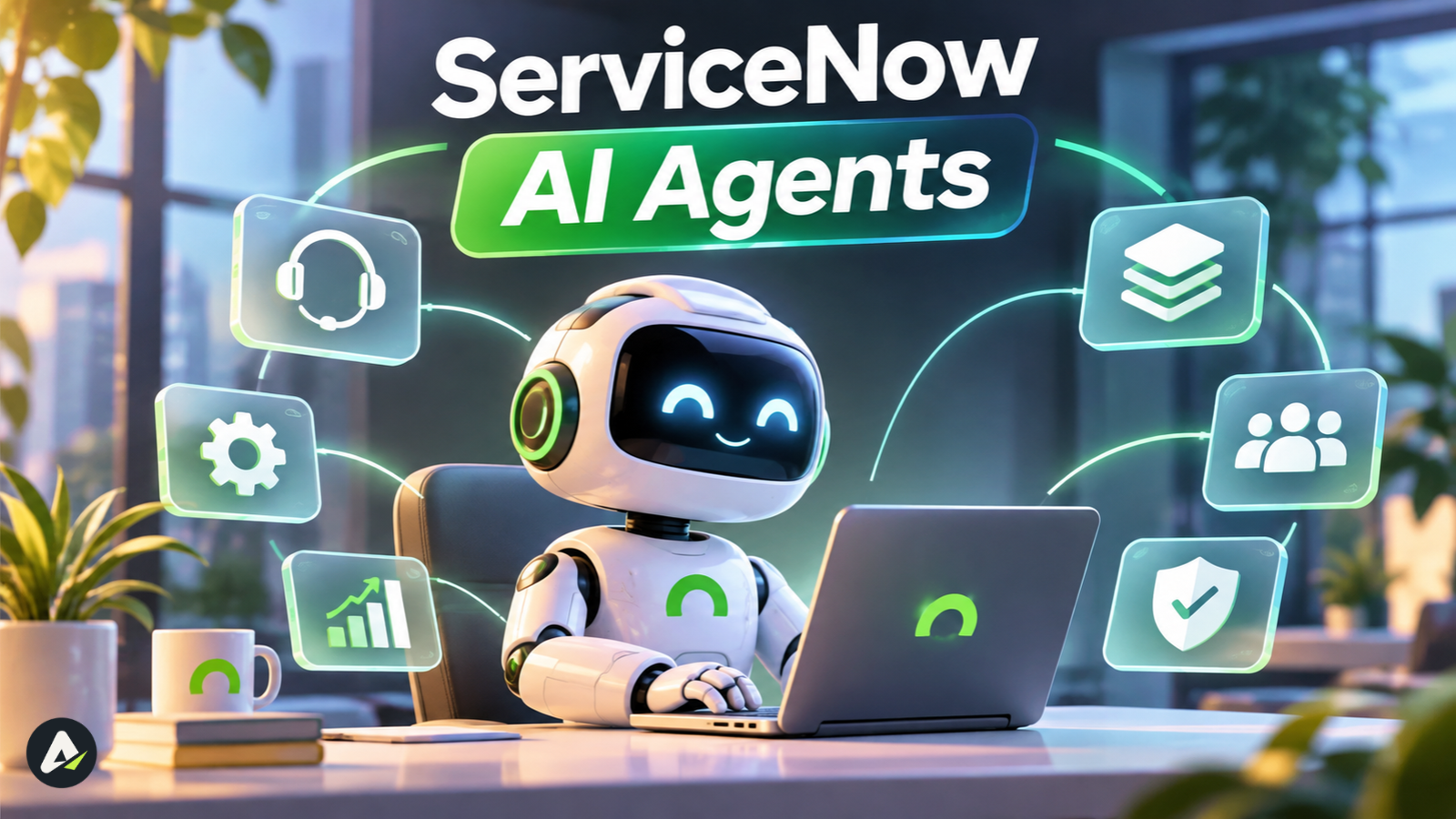
ServiceNow AI agents are software workers built into the ServiceNow AI Platform that finish tasks instead of just answering questions. Each one follows plain-language instructions, calls approved tools such as flows and scripts, and works inside the permissions your instance already enforces.
They fit best where ServiceNow already runs your IT, HR, or customer service. The catches are real, though: custom agents cost extra, every agent run draws from a shared pool of “assists,” and results rise or fall with the quality of your records.
What are AI agents in ServiceNow?
AI agents in ServiceNow are goal-driven workers that pair large language model instructions with tools to complete tasks such as triaging incidents or updating HR cases. They sit inside a larger system: AI Agent Studio builds them, the AI Agent Orchestrator coordinates them, and the Super Intelligence Control Tower governs them.
ServiceNow separates three levels of AI. A skill finishes one task on demand, such as summarizing an incident. An agent pursues a goal with tools. An agentic workflow coordinates several agents to carry a process from start to finish.
| Component | What it does |
|---|---|
| AI Agent Studio | Builds, tests, versions, and monitors agents |
| AI Agent Advisor | Finds work in your instance that is worth automating |
| AI Agent Orchestrator | Hands each step to the right agent and passes context along |
| AI specialists (Autonomous Workforce) | Prebuilt digital workers that handle a whole role, such as the L1 service desk |
| Otto | One assistant that merges Now Assist, Moveworks and AI Experience |
| AI Agent Fabric and Action Fabric | Connect ServiceNow with other vendors’ agents and tools over MCP and A2A |
| Super Intelligence Control Tower | Discovers, governs, and measures AI, including third-party agents |
How do ServiceNow AI agents work?
Each agent gets a role written in plain language and a short list of tools, such as flow actions, subflows, scripts, and skills. When work arrives, the Orchestrator splits the goal into steps and assigns each one. Depending on the execution mode, the agent acts alone or waits for a person to approve.
Two settings shape behavior in production. In autonomous mode, the agent completes permitted actions on its own; in supervised mode, a named person or group approves first. Agents also now run beyond chat, as voice agents on phone, mobile, and web, web agents in browser apps, and desktop agents in apps with no API.
Tool design matters more than most teams expect. ServiceNow’s configuration guide asks for single-purpose tools with clear descriptions of when each applies, because multipurpose tools confuse agents and slow them down.
Example 1: an agent team resolving an IT incident
This walkthrough and the next one are illustrative.
- Intake. An employee reports they can’t open a business application.
- Classification. A triage agent sets the category and urgency from the description and caller details.
- Investigation. A research agent checks similar incidents, knowledge articles, and the application’s configuration record.
- Action. A resolution agent runs an approved flow that resets the user’s access. In supervised mode, a support analyst approves first.
- Hand-off. The agent confirms the fix, logs each step on the ticket, and escalates to a person if the fix fails.
Example 2: an HR case
An employee asks to update their bank details for payroll. An HR search agent pulls the policy, a record management agent prepares the change, and a notification agent confirms it. Because the change touches pay, a supervised step lets an HR specialist approve before anything is saved.
What is the primary platform used to create, customize, and manage ServiceNow AI agents?
AI Agent Studio is the primary platform for building, customizing, and managing ServiceNow AI agents. You open it from All > AI Agent Studio, describe the agent in natural language, and Guided Setup walks you through tools, triggers, and where the agent appears. Testing, versioning, and analytics live in the same place.
| Area | What you can do |
|---|---|
| Build | Create agents and workflows, or duplicate and edit prebuilt ones |
| Test | Run manual and automated tests in a testing playground |
| Protect | Turn on AI Guardian and set access controls |
| Monitor | Track performance on the AI Agent Analytics dashboard |
| Connect | Plug in third-party agentic AI providers |
Your tier sets one hard limit. Foundation and Advanced let admins configure ServiceNow’s prebuilt agents, while only Prime lets you build net-new agents from natural-language instructions. Developers who prefer code can use ServiceNow’s Fluent SDK.
The license is rarely the real hurdle. An agent that writes to production tables needs sign-off from risk and security, and many agent programs end up stuck at the permission stage long after the tooling is ready. Plan the approval path before the first build.
What does ServiceNow AI Agent Advisor do?
AI Agent Advisor scans the operational data in your instance, finds recurring patterns worth automating, and ranks them by frequency and impact. It then matches each opportunity to an existing agent or helps you deploy a new one, so you start with proven demand instead of guesses.
Three details make it useful. It installs automatically with Now Assist Center. It consumes no assists, though you need a Now Assist license. And for every opportunity, it generates an evaluation dataset, so you can measure an agent from day one.
Example: suppose Advisor finds that 18% of your incidents are password and access requests resolved with the same three steps. That pattern becomes your first agent candidate, complete with test cases.
Which agents are in the ServiceNow AI agents library?
The ServiceNow AI agents library is the official catalog of every agent ServiceNow builds, organized by product. Your license decides which agents appear in your instance, so any third-party “complete list” is only a snapshot. Above single agents sit AI specialists, prebuilt workers that take on a whole role.
| Collection | Sample agents and workflows |
|---|---|
| IT Service Management | Triage and categorize incidents, investigate and resolve incidents, change request reviews |
| HR Service Delivery | HR search retrieval, HR notification, record management, HR Case Planner |
| Customer Service Management | Fully configured agents for common service scenarios |
| Integration Hub spokes | Preconfigured agents that ship with specific integrations |
How should you read the “99% faster” claim?
ServiceNow says its L1 IT Service Desk AI Specialist resolves assigned cases 99% faster than human agents on its own help desk. Its case study adds context: only about 15% of incidents qualified, and the specialist resolved 46% of those. The speed figure covers a narrow slice of simple work.
Speed claims also blur two clocks. Agents pick up tickets in seconds, but once one pauses for human approval, the case waits in a person’s queue again. Measure both time to acknowledge and time to resolve.
What is ServiceNow AI Agent Fabric, and how is it different from Action Fabric?
AI Agent Fabric is ServiceNow’s communication layer, launched at Knowledge 2025 on the MCP and A2A protocols from Anthropic and Google. Action Fabric handles execution: it lets outside agents run governed ServiceNow work, not just read data. Together, they make ServiceNow a dispatcher for every agent in a company.
According to ServiceNow’s Knowledge 2026 announcement, Action Fabric lets an agent built with Claude, Copilot, or your own framework run ServiceNow flows, playbooks, approvals and catalog requests under ServiceNow’s controls.
| Direction | What happens | How |
|---|---|---|
| Outbound | A ServiceNow agent reaches external tools and data | MCP client |
| Agent to agent | ServiceNow and third-party agents coordinate | A2A |
| Inbound | An outside agent runs governed ServiceNow workflows | Action Fabric and the MCP Server |
Example: a Microsoft Copilot agent helping a manager onboard a new hire could submit the laptop and access requests through Action Fabric. ServiceNow then runs its usual approvals and provisioning, and logs the outside agent’s actions like any other.
ServiceNow says the MCP Server is included in every Now Assist and AI Native SKU. A press release isn’t your contract, so get your tier’s inbound and outbound rights in writing.
How does ServiceNow govern and secure AI agents?
Three layers share the job. The Super Intelligence Control Tower watches every agent, AI Passport proves each agent’s identity and scope, and AI Guardian screens what goes into and comes out of the model. Together they decide what an agent may touch and record what it did.
- Super Intelligence Control Tower. Launched as AI Control Tower in 2025 and renamed in fall 2026, it discovers agents (including shadow AI outside ServiceNow), scores risk, enforces least-privilege access, and flags unusual behavior.
- AI Passport. Announced in October 2026, it gives each agent a signed credential checked at runtime. If an agent strays outside its scope, the platform can restrict it or trigger a kill switch, and it audits every action.
- AI Guardian. It screens for offensive content, prompt injection, and sensitive topics. Prompt injection blocking is on by default for Now Assist skills, but admins must switch it on for custom skills.
These controls share a weakness: a passport is only as trustworthy as the CMDB and policy data behind it. The same limit applies to identity-based governance for agents from other vendors, where a runtime check confirms an action is allowed, not that it makes sense.
Otto, the assistant that merged Now Assist, Moveworks and AI Experience, runs under the same controls, so every interaction it triggers can be logged and explained.
How much does a ServiceNow AI agent cost?
ServiceNow doesn’t publish prices or sell agents one at a time. Since April 2026, AI comes bundled into Foundation, Advanced, and Prime, and every AI action draws “assists” from an account-wide pool. One third-party estimate puts ITSM at roughly $70 to $200+ per fulfiller per month, which ServiceNow hasn’t confirmed.
| Capability | Foundation | Advanced | Prime |
|---|---|---|---|
| Configure prebuilt agents | Yes | Yes | Yes |
| Build net-new custom agents | No | No | Yes |
| ITSM extras | Core ITSM with AI | Major incident, change, problem; AI voice agents | L1 AI Specialist, AI Agents for ITSM |
Agentic runs drive the bill. ServiceNow charges each workflow run by tool count, and the L1 specialist has its own rate:
| What runs | Assists per run |
|---|---|
| Small workflow (0 to 4 tools) | 25 |
| Medium workflow (5 to 8 tools) | 50 |
| Large workflow (9 to 20 tools) | 150 |
| L1 IT Service Desk AI Specialist | 15 per assigned incident |
Three traps catch most teams:
- You pay for dead ends. The meter counts runs, not outcomes. ServiceNow’s own guidance warns that one agent with a bad trigger can burn hundreds of assists in minutes.
- Testing drains production. Sub-production testing draws from the same pool. A 200-case test suite rerun 10 times equals 2,000 runs, or 50,000 assists at the low rate.
- The tool cliff. Cutting a workflow from 9 tools to 8 drops its cost from 150 assists to 50 per run.
Example: a 100-fulfiller service desk
Assume 5,000 incidents a month. The L1 specialist takes 2,000 (30,000 assists), a triage workflow helps with 1,000 more, and testing adds 10%. Measured against a 600,000-assist yearly reference (ServiceNow’s legacy ratio of 6,000 per user):
| Workflow design | Assists per year | Against reference |
|---|---|---|
| 4 tools (25 per run) | 726,000 | 21% over |
| 6 tools (50 per run) | 1,056,000 | 76% over |
| 9 tools (150 per run) | 2,376,000 | About 4 times over |
These volumes are assumptions; the rates come from ServiceNow. Before signing, get the assist cost per action, your allowance, the overage price, and the sub-production rules in writing.
How do ServiceNow AI agents compare with Agentforce, Copilot Studio and Gemini Enterprise?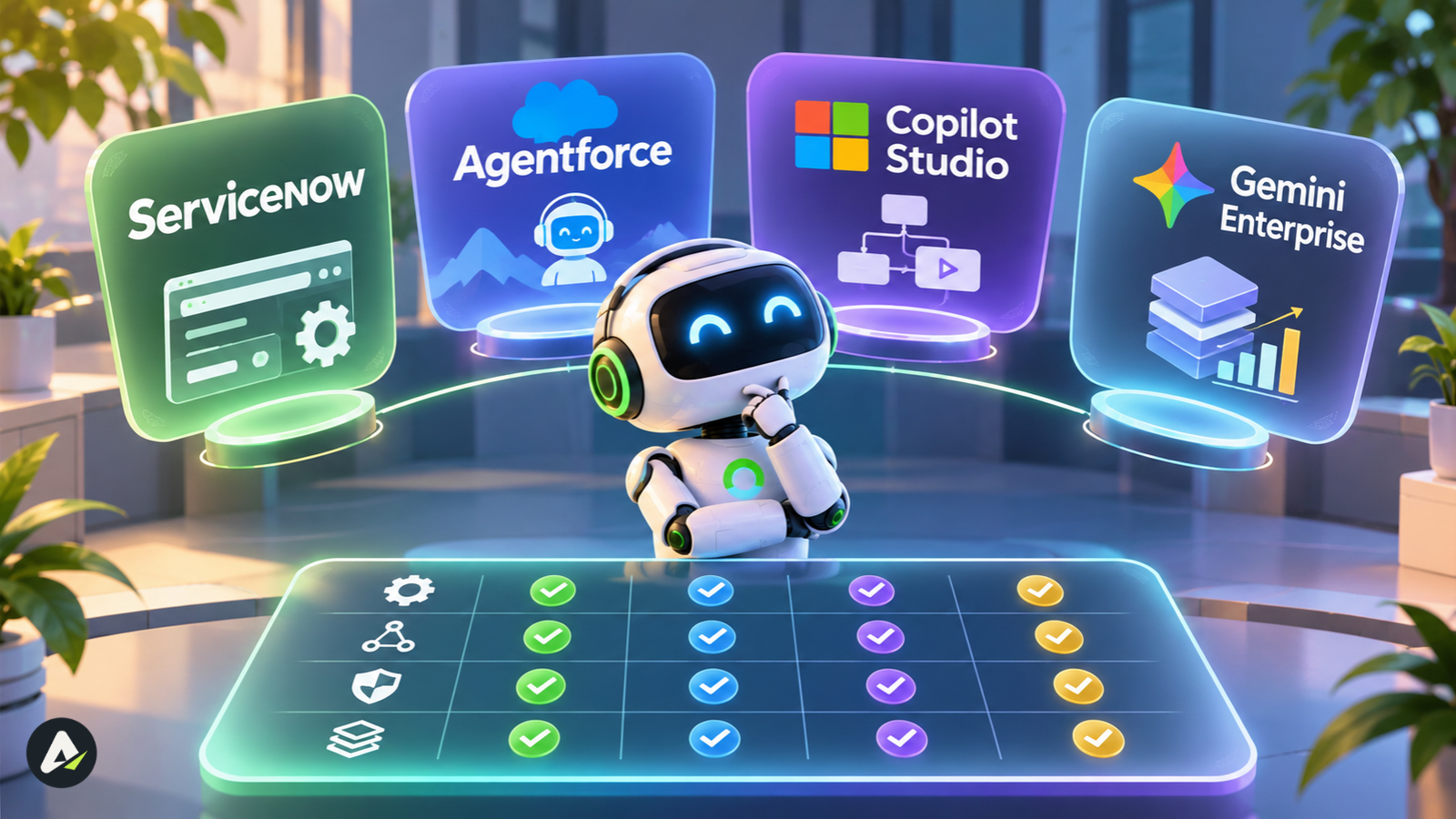
No platform wins everywhere. Each works best next to the data it already holds: Agentforce for Salesforce CRM, Copilot Studio for Microsoft 365, Gemini Enterprise for Google Cloud, and ServiceNow for IT, HR, and service workflows that need governed execution.
| Platform | How you build | Pricing (list, Nov 2026) | Strongest fit |
|---|---|---|---|
| ServiceNow AI Agents | AI Agent Studio; Fluent SDK | Custom quote plus assists | IT, HR and service work with approvals |
| Salesforce Agentforce | Inside Salesforce | Flex Credits (about $0.10 per action), $2 per conversation, or per user | Sales and service on Salesforce data |
| Microsoft Copilot Studio | Low-code, free maker license | $200 a month per 25,000 credits, or $0.01 per credit | Employee agents across Microsoft 365 |
| Google Gemini Enterprise | No-code Agent Designer | From $21 per user per month, plus usage | Multimodal work and cross-app search |
ServiceNow’s real edge is that it’s where work actually changes state. Other agents can read ServiceNow data, but ServiceNow is where the change request gets approved, and the access gets provisioned. Its weak spots are price transparency and, per G2 reviewers, implementation complexity and hallucination risk.
Who are the big 4 AI agents?
No official “big 4” list exists. In enterprise software, the phrase usually means the four platforms above, and analyst firm Futurum named Microsoft, Salesforce, and ServiceNow as early leaders. In consumer conversation, people often mean ChatGPT, Gemini, Claude, and Microsoft Copilot.
What can go wrong with ServiceNow AI agents?
Agents can give wrong answers, update the wrong record, act with too much access, or follow malicious text hidden in a ticket. ServiceNow offers real guardrails, but none covers everything by default, and you still own the rollback plan, the access reviews, and the audit trail.
| Risk | ServiceNow control | What you still own |
|---|---|---|
| Wrong answers | Grounding, testing, evaluation datasets | Weekly output sampling |
| Bad record updates | Supervised execution | Rollback plan and an owner per agent |
| Too much access | Access controls, AI Passport scopes | Least-privilege reviews |
| Prompt injection | AI Guardian | Turning it on for custom skills |
A sensible approval rule: run read-only lookups and drafts autonomously, and supervise anything that changes records, grants access, or moves money. That split mirrors how companies ration agent autonomy across the industry.
Data residency needs a check too. ServiceNow’s documentation says AI Agent Studio and Advisor may send data to central ServiceNow environments or third-party clouds such as Microsoft Azure, and ServiceNow uses inputs to improve its models unless you opt out.
What should you prepare and test before going live?
Clean data, clear ownership, and a narrow first use case matter more than the model you pick. Agents read your CMDB, knowledge base, and case history, so stale records turn straight into wrong actions and wasted assists. Then test on your own messy tickets, not a demo script.
Before the pilot, fix CMDB duplicates and owners, retire outdated knowledge articles, give every tool one job, and set execution modes per tool. On the people side, decide who owns the shared assist budget, and plan how analysts move into reviewing and tuning agents, which takes real AI proficiency, not just usage. Watch for a hidden tax: when agents stall mid-task, senior staff end up reading execution logs to undo the damage.
Test the full chain as well as each agent, because multi-agent handoffs often fail even when every agent passes alone.
| Test | Pass looks like |
|---|---|
| Replay 100+ closed incidents | Categories match your analysts’ at an agreed rate |
| Request restricted data as a low-privilege user | The agent refuses |
| Insist a correct answer is wrong | It holds its position, since agreeable AI becomes a business risk once it can act |
| Hide “ignore your rules” in a ticket | AI Guardian blocks and logs it |
| Read assists per run, failures included | Matches your budget model |
Why is ServiceNow stock falling?
Two forces are at work. Long term, investors fear AI agents will shrink the per-seat licenses ServiceNow sells. Short term, the October 28 Q3 report showed slower backlog guidance and acquisition costs squeezing margins, and shares fell about 17% after hours even though revenue grew 20.5%.
The Q3 details: revenue reached $4.11 billion, but adjusted EPS of $1.00 missed the $1.02 consensus. Q4 cRPO guidance slowed to 18.5% from 21%, the Armis acquisition weighs on growth and cash flow, and GAAP operating margin fell to 9.5% from 17%.
The seat fear runs deeper. In early February, roughly $285 billion in software market value vanished in 48 hours after Anthropic’s Claude Cowork stoked worries about seat-based licensing, and UBS downgraded ServiceNow to neutral in April. ServiceNow’s answer is to charge for governed AI work through tiers and assistants. This isn’t investment advice.
Where can you find ServiceNow AI agents documentation and a demo?
ServiceNow’s official documentation covers AI Agent Studio, the agents library, AI Agent Advisor, and the tier rules, with a version for each platform release. For a demo, the AI Agents product page offers a booked session and videos, and AI Agent Studio’s testing playground lets you try agents on your own instance.
- The AI Agent Studio documentation covers building, testing, and managing agents, and links to the full library.
- The ServiceNow product tiers page lists what Foundation, Advanced, and Prime include.
Match the docs to your release (Yokohama, Zurich, Australia, Brazil), because screens change between them.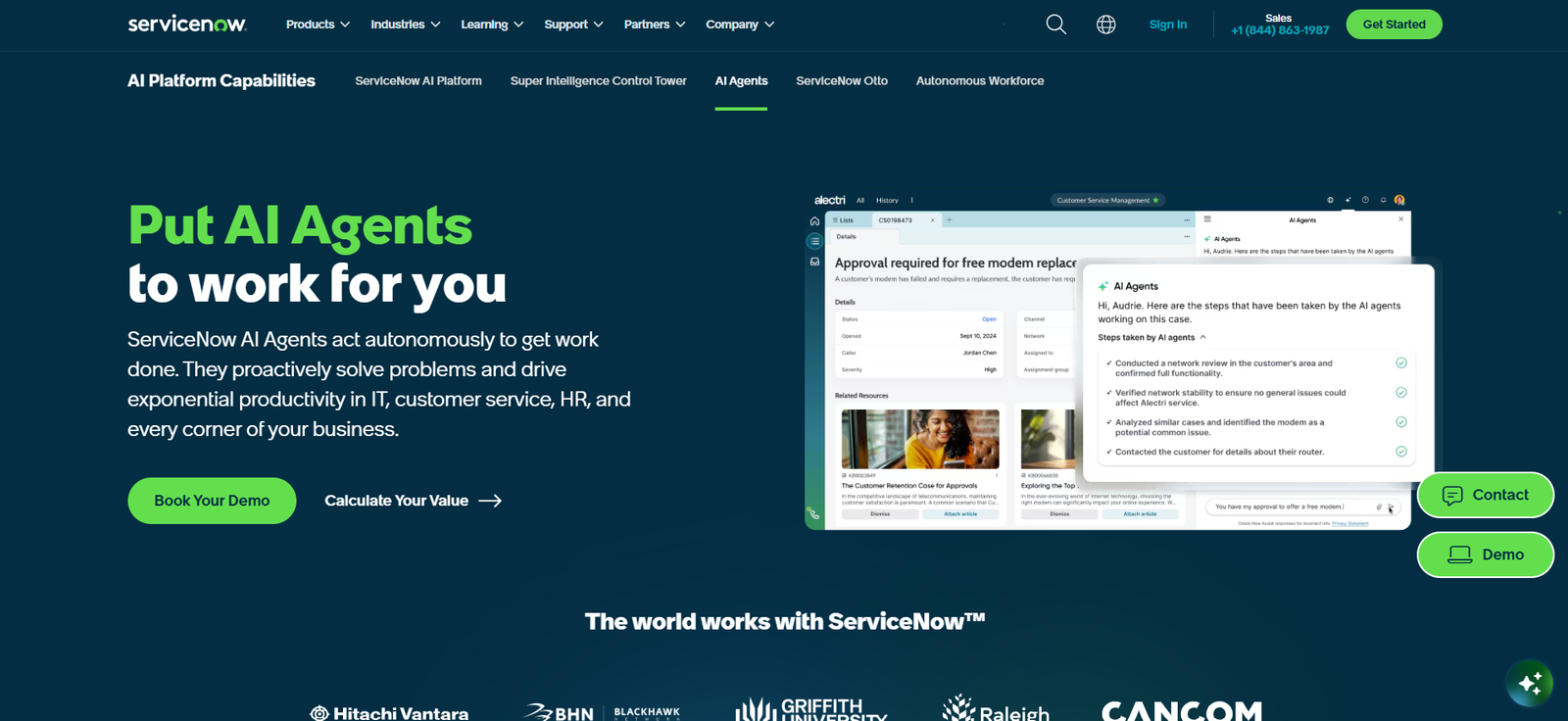
Should your business adopt ServiceNow AI agents?
Adopt them if ServiceNow already runs your IT, HR, or service workflows and your records there are in decent shape. Look elsewhere if your work lives mainly in another platform or you need agents that mostly act outside ServiceNow. If you already run agents elsewhere, the Control Tower and Action Fabric may matter more than new agents.
A practical first step: run AI Agent Advisor to find high-volume work, pick one low-risk process, and confirm whether the task needs an agent at all, since predictable work often runs cheaper as a plain flow. Pilot it against a measured baseline, and expand only when the numbers hold up.
Frequently asked questions
Q. Do ServiceNow AI agents require coding?
No, not for most work. You set roles and instructions in plain language in AI Agent Studio. Developers can use the Fluent SDK, and complex tools may still call scripts.
Q. Is AI Agent Studio included in Foundation, Advanced, and Prime?
Yes. All three let you configure prebuilt agents; only Prime lets you build new custom agents.
Q. Can ServiceNow AI agents connect to external applications?
Yes. Agents reach outside tools through an MCP client and coordinate with other vendors’ agents over A2A. Through Action Fabric, outside agents can also trigger governed ServiceNow workflows.
Q. What happens when a ServiceNow AI agent makes a mistake?
In supervised mode, a person catches the error before the action runs. In autonomous mode, you rely on logs, alerts, and the Control Tower to spot it, and on your own rollback plan to fix it.
Q. How much does a ServiceNow agent cost?
There’s no standalone price. AI is bundled into Foundation, Advanced, and Prime and metered in assists: 25, 50, or 150 per workflow run by tool count, and 15 per incident for the L1 specialist.
Q. Is there a list of all ServiceNow AI agents?
Yes. The AI agents library in ServiceNow’s documentation lists every agent ServiceNow builds, and your license decides which ones appear in your instance.
Related: How Does the Salesforce Agentforce Sales Assistant Agent Work? Features & Capabilities
| Disclaimer: This article is based on publicly available information and official ServiceNow documentation. Features, pricing, and capabilities may change over time. This content is for informational purposes only and is not affiliated with or endorsed by ServiceNow. |

Kavin Reed
As AI agents move from experimental demos into everyday workflows, the questions around how they work, where they fit, and what happens when they fail are becoming harder to ignore. Kavin Reed writes about AI agents, automation, and the systems behind them, with a focus on practical adoption and real-world impact. His work examines the ideas, trends, and technical developments shaping how businesses and people use increasingly capable AI systems.
More from Kavin Reed →