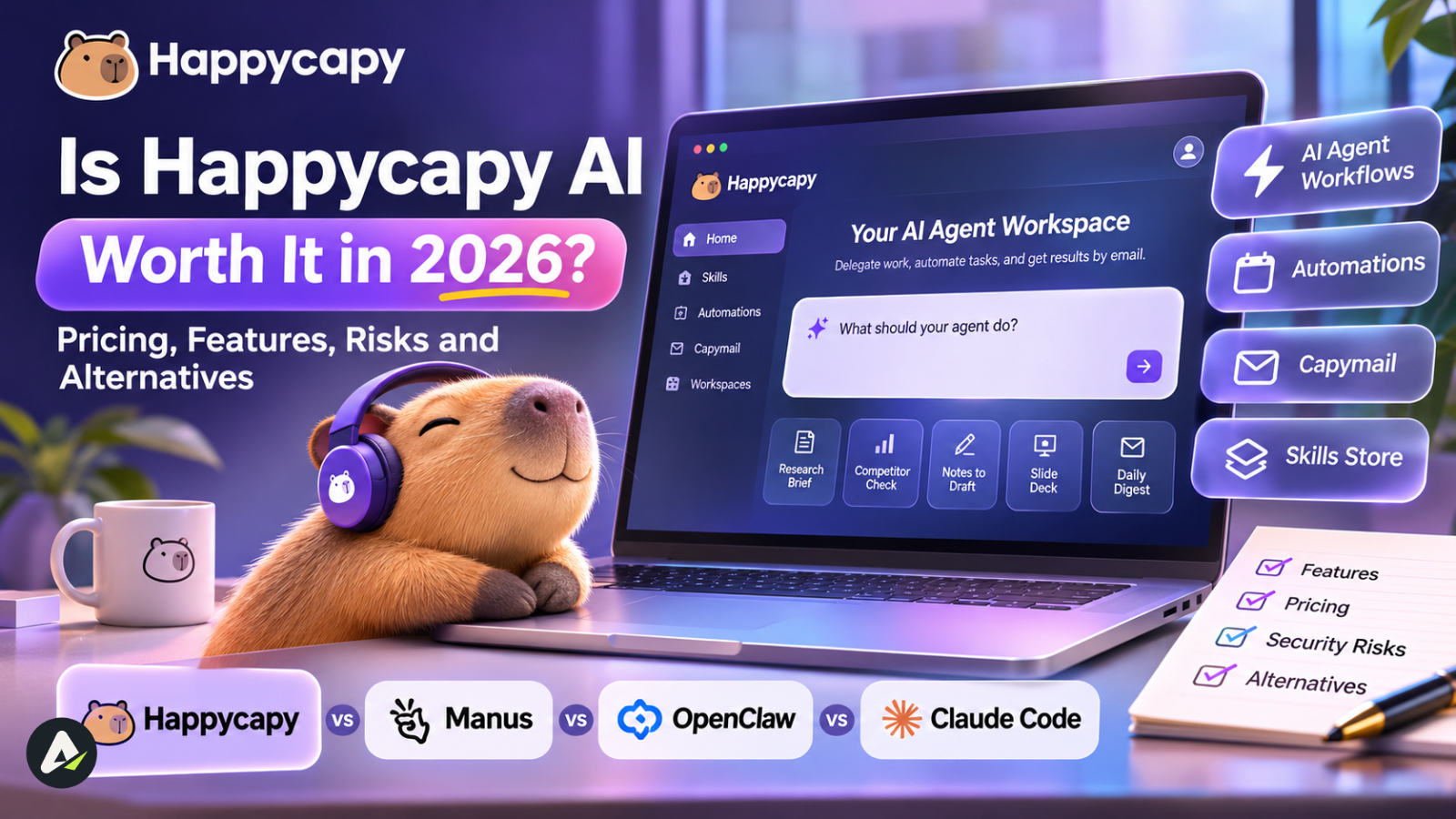
Is Happycapy AI Worth It in 2026? Pricing, Features, Risks and Alternatives
Explore Happycapy AI's features, pricing, limitations, security risks, and alternatives to determine whether this AI agent workspace is worth using.

In this article · 12 sections +
- What Is Happycapy, and How Does the Workflow Change?
- Which Five Workflows Should You Test First?
- How Many Credits Can One Run Cost?
- What Happens When a Scheduled Job Fails?
- Does the Spec Sheet Match Older Reviews?
- How Much Does Happycapy Cost?
- How Many Tasks Can Credits Buy?
- Is Happycapy Safe?
- Can It Act Without Your Approval?
- How Does Happycapy Compare With Manus, OpenClaw, and Claude Code?
- Should You Try Happycapy?
- FAQs
Happycapy suits people who want an AI agent to finish recurring work without terminal setup, and it fits poorly for anyone who needs audited security or predictable costs. It is a browser-based workspace from the Trickle team where agents run in a private cloud environment, use installable skills, and email results back.
Most agent tools demand chores first: installing a command-line tool, wiring up model keys, and granting folder access. Developers shrug those off, but founders, marketers, and operators who just want a finished brief, deck, or weekly report stop at the door.
Happycapy targets that gap. This guide covers how the workflow changes, five jobs worth testing, what the plans cost, where documentation stays silent, and how the product stacks up against Manus, OpenClaw, and Claude Code. It rests on public pages, not a hands-on test, and each claim names its source.
What Is Happycapy, and How Does the Workflow Change?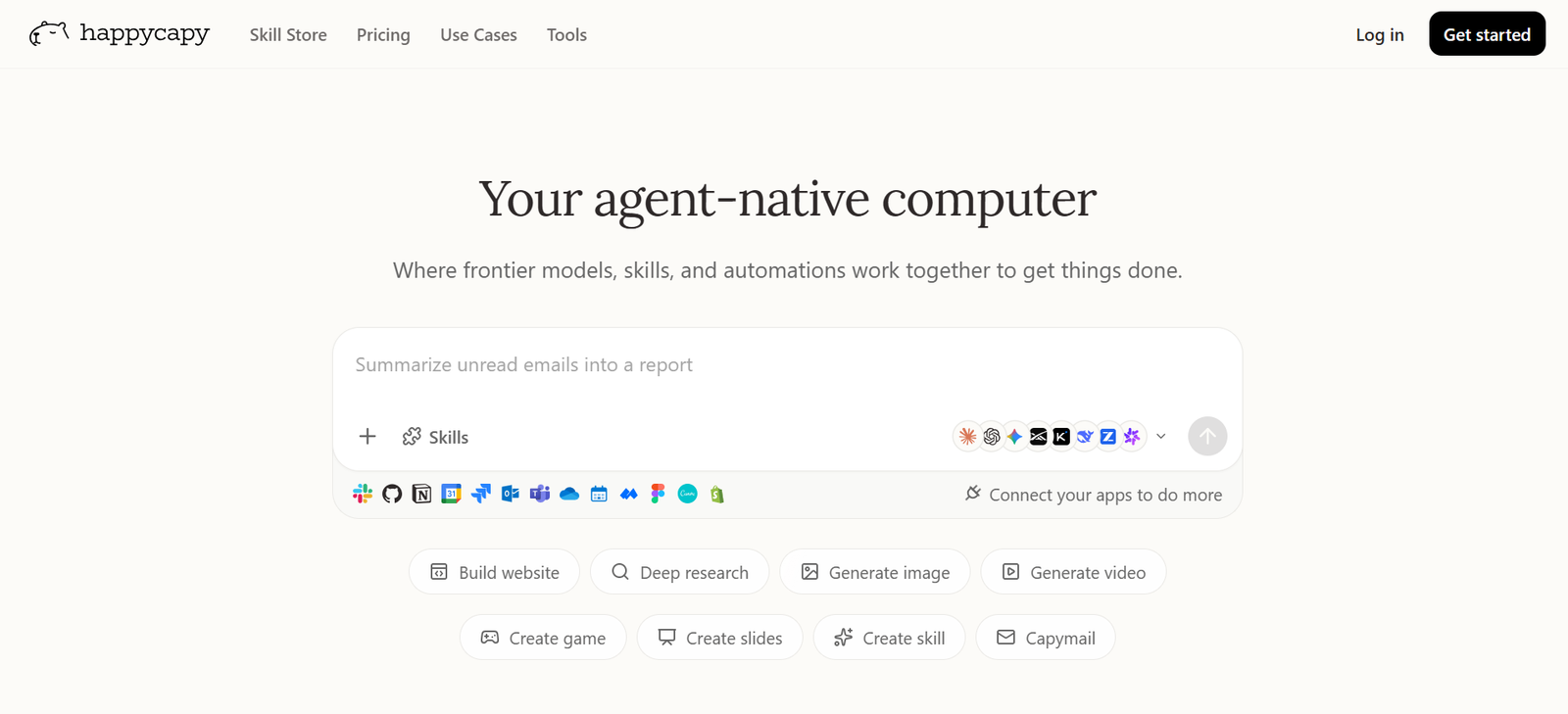
Happycapy is a browser-based “agent-native computer.” You describe a job in plain language, and an agent works in a private sandbox with skills, connected apps, and many AI models. Product Hunt lists it as running on Claude Code, and the February 11, 2026 launch followed a beta that opened January 27.
The before-and-after looks like this:
| Step | Typical local agent setup | Happycapy |
|---|---|---|
| Start | Install a CLI or cloud IDE | Open a browser tab |
| Access | Wire up model keys, repo, and browser access | Sign up, pick a model, connect apps as needed |
| Visibility | Read logs in a terminal | Watch a visual desktop, per the company |
| Away time | Check back manually | Results arrive in the app or by email |
| Repeat jobs | Write scripts or cron entries | Schedule automations (paid plans) |
Setup disappears, but review stays. A visible desktop is not proof of correct output, so you still write clear instructions, check results, and choose which jobs to automate. Product Hunt reviewers add that long background jobs can feel opaque.
The team behind it built Trickle, an earlier AI app builder, and the App Store lists Trickle Pte. Ltd. as the developer. Product Hunt shows Jarod Xu as Trickle’s co-founder and CEO, and the 10,000-user figure comes from a team post, so independent confirmation is missing.
Which Five Workflows Should You Test First?
Start with boring, repeatable jobs you already understand. A giant autonomous mission hides failures, while a small recurring task shows quickly whether the tool saves time. These five fit what the product advertises:
- Research brief. Ask for a one-page brief on a tool or topic with source links, then check each link yourself.
- Weekly competitor check. Schedule a Monday visit to a rival’s pricing or blog page and email the changes.
- Notes to draft. Paste meeting notes and ask for a first draft in your format, then edit it.
- Daily digest by email. Send Capymail instructions such as a morning summary of new product launches, and reply with corrections the next day.
- Slide deck. Request a short deck on a topic you know well so you can spot errors fast.
Not every test runs on the Free plan, so budget for a paid month if you want the full week:
| Workflow | Required plan |
|---|---|
| Research brief | Free |
| Notes to draft | Free |
| Slide deck | Free, subject to model and skill availability |
| Weekly competitor check | Pro or above |
| Daily Capymail digest | Pro or above |
Unlike traditional workflow automation agents, Happycapy combines scheduled execution with a persistent workspace and email-based delegation, which is why the recurring tests above matter most.
How Many Credits Can One Run Cost?
A fixed percentage makes a poor benchmark, because a daily job runs about 30 times a month. Divide your plan’s allowance by the number of runs instead. The table assumes the whole 2,000-credit Pro allowance goes to one workflow, so real limits sit lower once retries and other tasks take their share.
| Workflow frequency | Runs per month | Maximum average credits per run (Pro) |
|---|---|---|
| Monthly | 1 | 2,000 |
| Weekly | 4 | 500 |
| Daily | 30 | 66.7 |
| Twice daily | 60 | 33.3 |
| Five times daily | 150 | 13.3 |
Consider a paid trial only if the workflow completes reliably, produces acceptable results, stays within your credit budget, and introduces no unacceptable security risk. Reliability and security are mandatory conditions, not points to trade against the other metrics.
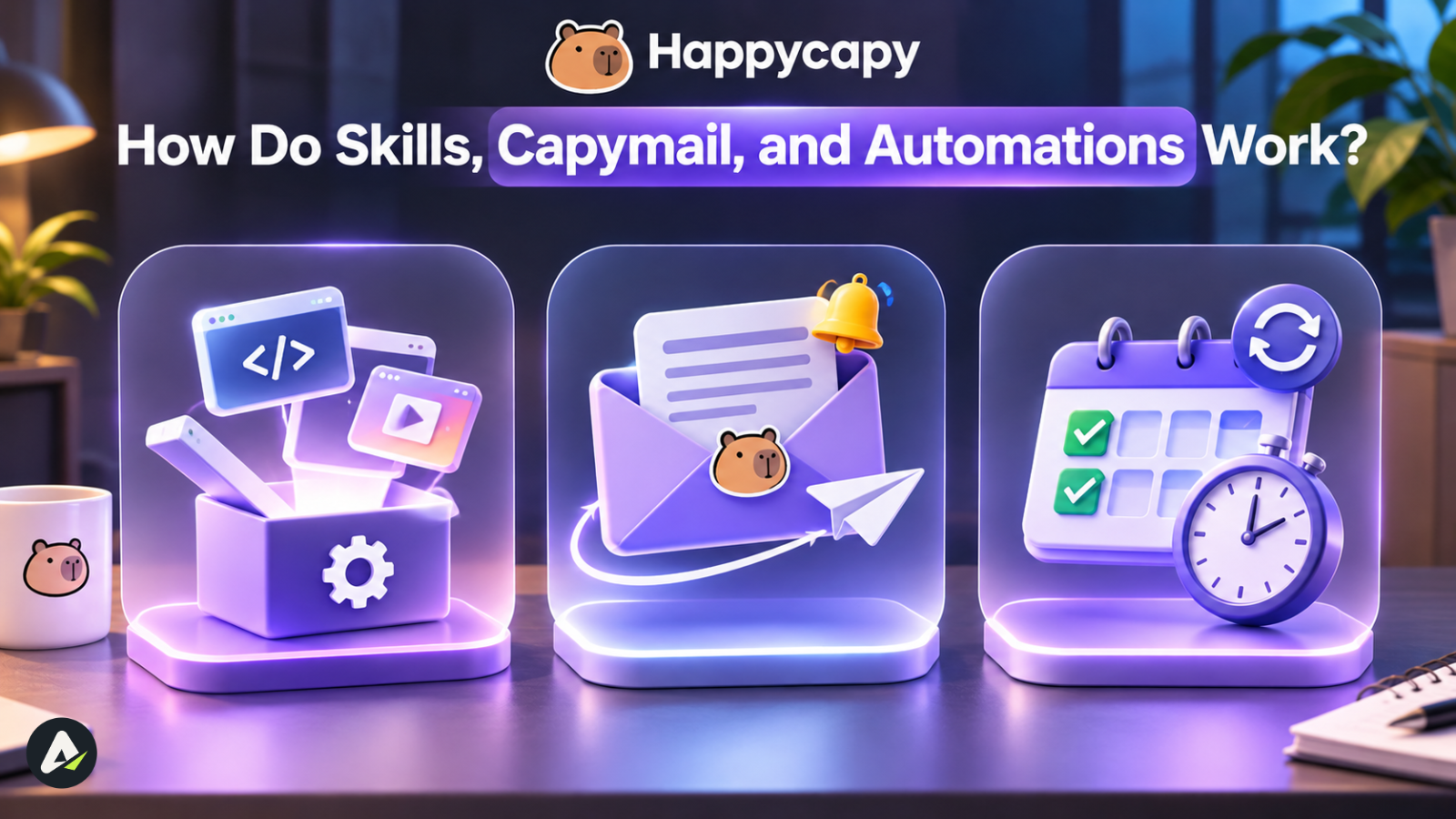
Skills act as the software layer, Capymail acts as the inbox, and automations act as the clock. Together they turn a one-off chat into a loop that runs while you work on something else.
Skills are packaged instructions that teach an agent a job, such as building slides, rendering video, or posting to a connected app. The Skill Store lists them, the Free plan allows custom skills, and the company says open-source skills work too. Counts conflict: a blog post claims 300,000-plus, the homepage 2 million-plus, the iOS listing 30,000-plus, and an earlier walkthrough 170,000-plus. Installing third-party AI agent skills adds trust and permission questions, and public pages do not say who reviews community skills.
Capymail lets you assign work by email and receive results the same way. A third-party walkthrough describes a dedicated address with an allowed-senders list that limits who can instruct your agent, so look for that control before sharing the address.
Automations run a prompt on a schedule, such as every Monday at 9:00 AM. Reviewers report scheduled jobs failing when a VPS sleeps, plus a laggy remote browser view, so run a schedule for a week before trusting it.
By default, Happycapy works inside a remote sandbox and cannot see files on your laptop or pages behind your logins unless you upload them or connect accounts. Third-party guides mention a Mac connection option, but the official pages retrieved for this review do not describe it, so verify it before relying on it. Local access would add permission and security considerations beyond the sandbox. A separate project, capy-bridge, links a Mac running BlueBubbles so iMessages can trigger tasks, and that Mac must stay awake and online.
What Happens When a Scheduled Job Fails?
Recurring work is the main pitch, so failure handling deserves a direct look. Documented answers are scarce, and unknown means unknown here:
| Question | What public sources say |
|---|---|
| Do jobs run with your device off? | The iOS listing says scheduled tasks run even when the device is offline or powered off |
| Do jobs fail when a VPS sleeps? | Product Hunt reviewers report failures in that setup |
| Do failed tasks use credits? | The official credits page lists this as not covered |
| Does a failed job retry automatically? | Not documented |
| Does duplicate-run protection exist? | Not documented |
| Does a missed run send a notification? | Not documented |
| How are time zones handled? | Not documented |
Memory needs separate testing. Persistent Desktops keep project files, but an agent recalling your instructions in a new chat is a different thing, and public pages do not claim it. Give the agent ten standing rules, open a fresh conversation, and count how many it follows.
No controlled benchmark of Happycapy appeared in the sources reviewed. Several third-party guides describe weeks of use, yet none published methods that could be checked, so treat their results as anecdotes.
Does the Spec Sheet Match Older Reviews?
Not always. An earlier walkthrough listed 2 vCPU, 4GB RAM, and 10GB storage with named models, while the pricing page now shows 50GB on Pro Plus and 200GB on Max. Model counts drift too, with 30-plus frontier models on one page and 150-plus on another.
How Much Does Happycapy Cost?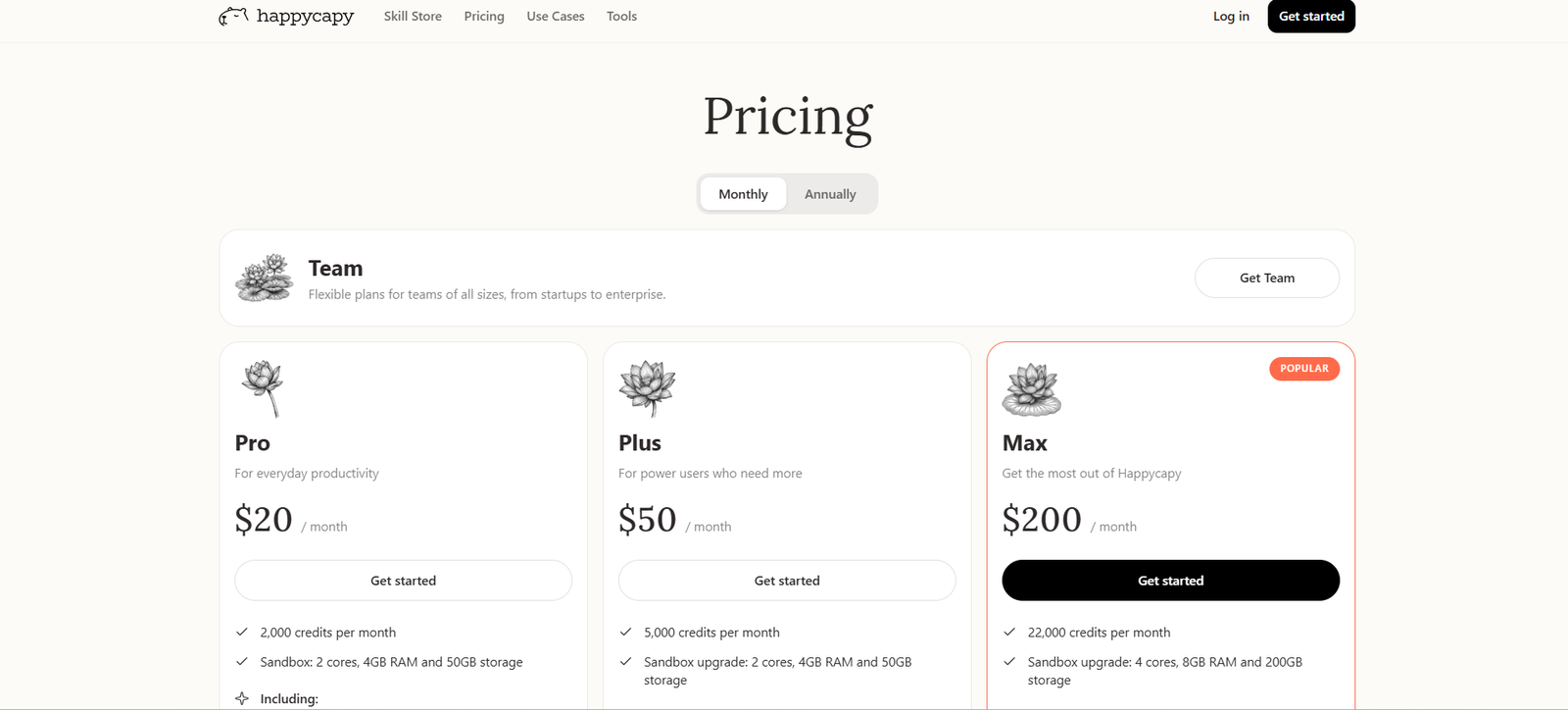
Happycapy offers a free tier with 250 monthly credits, then Pro at $20, Plus at $50, and Max at $200 per month, with annual prices of $17, $42, and $167. The Team card shows a “Get Team” button and no price. All figures come from Happycapy’s pricing page, checked on November 24, 2026.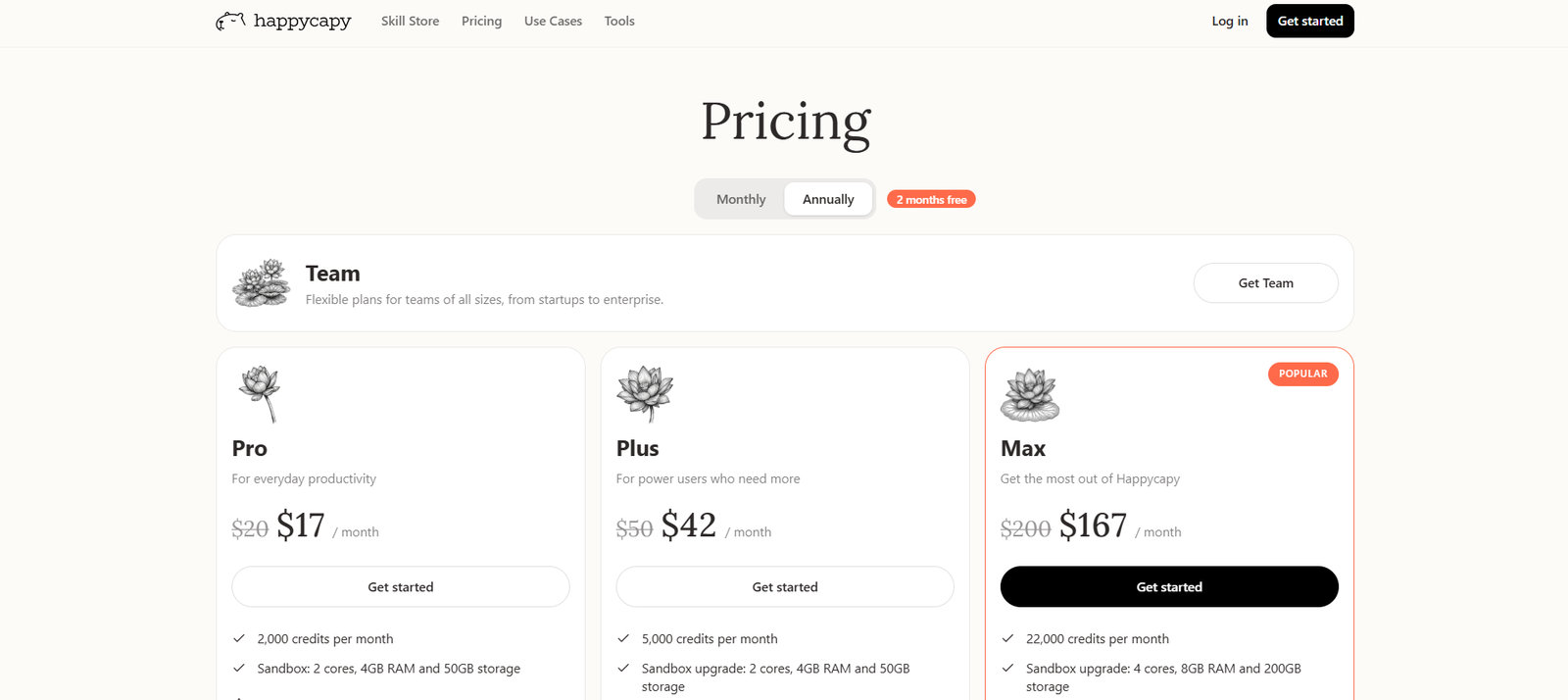
| Plan | Monthly | Annual toggle | Credits | Sandbox | Extras |
|---|---|---|---|---|---|
| Free | $0 | n/a | 250 | Basic, specs not listed | Claude model access, custom skills |
| Pro | $20 | $17 | 2,000 | 2 cores, 4GB, 50GB | 3 automations, Capymail (200 quota) |
| Plus | $50 | $42 | 5,000 | 2 cores, 4GB, 50GB | 5 automations, Capymail (2,000 quota) |
| Max | $200 | $167 | 22,000 | 4 cores, 8GB, 200GB | 10 automations, Capymail (5,000 quota), early iOS access, agent teams (research preview), priority support |
Two details shape the choice. Automations and Capymail start at Pro, so the Free plan cannot run the recurring workflows above. Plus matches Pro’s hardware, so the extra $30 buys credits and automations, and only Max raises compute. List price works out to $0.01 per credit on Pro and about $0.009 on Max.
How Many Tasks Can Credits Buy?
The official credits page says usage depends on the task, with stronger models, multi-step research, revision loops, and long-running automations costing more. It lists no per-model or per-task rates, so this table is a planning illustration, not a Happycapy figure. Track your real numbers under Settings, Billing, Usage.
| Assumed credits per task | Free (250) | Pro (2,000) | Plus (5,000) |
|---|---|---|---|
| 10 | 25 tasks | 200 tasks | 500 tasks |
| 25 | 10 tasks | 80 tasks | 200 tasks |
| 50 | 5 tasks | 40 tasks | 100 tasks |
A company reply on Product Hunt said Claude models cost more per task than cheaper ones, so model choice moves these numbers. Paid plans may justify their cost when higher credit allowances, additional models, or recurring workflows deliver measurable value.
Is Happycapy Safe?
The homepage pitches Happycapy as an OpenClaw alternative with no security risks, yet the About page calls the environment isolated and secure without explaining isolation, retention, or logging. Read the slogan as a promise, not proof.
Can It Act Without Your Approval?
The official documentation reviewed does not clearly establish approval requirements for consequential actions such as sending email or deleting files. The AI additional terms describe no approval step before an agent acts and instead make you responsible for reviewing and verifying outputs. Action logs, undo, permission revocation, and spend caps are not documented either, so verify each control before connecting live accounts.
Connected inboxes and websites expose an agent to indirect prompt injection in AI agents, particularly when it can take external actions. Restrict AI agent permissions to what each workflow requires. Sensible defaults: use a test account, grant read-only access first, keep payment details out, and review what the agent sent before widening access.
How Does Happycapy Compare With Manus, OpenClaw, and Claude Code?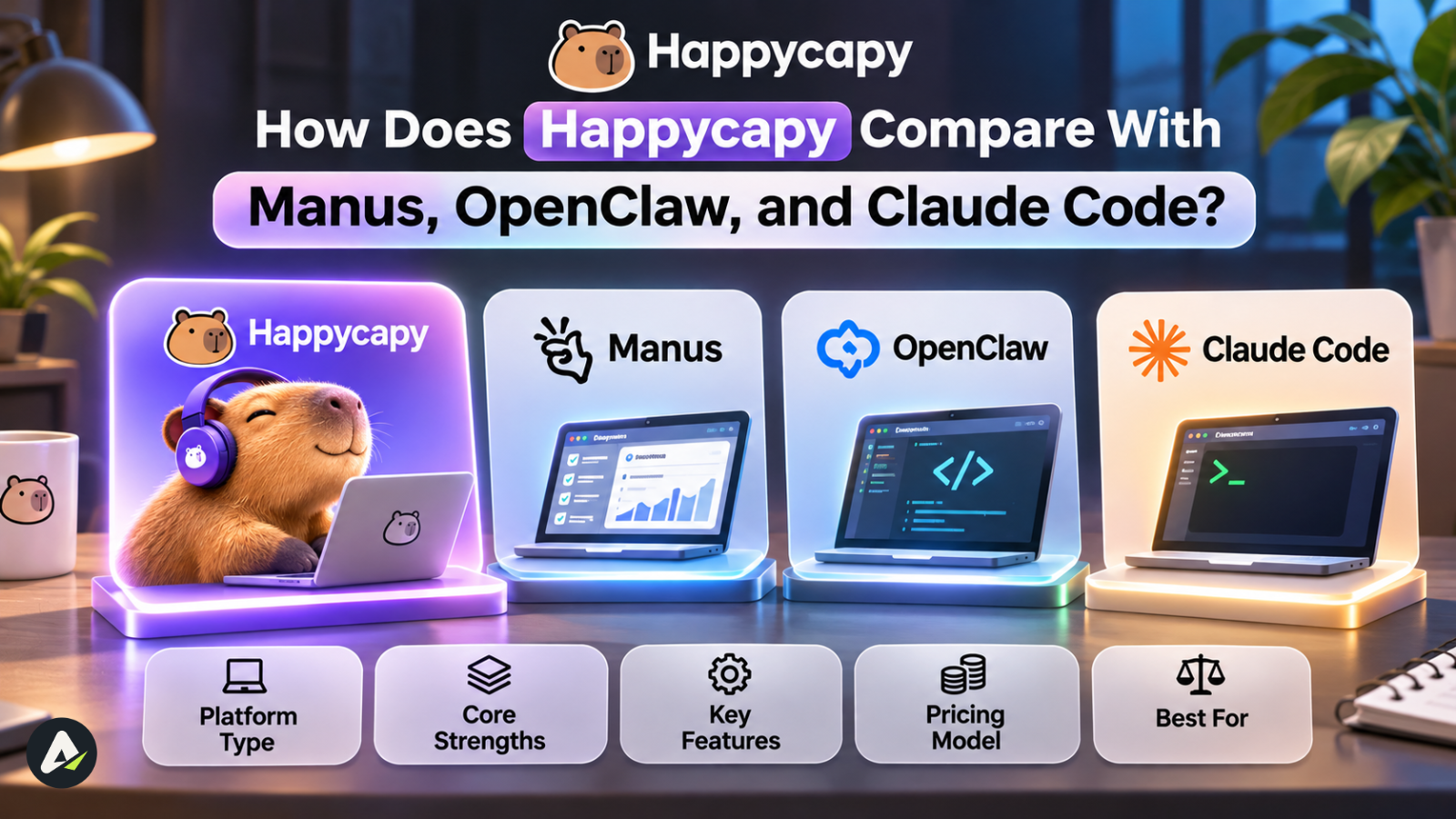
The choice turns on where the agent runs and how much setup you will tolerate. Happycapy and Manus are managed cloud agents, OpenClaw is open source and self-hosted, and Claude Code serves engineers working in repositories.
| Tool | Where it runs | Starting price | Free tier | Best for | Main limit |
|---|---|---|---|---|---|
| Happycapy | Browser, private sandbox | $20/mo ($17 annual) | 250 credits/month | Recurring mixed tasks, no install | Per-task credit use and security details undocumented |
| Manus | Managed cloud | $20/mo | 300 daily credits | Long, hands-off research jobs | Credits do not roll over |
| Genspark | Managed cloud workspace | $24.99/mo ($19.99 annual) | 100 credits/day | Slides, sheets, and sites in one place | Credits do not roll over; some perks end Dec 31, 2026 |
| ChatGPT Work | Managed cloud | Roughly $8-200/mo | Yes | Delegated work with finished deliverables | Tied to ChatGPT plans |
| Claude Cowork | Managed cloud, local files on desktop | Roughly $20-200/mo | No | Knowledge work with file access | Shared usage allowance |
| OpenClaw | Self-hosted on a local machine, VPS, or managed infrastructure | Free plus model API fees | Self-hosted | Control and open source | Complex setup, security risks by default |
| Claude Code | Terminal, IDEs, desktop, cloud | $20/mo ($17 annual) | Not stated | Hard-coding tasks in your own repo | Built for engineers, with usage limits |
Happycapy’s own Manus alternative post argues it wins for the widest range of tasks, offers open signup with a free tier, and admits Manus can still win for long autonomous runs. Read that as vendor positioning. TechRadar’s OpenClaw explainer supplies the independent flags on OpenClaw’s setup complexity and default security risks. Prices come from vendor pages and comparison sites reviewed in November 2026.
ChatGPT Work and Claude Cowork ranges come from the Artificial Analysis agent index. For deep work inside a codebase, a terminal or editor agent beats any general workspace, and Happycapy’s coding claims come from the company with no published benchmark.
Should You Try Happycapy?
Run the free tier on one real workflow before paying. If it spares you setup, monitoring, and copy-paste handoffs, a paid plan makes sense; if it becomes one more dashboard to check, skip it.
It fits founders, creators, marketers, and small teams who value breadth and convenience. It fits poorly for engineers with a large local codebase, teams that need audit trails, and anyone who cannot accept unpublished credit costs. Security-review requirements should wait for fuller documentation.
FAQs
Q. Are Happycapy AI Dale, Mokoo, and Zeron AI related to Happycapy?
No verified connection exists for any of the three. Zeron is an AI cyber-risk platform. Mokoo traces to Moko AI, a visual learning app, and Themokoo, a capybara plush brand. No source names a Dale tied to Happycapy. Confirm you are on happycapy.ai before signing up.
Q. Does Happycapy work on mobile?
Partly. The Product Hunt launch mentioned phone access, and the pricing page lists early iOS access on Max. Public sources do not document an Android app.
Q. Do unused Happycapy credits roll over?
Public documentation does not say. Neither the pricing page nor the Terms covers credit rollover or expiry, so ask support before relying on a plan.
Q. Can I use Capymail or automations on the free plan?
No. The pricing page lists both from Pro upward.
Q. Is my data safe on Happycapy?
Happycapy says workspaces are isolated per account, and that code is not used to train models. Those are company statements without published technical detail, so limit what you connect until you have tested it.
Q. Is Happycapy the same as OpenClaw?
No. OpenClaw is open source and self-hosted, while Happycapy is a proprietary hosted workspace that markets itself as a zero-install alternative.
Q. Can Happycapy replace Manus or Genspark?
Possibly, for general tasks, since all three are managed cloud agents. Test your own workload on each free tier before switching.
Related: Vibe Otter Review: I Tested Its AI Website Builder (2026)
| Disclaimer: This article is based on publicly available information, official documentation, and third-party reviews, not hands-on testing. We are not affiliated with Happycapy. Pricing, features, and policies may change over time. |

Maliha
AI is moving steadily from experimental technology into the products and workflows people rely on every day. Maliha Irfan is a technology writer covering artificial intelligence, automation, and emerging software. Her work focuses on the practical side of AI agents, exploring how these systems are being used, what they can realistically accomplish, and the limitations that matter when businesses and individuals adopt them.
More from Maliha →