Best AI Agent Development Services in 2026
Explore AI agent development services in 2026, including costs, core offerings, and how to choose a development partner. Learn about custom AI agents, automation, integration, and security, plus practical ways to avoid costly mistakes and build agents that deliver measurable business value.

In this article · 21 sections +
- What you’re buying with AI agent development services
- Do you need an agent at all?
- What a production-ready agent includes
- The model and how agents work together
- Connections to your tools
- The knowledge layer
- Proof of concept
- How much does it cost to build an enterprise AI agent?
- What is the cost to run an AI Agent?
- Speed and token costs
- How much freedom to give the agent
- AI agent statement of work template: what to include
- How to test an AI agent before launch
- AI agent security
- AI Agent Identity and compliance
- Custom AI agent development vs off-the-shelf platforms
- How to choose an AI agent development company
- How to measure ROI
- Mistakes that sink agent projects
- Before you sign
- FAQs
A good developer can wire a language model into your software in a few days. That part is cheap.
The money goes into everything after it: permissions, audit trails, error handling, testing, and the monthly bill for keeping the agent alive. A demo never shows any of that, and it’s most of what you pay for with AI agent development services.
Gartner predicts that over 40% of agentic AI projects will be canceled by the end of 2027. It blames rising costs, unclear business value, and weak risk controls. It also says only about 130 of the thousands of agentic AI vendors are real.
That’s a forecast, not a failure rate. It does show where projects break: between the shiny demo and a system your team trusts.
I wrote this for the person who signs off on the budget. By the end, you’ll know what a proposal should spell out, what each tier costs, what an agent costs once it’s live, and how to spot a vendor who has shipped real work.
Prototypes start under $10,000. Enterprise builds pass $500,000. Running cost, testing, and permissions decide whether the agent pays off. Start with one measurable workflow.
What you’re buying with AI agent development services
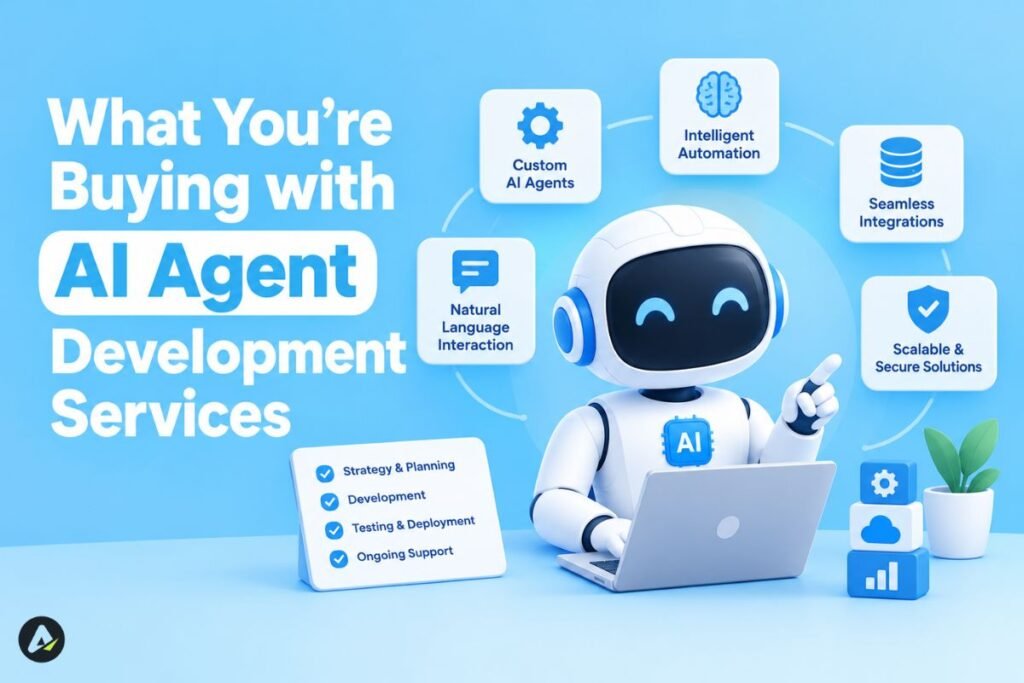
You’re paying a team to build software that uses your company’s data and tools to complete tasks toward a goal.
Terms like agentic AI development, LLM agent development, and workflow automation often overlap. Focus on the actual scope, not the label.
An AI agent can choose tools and handle multistep tasks with some autonomy. A chatbot primarily responds to prompts, though some chatbots can also use tools.
Understanding the difference between AI tools and AI agents helps define what your project actually needs.
Do you need an agent at all?
Agents work best on high-volume jobs with messy inputs and a clear outcome. Support triage and document checks fit. So does anything where a mistake is cheap to catch.
They fit badly on vague goals, rules that change monthly, and jobs a simple script already handles. A few fixed rules cost less and behave the same way every time.
Ask yourself six things before you call a vendor:
| Question | If the answer is no |
|---|---|
| Is the workflow written down? | Document it first |
| Can you trust the data? | Clean it |
| Do your systems have usable APIs? | Budget for integration |
| Are permissions defined? | Draft an access model |
| Can you measure success? | Set KPIs |
| Can you write test cases? | Build an evaluation set |
Watch the data question closely. An agent that reads an outdated policy follows it with total confidence.
What a production-ready agent includes
Think of a stack, not a single model call. A finished agent needs strategy, agent logic, integrations, a knowledge layer, testing, security, and monitoring.
Weak proposals talk about the model and then go quiet.
The model and how agents work together
The team selects a model, such as OpenAI, Anthropic Claude, Google Gemini, or an open-weight alternative, and defines how much autonomy the agent needs.
Some projects need only one agent, while others use multiple specialized agents for tasks like research, drafting, and review. Frameworks such as LangGraph, CrewAI, and AutoGen help coordinate these systems.
If a vendor recommends a specific framework, ask why it fits your project. Understanding how CrewAI works and what it costs can help you evaluate that choice.
Connections to your tools
Agents plug into Salesforce, HubSpot, ERPs, Slack, Teams, and internal APIs. Many teams use the Model Context Protocol (MCP) to expose those tools.
MCP standardizes the connection. It doesn’t secure it. In the current spec, authorization is optional, so ask how each tool authenticates.
The knowledge layer
Retrieval-augmented generation (RAG) is one way to feed an agent your documents. Real systems mix keyword search, vector search, filters, permission checks, and live database lookups.
Retrieval helps, and it guarantees nothing. The agent can still grab the wrong file or misread the right one.
Messy documents cause the worst surprises. Scanned PDFs and tables break simple chunking, and teams burn weeks asking why the agent invents numbers from a pricing table.
Switching vector databases or embedding models means re-indexing everything. Ask what the quote assumes about your documents and who pays when you change tools.
Proof of concept
Run a small PoC on one narrow workflow first. It tests accuracy, speed, and cost before you fund the full build.
How much does it cost to build an enterprise AI agent?
Build cost is the one-time price of designing, integrating, and testing the agent. Running costs come on a separate bill.
Vendors publish 2026 prices from under $10,000 to over $500,000. Those numbers come from agency marketing, not independent surveys. I sorted them into tiers myself.
| Tier | Typical range | What it usually buys |
|---|---|---|
| Prototype / PoC | Under $10K–$15K | One workflow, light integration, not production-ready |
| Production workflow agent | $15K–$80K | Integrations, logging, error handling, security review |
| Complex / multi-agent | $80K–$200K | Several specialist agents, deeper controls |
| Enterprise platform | $200K–$500K+ | Many systems, compliance, high volume |
Treat anything under $10,000 as a prototype or a click-through demo. Connectors, error handling, retrieval, logging, and a security review push real production work past $10,000–$15,000 fast.
If a vendor calls a cheap build production-ready, ask what they left out.
Two agencies can quote $30K and $150K for the same agent. They assumed different things. Ask each one:
- How many systems does the price cover?
- Does the agent only read data, or change it too?
- Which actions need approval?
- Who maintains the knowledge source?
- How many test cases are included?
- What monthly task volume did you assume?
- How many support hours follow launch?
What is the cost to run an AI Agent?
Total cost of ownership (TCO) is the build price plus usage fees, hosting, monitoring, human review, maintenance, and re-testing.
Many teams set aside 20–30% of the build price each year for upkeep. Treat that as a planning habit, not a measured figure.
The money goes to brittle prompts, API changes, library updates, and model retirements. Knowledge upkeep adds more: someone re-indexes documents, refreshes embeddings, and retests retrieval. Finance teams tend to notice around month six.
Spread fixed costs across your expected volume. Cost per completed task adds usage, infrastructure, monitoring, human review, and maintenance. Cost per successful task divides total cost by the tasks that finish without a human rescue.
Here’s a made-up example, not a benchmark. An agent handles 5,000 tasks a month:
- Usage: $600
- Hosting and monitoring: $400
- Reviewer time: $1,200
- Maintenance: $300
That totals $2,500, or $0.50 a task. If only 80% finish without help, the cost per successful task rises to $0.625.
Compare that with what a person costs for the same work. Track the intervention rate too: tasks that needed a person divided by total tasks.
One number beats the rest: what a single wrong action costs. A bad reply might cost $2. A wrong payment or leaked customer data can cost $20,000.
Speed and token costs
Every step in a multi-agent workflow is a model call, and the waits stack up. Five specialists in a row can leave a customer staring at a spinner. Every hand-off adds to the token bill.
Ask the vendor for latency numbers measured on your workflow, not on a demo. Ask what they cache.
Prompt caching lets a provider reuse static content, like system prompts and tool definitions, instead of reprocessing it. Anthropic’s prompt caching documentation explains how it works.
Secondary summaries cite savings of up to 90% on cost and 85% on latency. Treat those as best cases. Short prompts gain little.
How much freedom to give the agent
Match the agent’s freedom to the price of a mistake. These four levels are my own framework, not an industry standard.
- Assist: the agent drafts, like a reply email.
- Approve: the agent prepares an action and waits for a click, like a refund in a review queue.
- Act within limits: the agent acts alone inside strict rules and logs everything, like refunds under a set amount.
- Operate: the agent runs the whole workflow and escalates exceptions, like invoice processing.
Start every workflow at Level 1 or 2. Move up when error rates, intervention rates, and cost per task back you up.
Be wary of any vendor who pitches high autonomy before those numbers exist.
Approval queues fail quietly. Give someone 200 approvals every morning, and they’ll click through without reading.
Good vendors design around that:
- Slack or Teams cards show what changed and why, right where people already work.
- Supervisor dashboards let a team lead watch queues, overrides, and approval speed.
- Batching groups similar low-risk items into one review.
- Sampling audits a slice of approved items.
Suspiciously fast approvals usually mean rubber-stamping. Let low-risk actions run with logging and skip the queue.
Train your staff too. They need to know what the agent does, where it’s weak, and when to override it.
AI agent statement of work template: what to include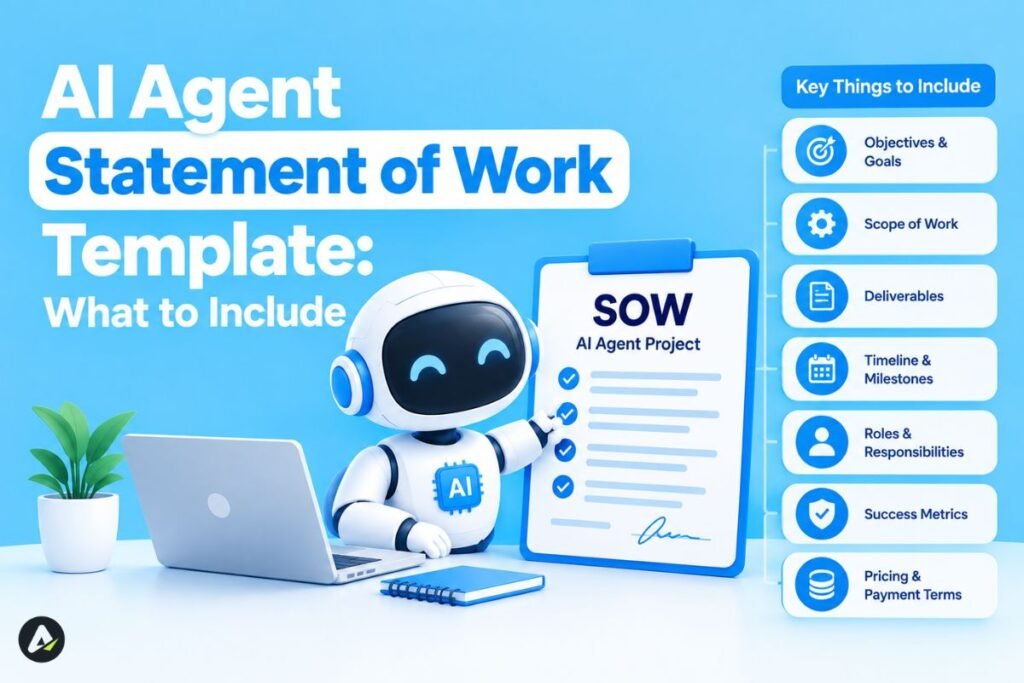
A statement of work (SOW) fixes what the vendor builds, how you’ll measure success, and who owns the result.
A line like “Custom AI Agent, $45,000, includes LLM integration, RAG, API integrations, deployment” hides nearly every risk. It skips the fallback model, read versus write access, what happens when an API fails, how the team handles prompt injection, and who pays the model bills.
A usable SOW names:
- the exact workflow
- every tool the agent can call, with read, write, and admin limits
- the main and fallback models
- data sources and refresh rules
- the test set and pass threshold
- the conditions that pull in a human
- what the system logs and for how long
- who handles model changes
- who owns the code, prompts, connectors, indexes, test sets, and your data
If the agent runs only on a proprietary wrapper the agency controls, leaving gets expensive.
Tie payments to results you can measure: a share of test cases passed, high-risk cases escalated, a target cost per task, and logs you can audit. You pick the numbers. They just need to exist before work starts.
How to test an AI agent before launch
Testing means running repeatable test sets, not spot checks. Ask to see reports on:
- task success
- tool-call accuracy (right API, right parameters)
- whether it escalated when it should have
- retrieval quality
- latency
- what broke after a prompt or model change
- behavior under hostile input
Test whole workflows, because errors compound. If each step works 90% of the time, a five-step task works only about 59% of the time (0.9⁵).
After launch, watch failed tool calls, retries, overrides, token usage, cost per task, retrieval failures, and the model version. Teams call this AgentOps.
AI agent security
Security means limiting what the agent can reach, what it can do, and what attackers can trick it into doing. Agents carry more risk than chatbots because they change things inside your systems.
The classic risks are prompt injection, sensitive-data leaks, and hallucination. The nastiest version is indirect prompt injection: instructions hidden in an email, web page, or document that tell the agent to ignore its rules.
OWASP released the 2026 edition of its Top 10 for LLM Applications on August 3, 2026 (download page). A companion list for agents, published in December 2025, covers ten risks, including goal hijacking, tool misuse, and identity and privilege abuse. The Cloud Security Alliance’s research note summarizes both.
Ask every vendor how their design answers those lists.
AI Agent Identity and compliance
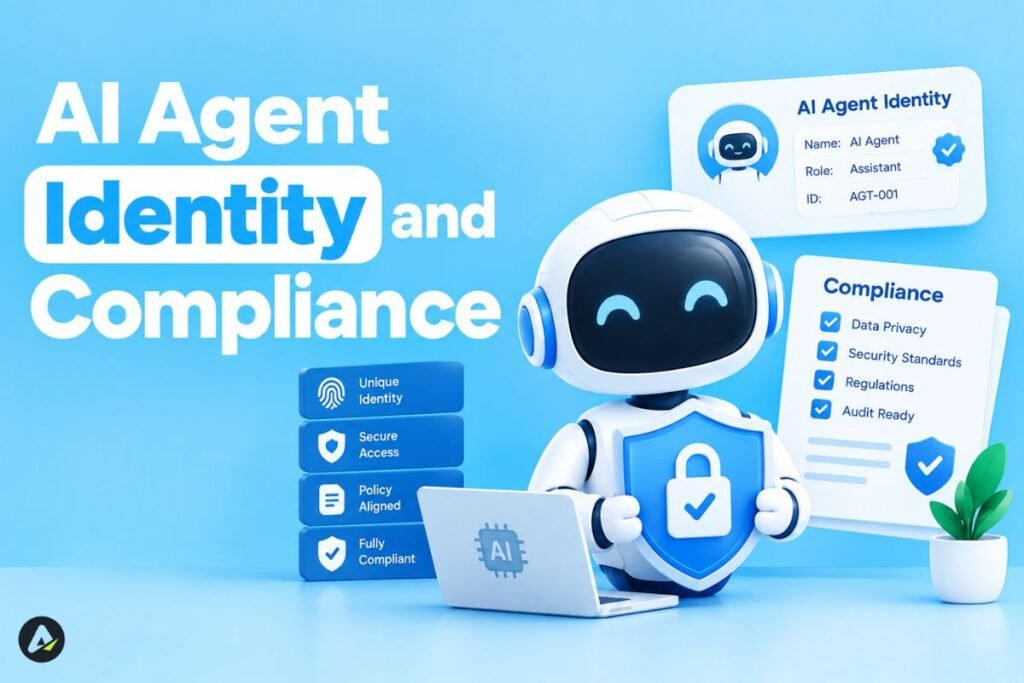
Check that each agent has its own revocable credential and that you can trace every action to one agent. Ask where the API keys live, whether your data stays separate from other clients’ data, and what the plan is when the agent misbehaves.
Enterprise buyers should also raise SOC 2 reports, HIPAA for health data, and GDPR or CCPA/CPRA for personal data. Settle where inference runs, where logs live, how long prompts are kept, and whether your data trains any model. Do it before the build starts.
NIST’s AI Risk Management Framework is voluntary guidance for managing AI risk, and it works as a governance reference (NIST announcement).
Model changes carry risk too. Providers update and retire models, and an agent tuned to one model can misbehave after a switch. Gateways like LiteLLM and Portkey reduce lock-in, but a migration can still force prompt rewrites and new regression tests. Decide in the contract who pays.
Custom AI agent development vs off-the-shelf platforms
Many companies pay for custom work when a product already covers most of the job. Price the cheaper options first.
| Option | Cost (vendor-reported; verify) | Best for |
|---|---|---|
| Custom code (Python, LangChain, LlamaIndex) | Project-based, often $10K–$200K+ | Unusual workflows, legacy systems, full control |
| Low-code builders (Voiceflow, Relevance AI, Flowise) | Subscription plus setup time | Fast pilots, simple flows |
| Enterprise cloud platform (Azure, AWS Bedrock, Google Cloud) | Roughly $5K–$50K+/month | Teams already in that ecosystem |
| Managed software (Intercom, HubSpot AI) | Roughly $500–$2,000/month | Standard support and CRM tasks |
| Hybrid | Platform fees plus custom work | Many mid-size companies |
Low-code builders ship pilots fast and tie you to the platform. Check what you can export: prompts, workflows, logs, and test sets.
Custom code costs more up front and keeps you portable.
Hybrid gets less attention than it deserves. You rent the infrastructure and pay an agency only for business logic and integrations.
Meta’s business AI agent shows the off-the-shelf end. Coding agents like Devin show where ready-made tools hit limits.
Skip custom work for FAQ support, basic lead routing, scheduling, and simple summaries. Consider it for proprietary workflows, legacy systems, sensitive data, and tangled permissions.
How to choose an AI agent development company
Score vendors on proof that they ship and support production agents. Demo polish tells you little.
I use a five-part scorecard I call SCOPE:
- S, Security: permission scoping, audit logs, data handling, certifications
- C, Case evidence: production deployments, ideally on systems like yours
- O, Observability: monitoring and AgentOps after launch
- P, Pricing clarity: defined scope or milestones, plus a running-cost estimate
- E, Evaluation and exit: a real test method, and you own the code, prompts, and pipelines
Call their references. Ask whether the agent reached production, whether the final cost matched the proposal, what broke after launch, and whether they’d hire the vendor again.
Walk away if a vendor can’t say what the agent will access, has no test set or rollback plan, dodges ownership terms, quotes a fixed price before seeing your integrations, or promises full autonomy on day one.
A focused PoC takes a few weeks. Production systems with several integrations commonly take a few months. Timelines vary wildly, so judge each one by what it delivers at each stage: workflow map, architecture and permissions, working PoC, benchmark, production build, pilot, handoff.
How to measure ROI
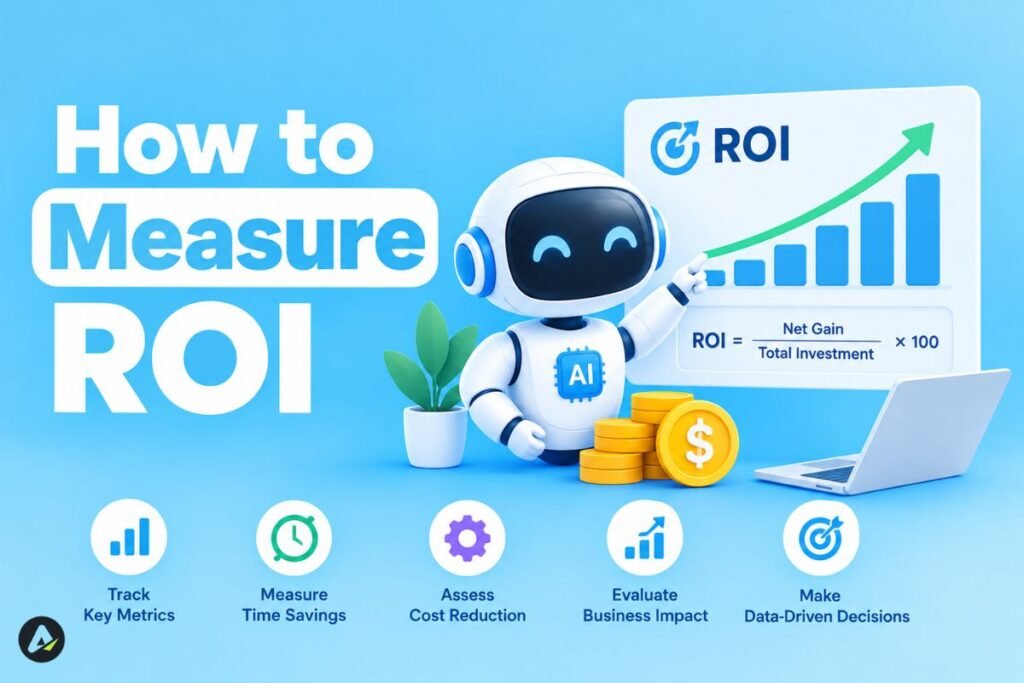
ROI is what the agent saves or earns minus what it costs to run and maintain.
Record baselines before the build: handling time, labor hours, error rate, response time, and cost per task. Afterward, track success rate, intervention rate, and cost per successful task.
Net benefit = labor savings + extra gross profit − operating cost − maintenance
Picture a lender that wants faster document checks on loan applications. This is a hypothetical, not a client result.
The agent starts at Level 2. It reads uploads, flags missing items, and drafts a note. An underwriter approves with one click.
After a month of watching approval rates, the team lets the agent process only low-risk files. Staged autonomy and clean data made that work, not a bigger model.
A lending-focused agent walkthrough shows how one vendor approaches the same job.
Mistakes that sink agent projects
- Teams automate a broken process and get a faster mess. They start with a whole department when one workflow would do.
- They hand out broad permissions to save setup time. They budget for the build and forget upkeep. They skip the test set, so they can’t prove anything.
Run a quick check before launch:
- Every tool has scoped permissions.
- Write actions need approval or have limits.
- Someone tested prompt injection.
- Escalation to a human works.
- Data retention is documented.
- A rollback plan exists.
- Ownership sits in the contract.
Before you sign
Judge a vendor by what they can prove. Price the running costs, not just the build. Match autonomy to what one mistake costs. Demand a test set before launch, and get ownership in writing.
Your next move is small. Pick one workflow, write down its baseline numbers, and send the questions from this guide to three vendors.
The ones who answer plainly have probably shipped before. The ones who dodge just told you what you needed to know about AI agent development services before you paid a cent.
FAQs
Q. How much do AI agent development services cost?
Published 2026 prices run from under $10,000 for prototypes to $500,000+ for enterprise systems. Integrations, autonomy, testing, and support explain most of the gap. Anything under $10,000 usually buys a prototype, not a production system.
Q. What do AI agent development services include?
Usually strategy, agent engineering, system integration, knowledge retrieval, testing, security controls, and post-launch monitoring. Many firms also sell PoC packages.
Q. How much does an AI agent cost to run each month?
It depends on task volume, model choice, hosting, index refreshes, and review time. Work out the cost per successful task, multiply by monthly volume, and add maintenance.
Q. What’s the difference between an AI agent and a chatbot?
An agent takes a goal, picks its own tools, and runs multi-step workflows. A chatbot mostly returns answers. Agents can change things in your systems, so they need tighter permissions and oversight.
Q. How long does it take to build an AI agent?
A focused PoC takes a few weeks. Production systems with several integrations often take a few months, depending on data readiness and testing scope.
Q. How do I compare AI agent development companies?
Score each one on security, production evidence, observability, pricing clarity, and ownership. Ask for client references and a sample test report.
Q. Should I build in-house or hire an agency?
Build in-house if you have experienced engineers and want control. Hire an agency for speed, specialist skills, or tangled integrations. Many teams use an agency for the first build and take ownership afterward.
Q. Are AI agents safe for business use?
They can be, with scoped permissions, approval for risky actions, logging, and regular testing. No agent is risk-free, so match autonomy to the cost of a mistake.
Related: Agentic AI Frameworks Explained: How to Choose the Right One
| Disclaimer: This article is for informational purposes only and is not sponsored by or affiliated with any AI agent development company mentioned. Pricing and service details are estimates based on available sources and may vary by project scope. |

Maliha
AI is moving steadily from experimental technology into the products and workflows people rely on every day. Maliha Irfan is a technology writer covering artificial intelligence, automation, and emerging software. Her work focuses on the practical side of AI agents, exploring how these systems are being used, what they can realistically accomplish, and the limitations that matter when businesses and individuals adopt them.
More from Maliha →