How to Build an AI Agent Stack That Actually Works
Stop searching for one perfect AI agent. Discover why experienced users combine multiple AI agents, assign specialized roles, and use a second agent to review the first one's work.

In this article · 7 sections +
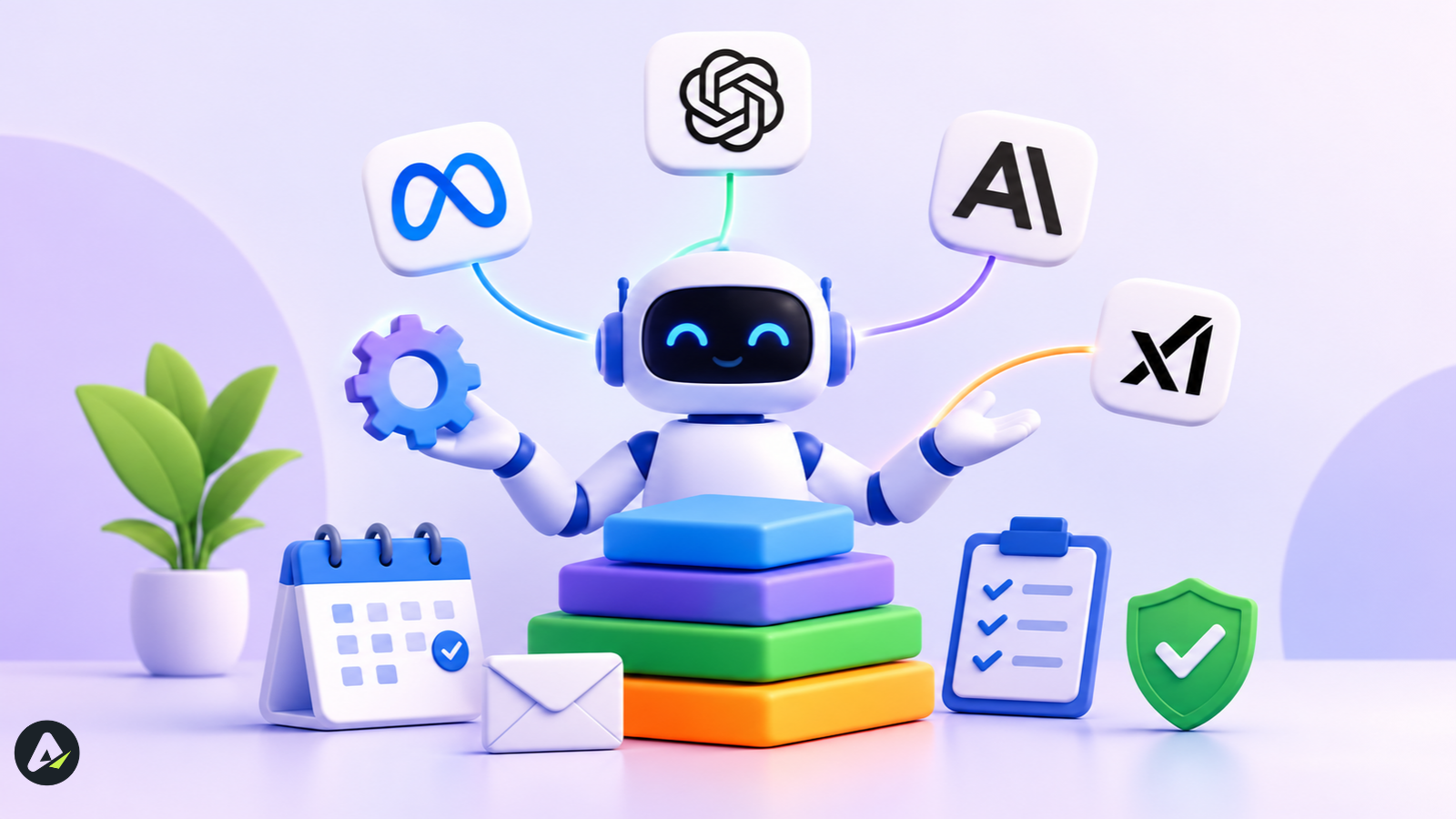
Meta, OpenAI, Anthropic, and xAI all want an AI agent running your errands. These tools book flights, sort inboxes, and chase down the tasks you keep dodging.
The pitch sounds simple: one assistant for everything. People who use agents daily say that pitch falls apart fast.
Agents Act. Chatbots Wait.
A chatbot waits for your prompt. An agent takes a goal and runs with it. It moves across your email, calendar, and checkout pages without hand-holding. If you want the mechanics, how AI agents think, act, and get things done makes a good starting point.
That changes your decision. You no longer pick the smartest model. You pick who gets to act inside your digital life.
Why Experts Run a Stack
An AP report interviewed people who rely on agents every day. Business consultant Jose Artigas says no single agent does everything well. So he and other heavy users combine several into a “stack.”
Clara Gigling, founder of Oudae Labs, takes the idea further. She lets one agent do the work. Then she asks a second agent to tear it apart. The reviewer finds mistakes, and the final output improves.
That habit mirrors good human teamwork. Writers don’t edit their own drafts. Agents shouldn’t grade their own work either.
The stack idea also explains a bigger debate about AI tools versus AI agents. A tool handles one narrow job. An agent coordinates a whole task. A stack puts both to work.
Match Each Agent to the Job
The big labs don’t sell the same thing. The AP report splits the field into two camps.
Colleague-style agents: Anthropic’s Claude Duet, OpenAI’s Dots, and xAI’s Grok Bot. Anthropic aims Claude Duet at professionals and small business owners with too much on their plates.
Assistant-style agents: Meta’s Muse and Instinct from Spear Street Technology. Meta pitches Muse for saving money, shopping, health, and relationships.
- Artigas shared his own setup. He uses Claude Duet for side hustles and new ventures. He turns to Dots for debugging and specialized technical work. He hands Instinct the dull stuff, like emails, reservations, and travel plans. He points beginners to Muse because it feels friendly and offers plenty of starter prompts.
Treat those as one expert’s habits, not benchmark results. Availability also varies. Some agents cost nothing, some need a subscription, and some remain in testing. Many are limited outside the U.S.
Start With the Task You Hate
Don’t start by exploring features. Pick one chore. Artigas puts it this way: “Start with one annoying, repeated thing that you keep putting off.”
The chore must happen online. An agent can’t fold your laundry. It can draft the awkward email or book the flight you keep delaying.
Gigling adds one rule: be specific. Give the agent a clear goal, the context it needs, and the tools to finish. Vague prompts produce vague work.
If you want repeatable results, look at how agents store instructions. Agent skills shape what an agent does every time, and they can also go wrong when nobody reviews them.
The Price of Convenience Is Access
Here is the tension behind the whole category. Agents improve as they learn more about you. Real usefulness means handing over your inbox, calendar, identity details, and sometimes payment information.
So every agent forces a privacy decision, not just a productivity one. Gigling’s advice is to stay curious but think before you share.
Companies say they’re responding. Their policies describe agents that run on dedicated cloud computers. They also describe memory controls that let you decide what the agent keeps.
Read those policies before you connect anything sensitive. Treat the agent like a new employee, too. A new hire doesn’t get the keys to everything on day one. Good agent identity and access control works the same way. It gives the agent its own limited permissions instead of your full login.
The Trade-Off Nobody Can Skip: Access
Here is the tension behind the whole category. Agents get better as they learn more about you. Real usefulness means access to your inbox, calendar, identity details, and sometimes payment information.
That makes every agent a privacy decision, not just a productivity decision. Gigling’s advice is to stay curious but be mindful about what you hand over.
Companies say they are responding. Their privacy policies describe agents running on dedicated cloud computers, along with controls over how long memory is kept. Those claims are worth reading before you connect anything sensitive.
What This Means
The agent market is following a familiar pattern. Early adopters will not crown a winner. They will assemble toolkits, as they did with apps and browsers.
The practical takeaway is to treat agents like a small team and not a single hire. Give each one a narrow role. Make one review another. Grant access slowly and only where the payoff is clear.
The smartest agent will matter less than the smartest setup.

Maliha
AI is moving steadily from experimental technology into the products and workflows people rely on every day. Maliha Irfan is a technology writer covering artificial intelligence, automation, and emerging software. Her work focuses on the practical side of AI agents, exploring how these systems are being used, what they can realistically accomplish, and the limitations that matter when businesses and individuals adopt them.
More from Maliha →